41 slides extracted.
Slide 1 — 0:26 (watch)
 | Hello, everyone. I'm Audry, and I work at RunPod. Were any of you in my earlier session? Great! The introduction will be the same, but what I’m going to present is a bit different. Has anyone heard of RunPod or used our services before? If so, could you share how you’ve used us or how you heard about us? |
Slide 2 — 0:40 (watch)
 | I found my university has some RunPod grids, which I use for LLM training. |
Slide 3 — 0:54 (watch)
 | LLM training at your university? Where do you go to school? Oxford. I studied abroad there one summer; it's an amazing place. And your name is? Eunice. |
Slide 4 — 1:42 (watch)
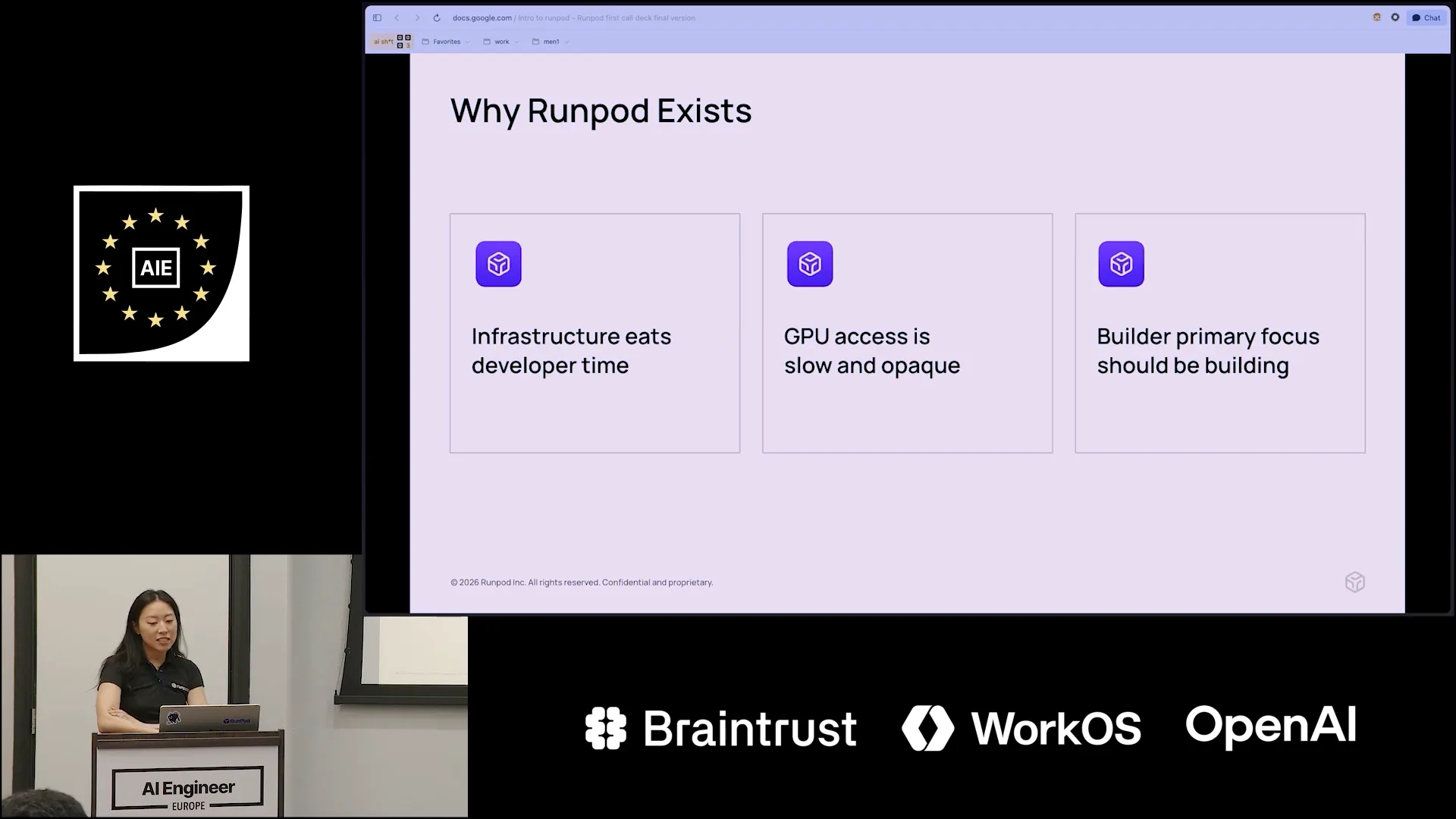 | Eunice, I'll provide a brief introduction. We are an AI cloud infrastructure company with a mission to build the foundational platform for developers to scale their AI workloads. This means we supply the hardware, including GPUs and compute resources, making it easy for you to bring your code and models and deploy them quickly. We aim to eliminate the time spent on configuring infrastructure and scaling concerns. Many teams we’ve spoken to struggle with infrastructure, often spending more time on it than on their models. Issues like CUDA version alignment, compatibility of PyTorch versions, and testing new GPU SKUs can be burdensome. We strive to alleviate these configuration challenges so you can focus on training your models or building your applications. A bit of backstory: our founders, Zen and Pradeep, started RunPod in 2022 after a failed crypto mining venture left them with spare GPUs in their basement. |
Slide 5 — 2:38 (watch)
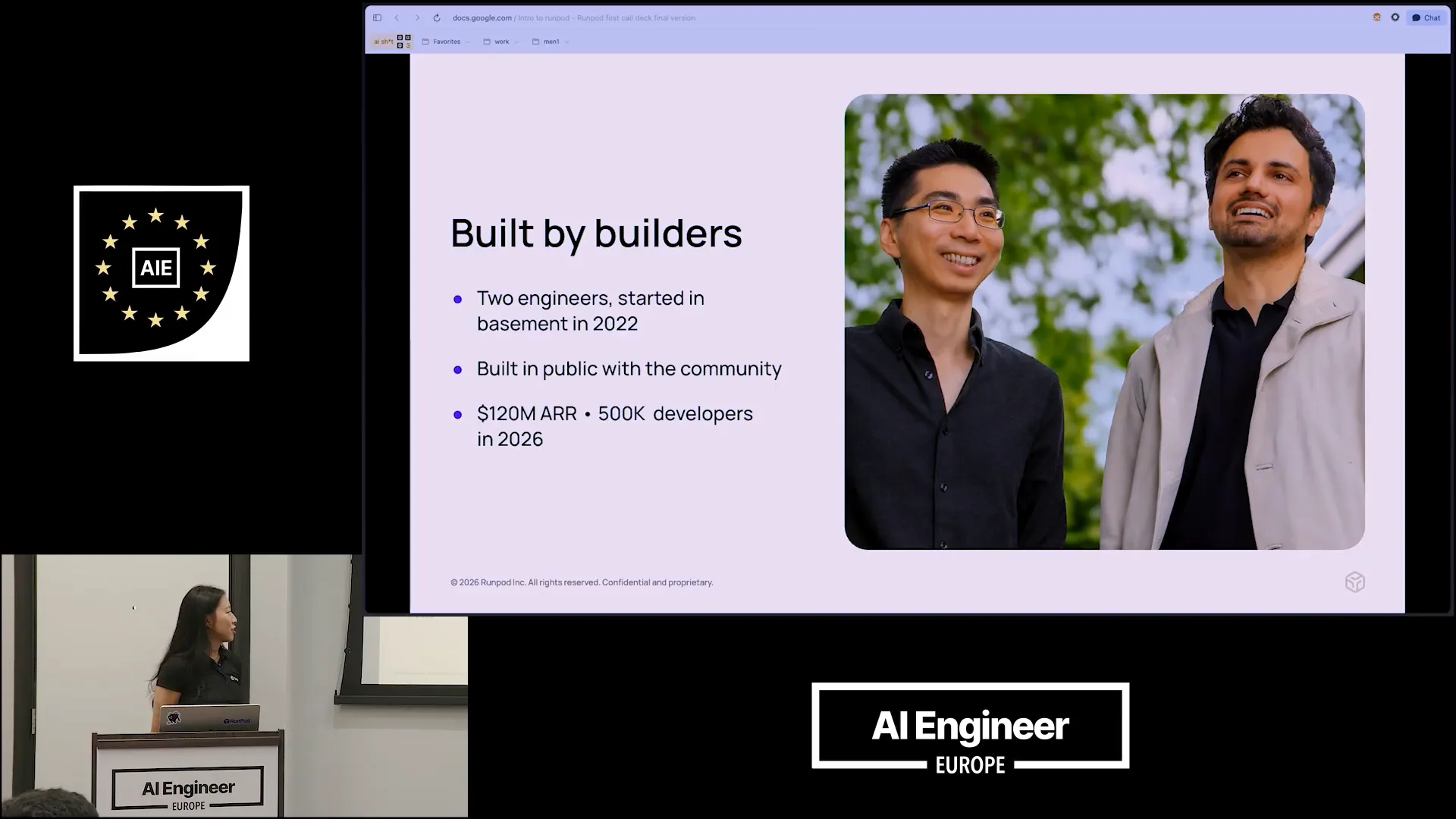 | They built a prototype that became the foundation of RunPod and posted on Reddit, asking if anyone wanted free GPUs in exchange for feedback. That is how our company started. Since then, we have been building in public with the community and generating revenue from the very beginning, which is quite rare. |
Slide 6 — 3:16 (watch)
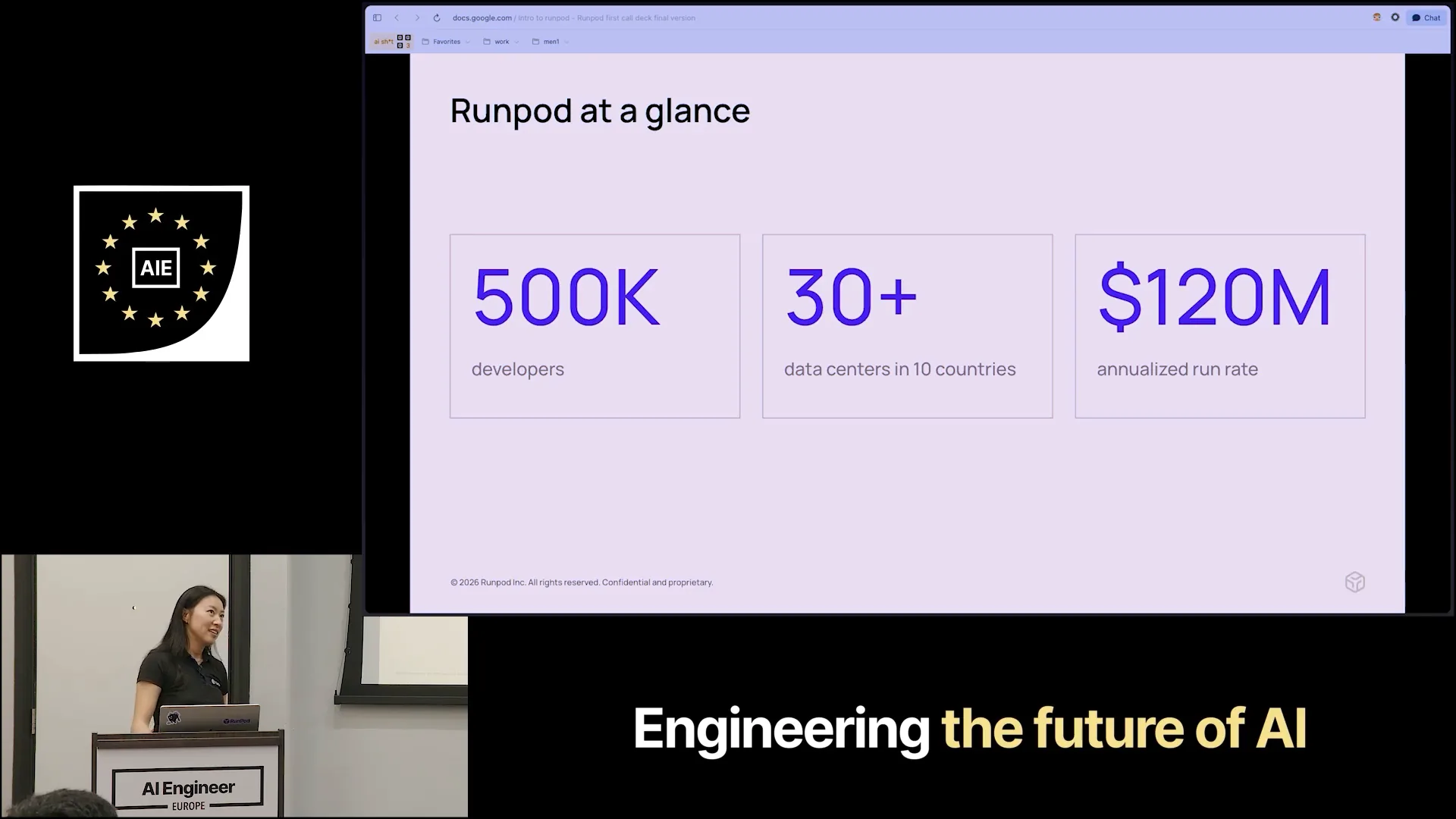 | Today, we have around 500 developers on our platform and operate in over 30 data centers across 10 countries. In Europe, this includes France, Romania, and Iceland. |
Slide 7 — 3:38 (watch)
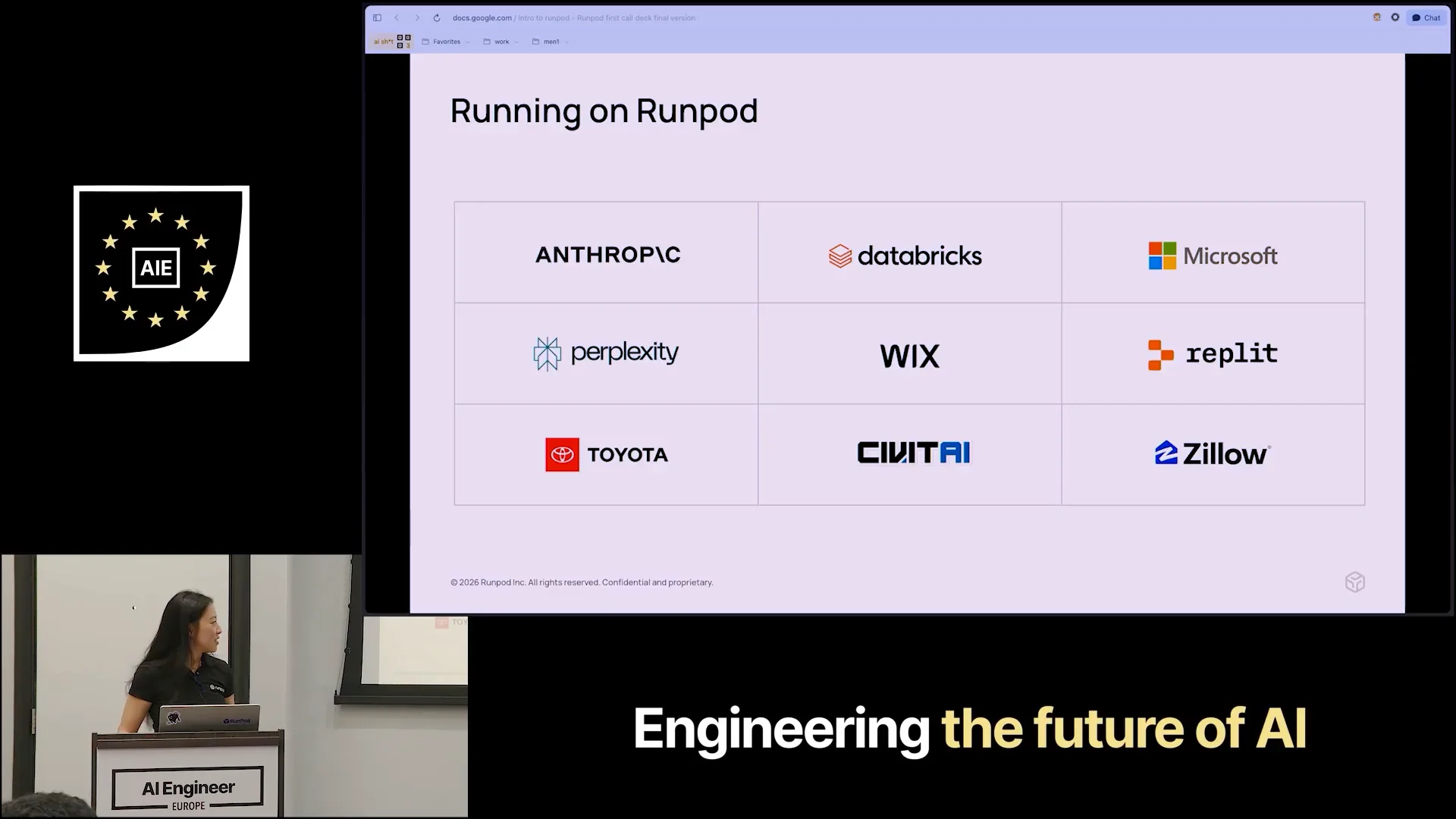 | In the Asia Pacific region, we recently achieved a significant milestone of 120 million in annual recurring revenue. Here is a quick overview of some of our customers. You may be surprised to see that some are AI-native companies alongside large enterprises. What they all have in common is a need for flexible and reliable GPU infrastructure. I would say we are definitely punching above our weight class. |
Slide 8 — 4:30 (watch)
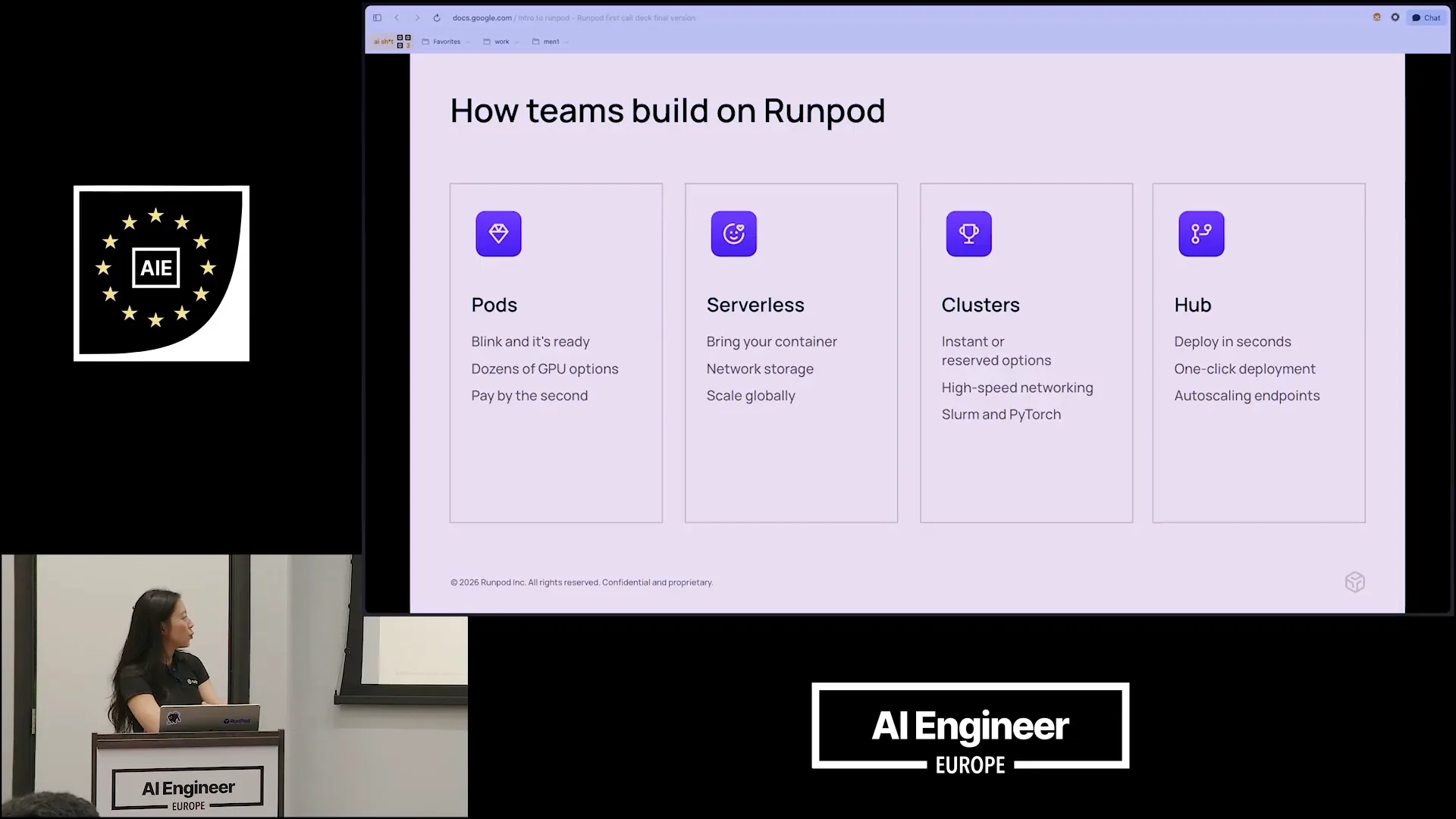 | There are different ways to build on RunPod depending on your needs. If you require a persistent VM environment, using pods is a great option. You can rent a pod on demand, paying by the second, and tear it down when you're done. Pods provide reserved GPU access; as long as your pod is running, the GPU is exclusively yours. For serverless deployments, if you prioritize scaling due to variable workloads, we automatically scale your workers up and down based on demand, ensuring you don't pay for idle time. Clusters are ideal for multi-node training, and the hub allows you to deploy pre-vetted open-source AI repositories for popular models like Comfy UI, Stable Diffusion, and VLLM, making it easy to explore and get started quickly. |
Slide 9 — 5:30 (watch)
 | Today, I will discuss serverless technology and the product we just launched. I will quickly switch my displays to mirror my screen. |
Slide 10 — 5:50 (watch)
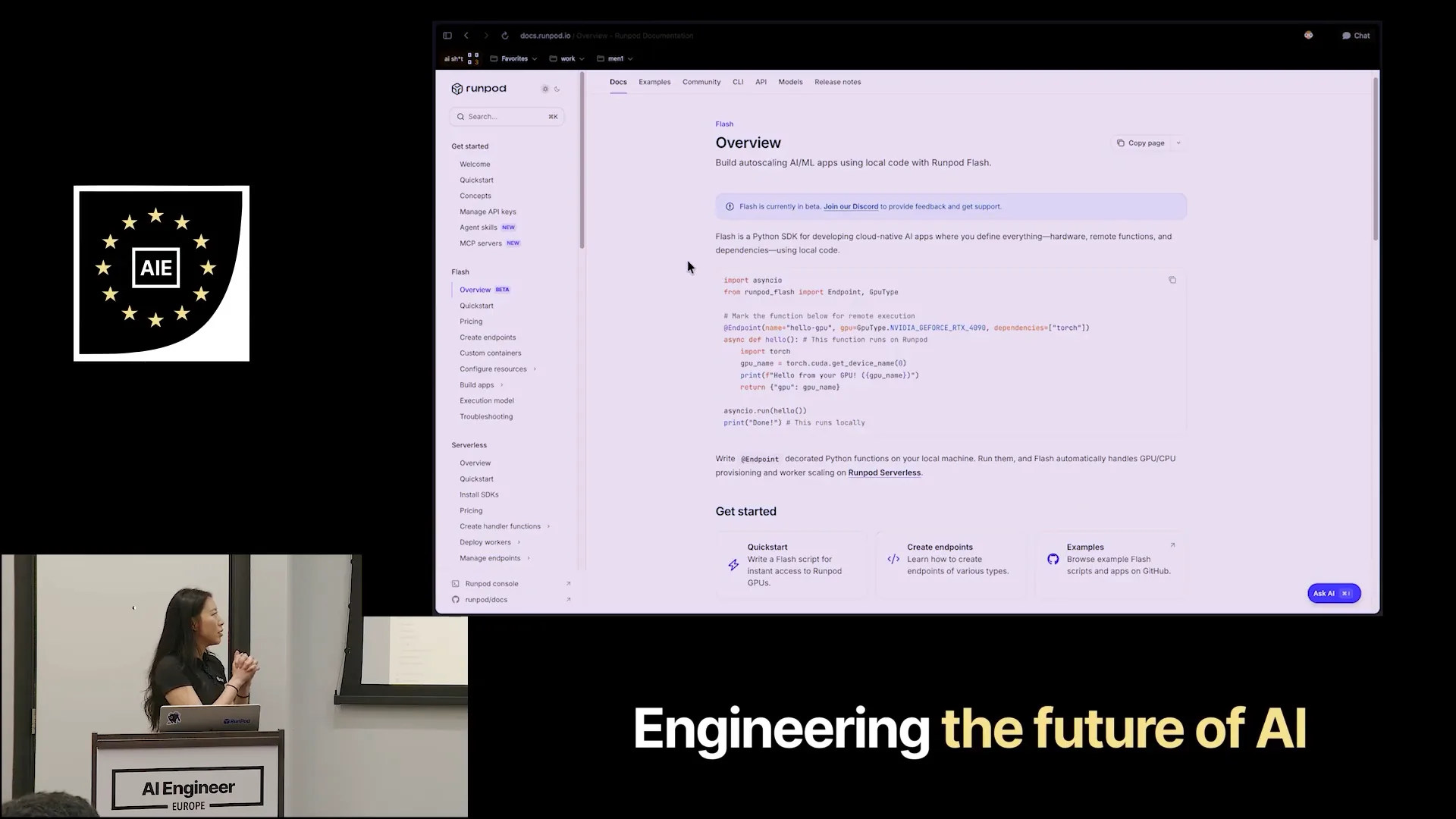 | One significant challenge for developers during the iteration or development phase is the process of testing code related to their inference model. Typically, this involves making a commit, pushing it to GitHub, building a Docker image, pulling it from the container registry, and then loading it onto a server. After that, a GPU must be allocated, allowing for testing to see if everything works as expected. This cycle repeats until the developer is satisfied with the results. |
Slide 11 — 6:30 (watch)
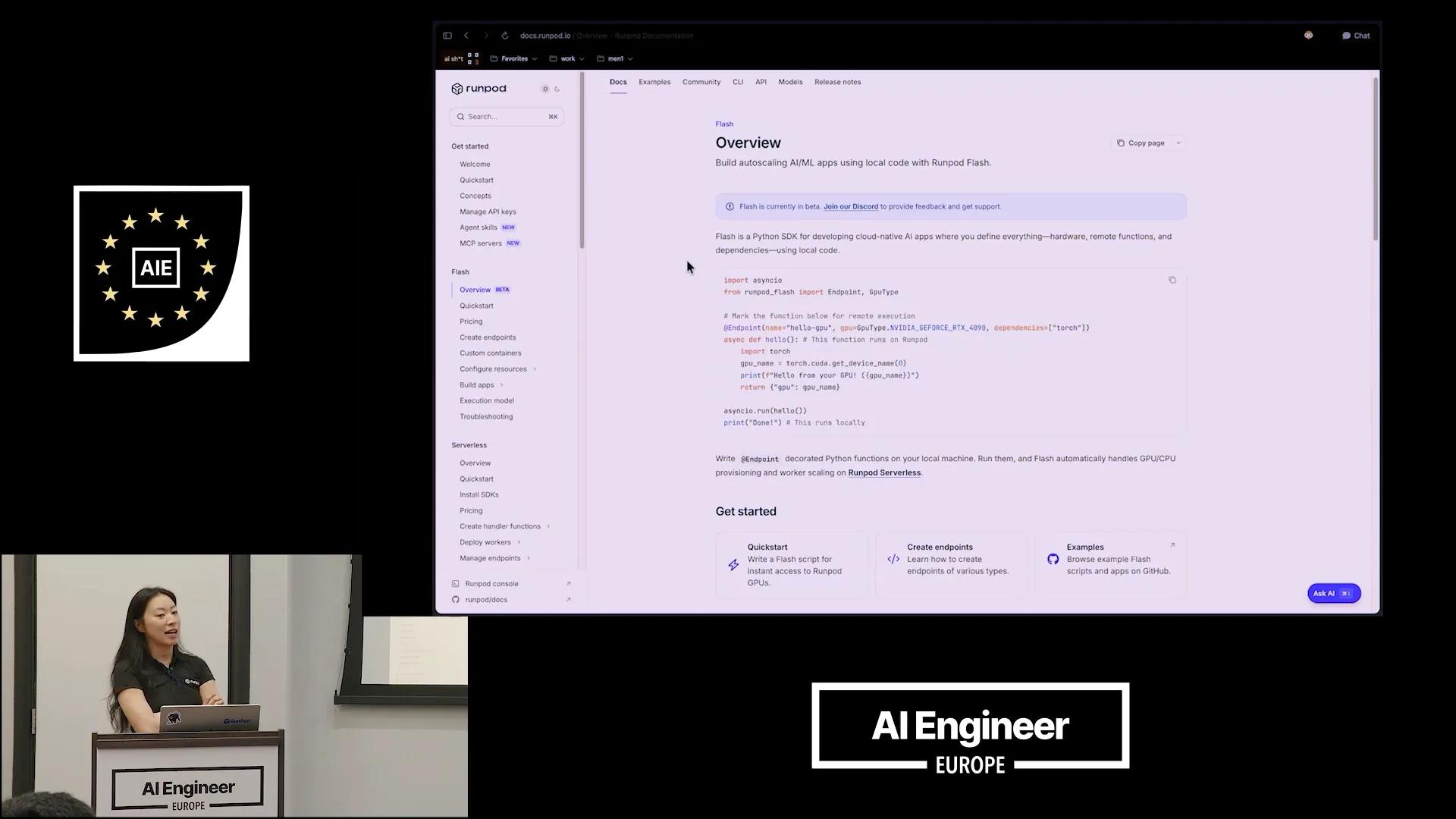 | You then load it onto a server, allocate a GPU, and test to see if it works as expected. This process repeats until you are ready. Flash, our Python SDK, aims to eliminate this iteration cycle, allowing you to deploy your function on a GPU directly from your local development environment. I'll zoom in here quickly. |
Slide 12 — 7:30 (watch)
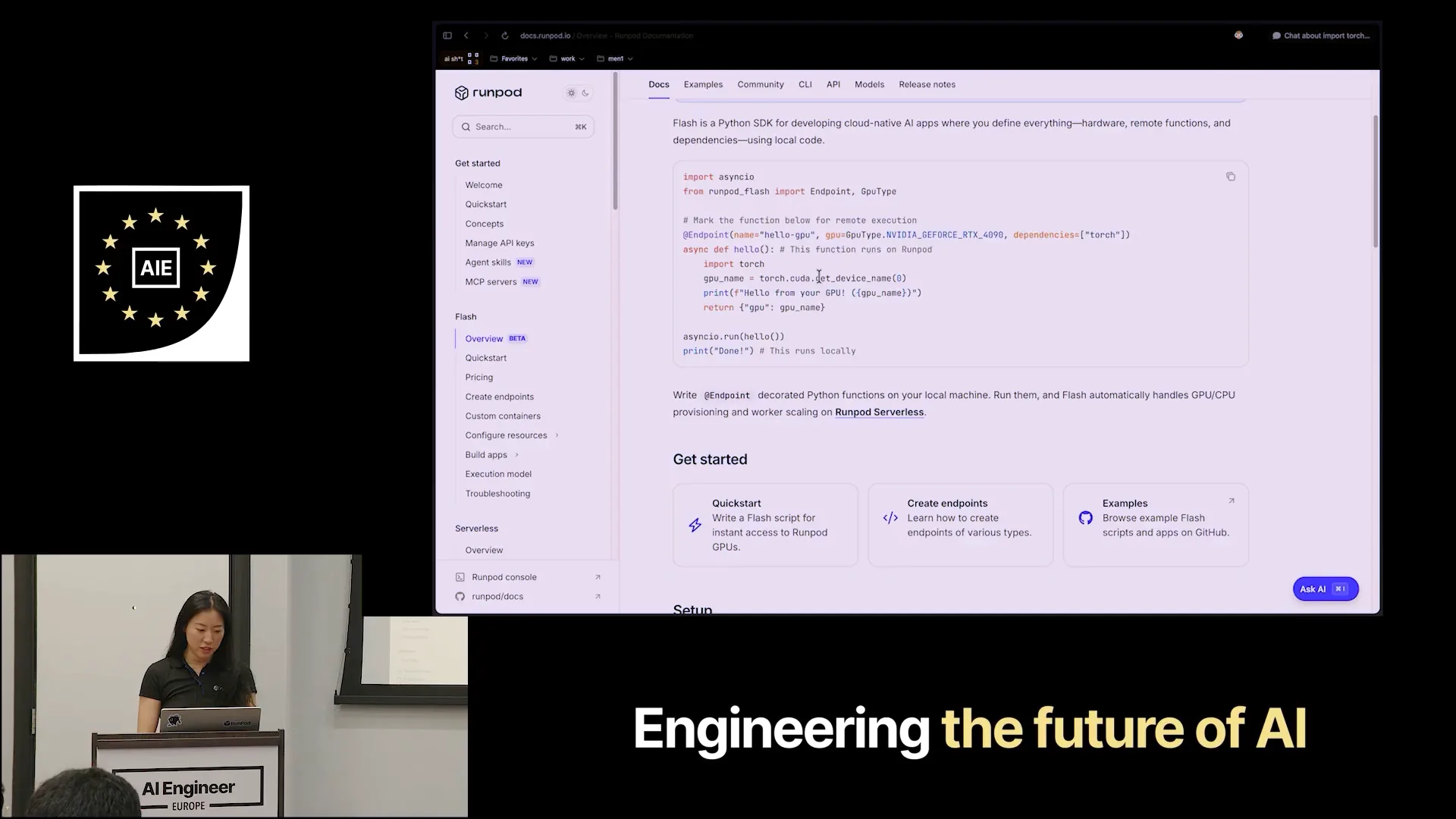
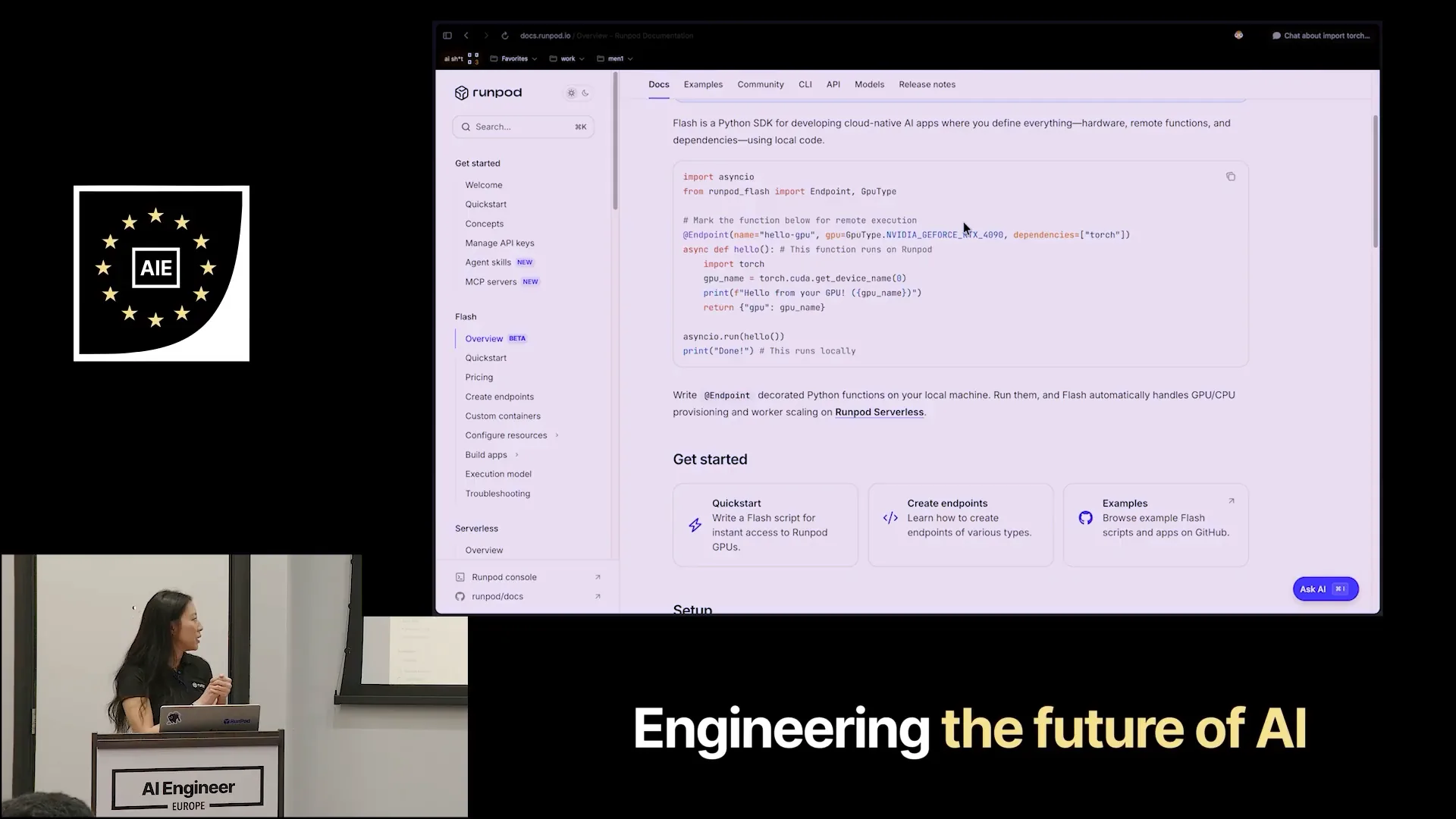 | Flash allows you to deploy your regular async Python function to a GPU cloud by simply adding our Flash endpoint decorator. This process packages everything within your function for the cloud, while your main function and any helper functions continue to run in your local development environment. If you require GPU compute, it will be handled in the cloud. Additionally, we support file reloading, so any changes made to your application are immediately repackaged and pushed up, enabling rapid testing and iteration. For example, I have a function called generate_image that loads PyTorch and a pre-trained stable diffusion model, specifically stable diffusion XL turbo, which is excellent for fast image generation. The function saves the image and returns it as base64 encoded. I can run this now since I've installed all my dependencies and set up a Flash project. I will execute the command `Flash run image_generation.py`. |
Slide 13 — 8:22 (watch)
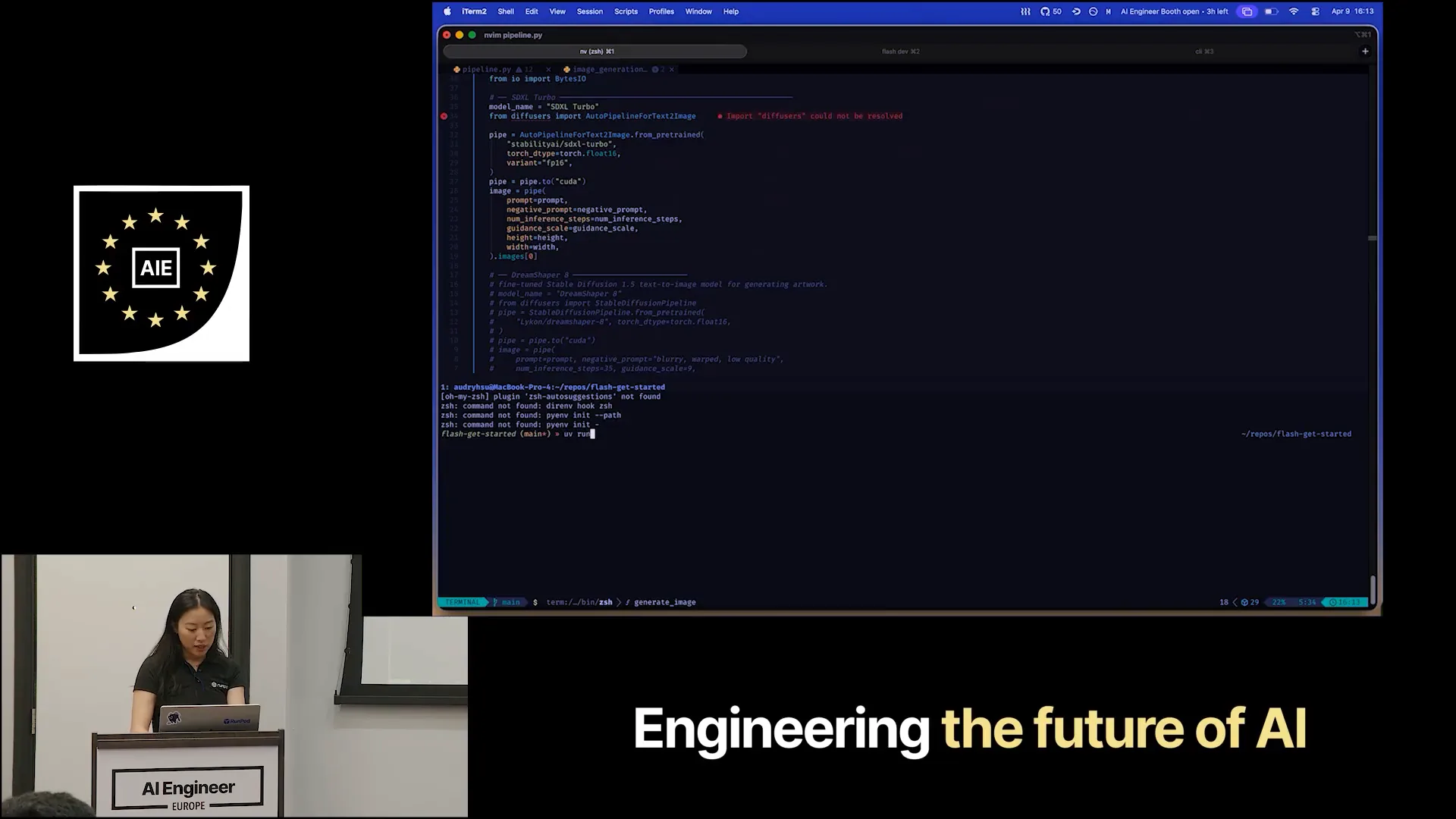 | I will run the image generation script in Python. I have a small setup ready for this. |
Slide 14 — 8:38 (watch)
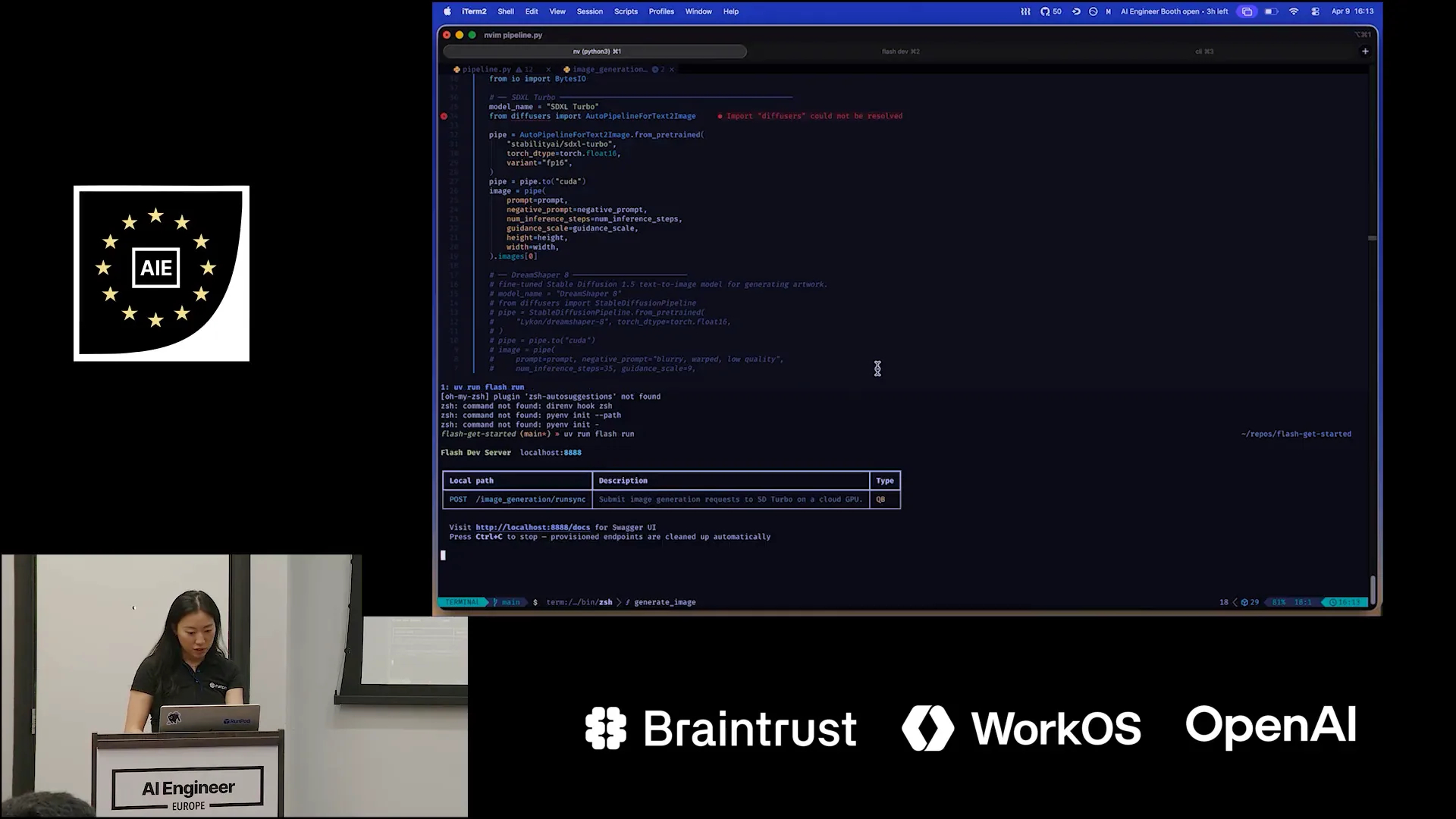 | Flash Run spins up a local development server, which is a FastAPI server. I can send my request to this endpoint. |
Slide 15 — 8:56 (watch)
 | I'm going to do that quickly and get to my project. |
Slide 16 — 9:28 (watch)
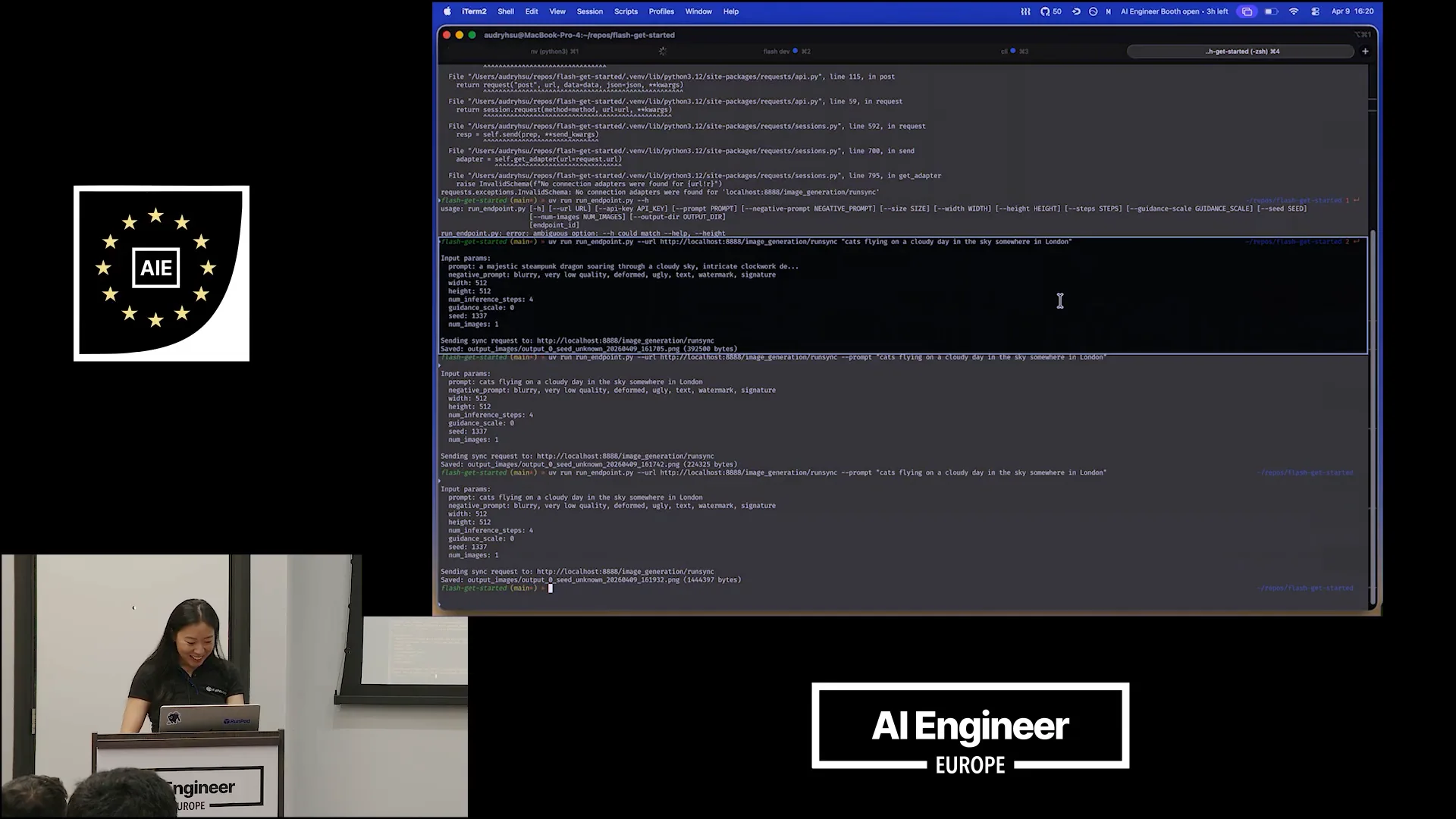
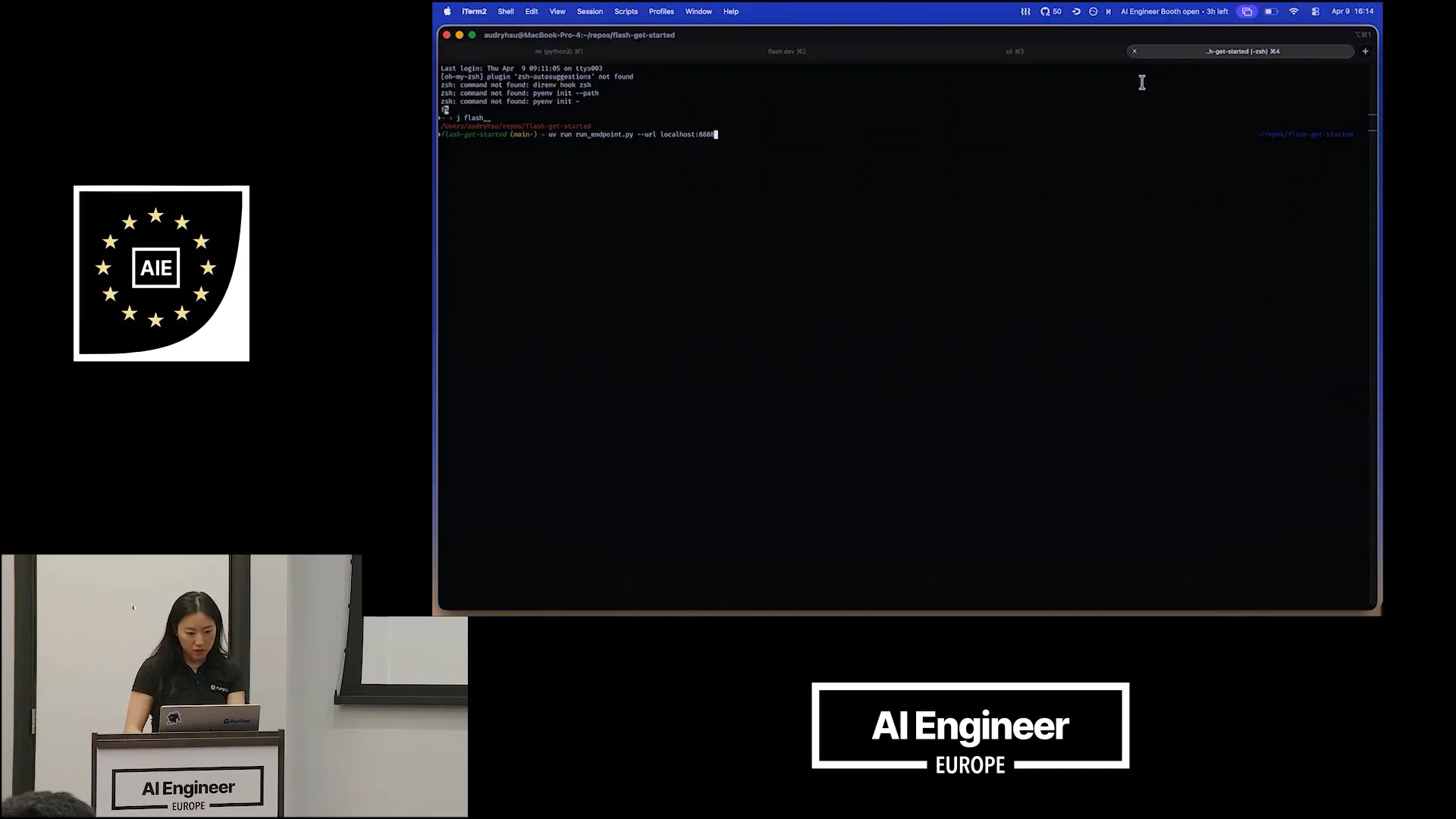 | This is a helper script that sends a POST request and decodes the generated image so you can see what it looks like. The image generation is asynchronous. Let's pass a prompt to it. Can I get some help from the audience? What should we generate today? Anything random will do. How about cats flying in the sky? What does the sky look like? What time of day is it? |
Slide 17 — 10:28 (watch)
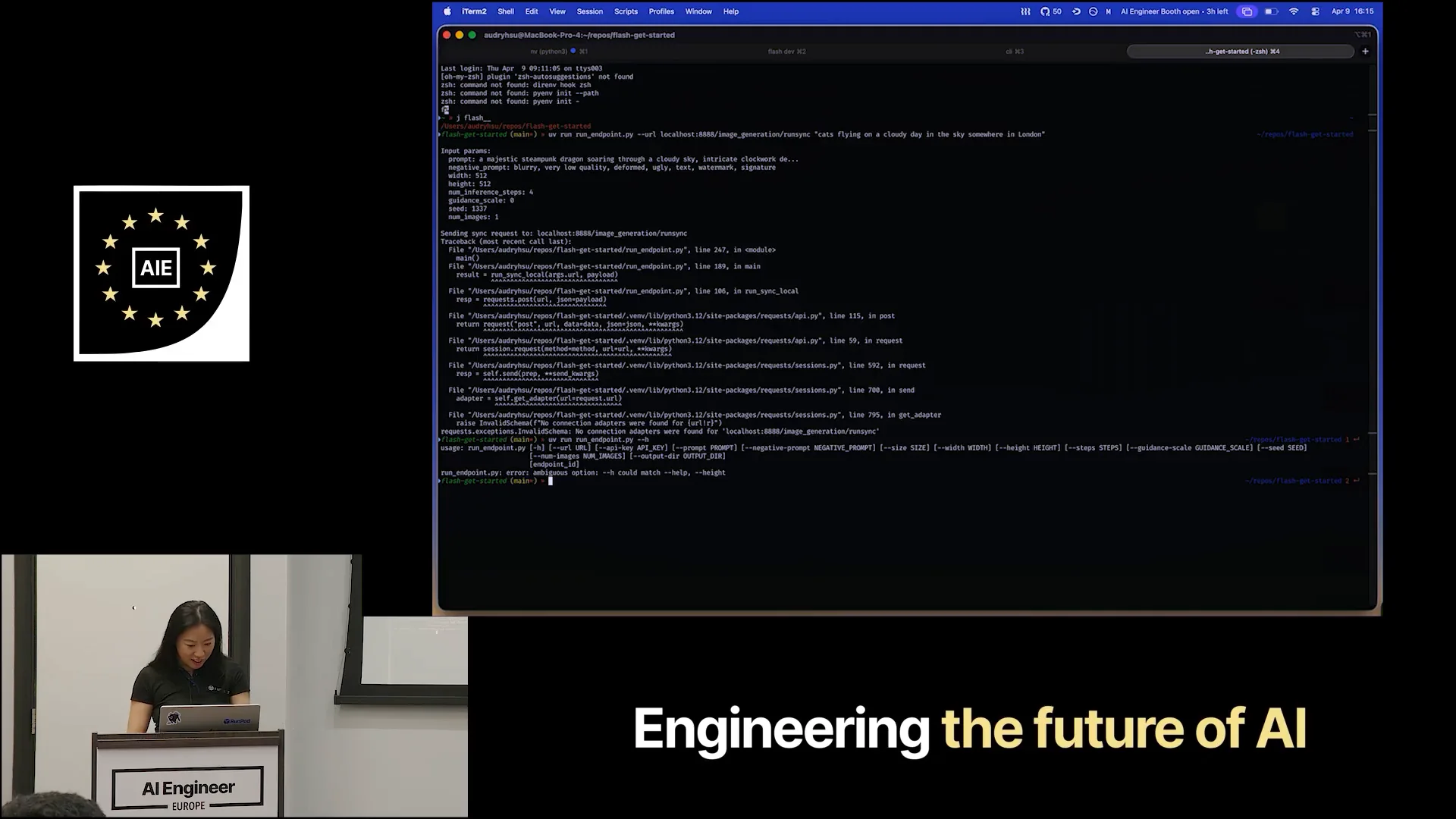 | Flying on a cloudy day in the sky somewhere in London. I passed the prompt correctly, and he's helping me debug live, which I appreciate. I passed the URL, and I must have had an issue with my HTTP. There we go. |
Slide 18 — 11:00 (watch)
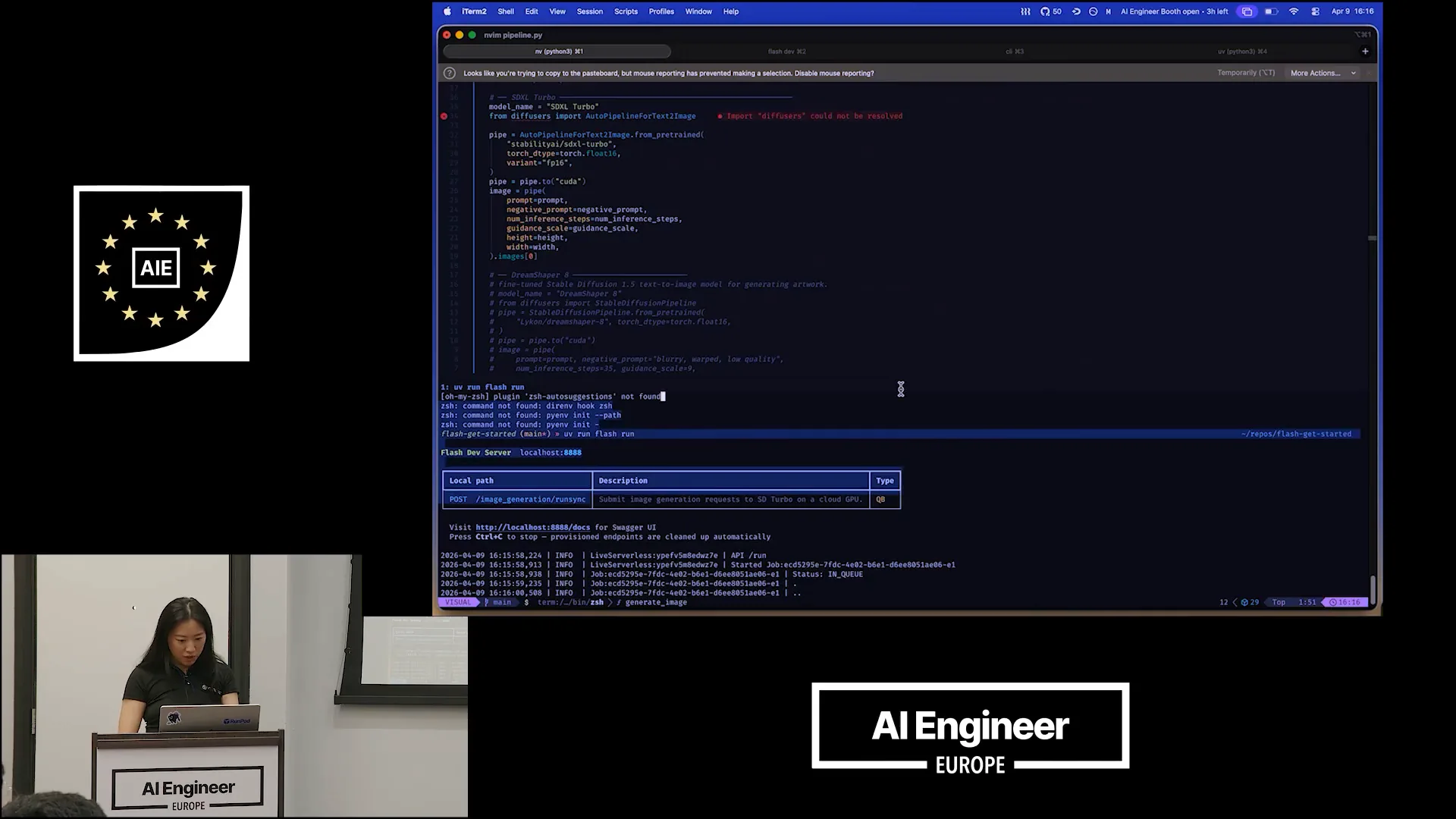 | Let's return to the local development server. |
Slide 19 — 11:30 (watch)
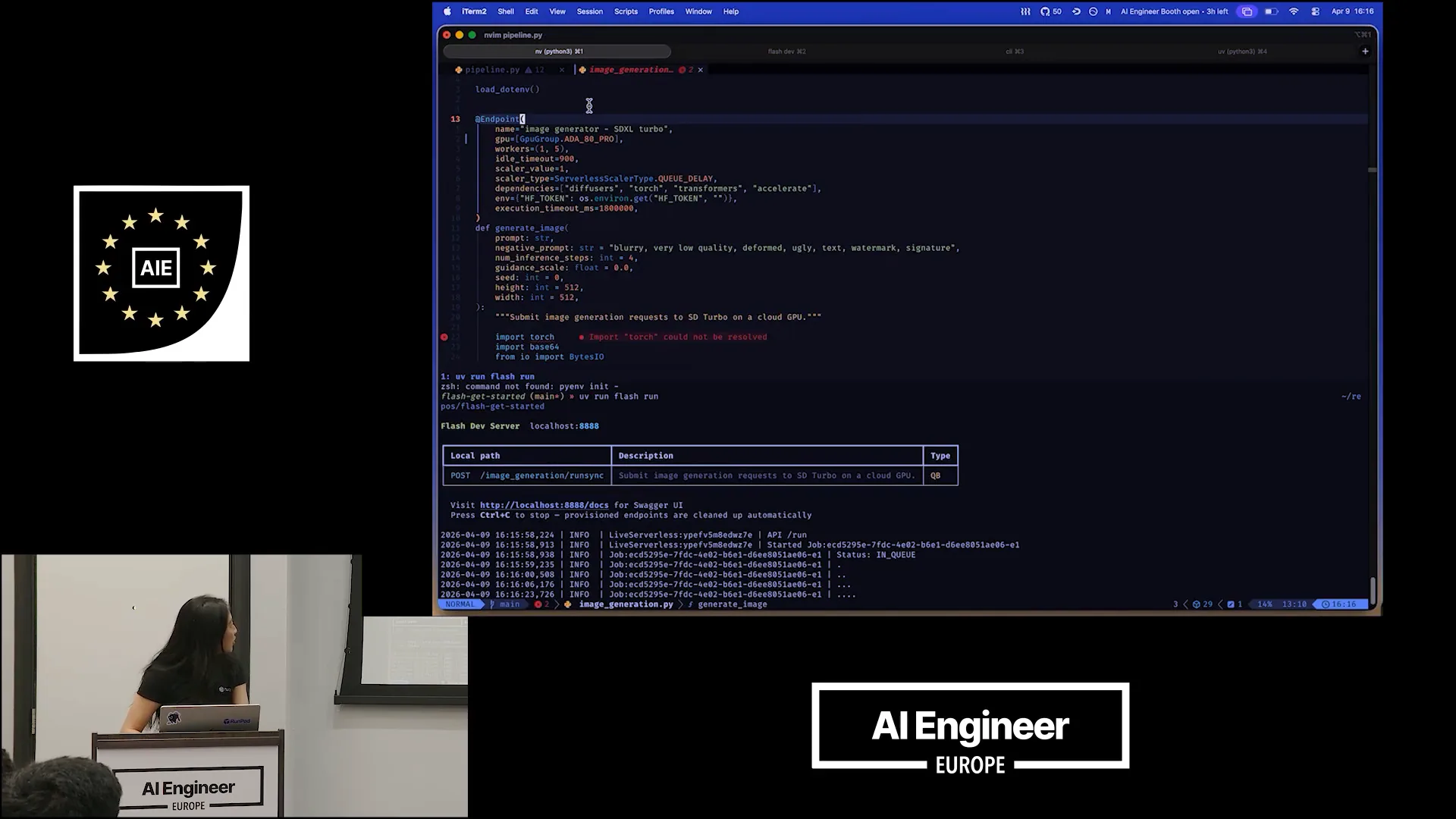 | The request has been received, and the job has started and been queued. While we wait for it to finish, let’s focus on the endpoint decorator. This is where the key functionality occurs. I provide a name for my endpoint and specify a GPU family, such as the ADA or AD pros, which are variations of NVIDIA H100 cards. I can also set the maximum number of workers to five, allowing up to five instances to run simultaneously. |
Slide 20 — 12:28 (watch)
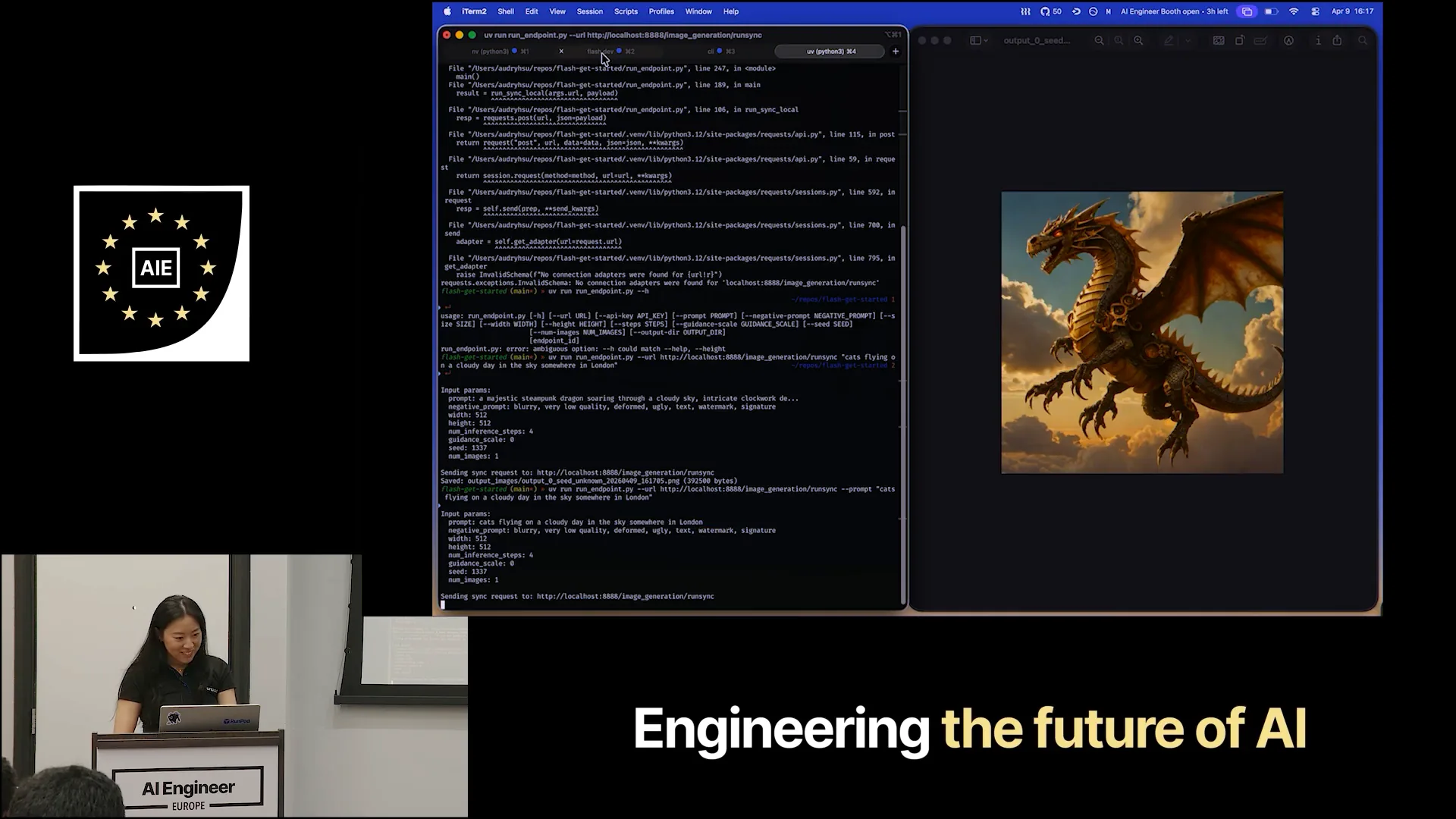 | I set one active worker, which is always running. It didn't take my prompt, likely because I didn't pass it as a flag. Now it's generating images of cats flying. Regarding the endpoint decorator, there are various configurations for timeout, which determines how long a worker remains idle. The output looks abstract, and while I'm not from London, perhaps someone can tell me if this resembles a London chimney. |
Slide 21 — 13:28 (watch)
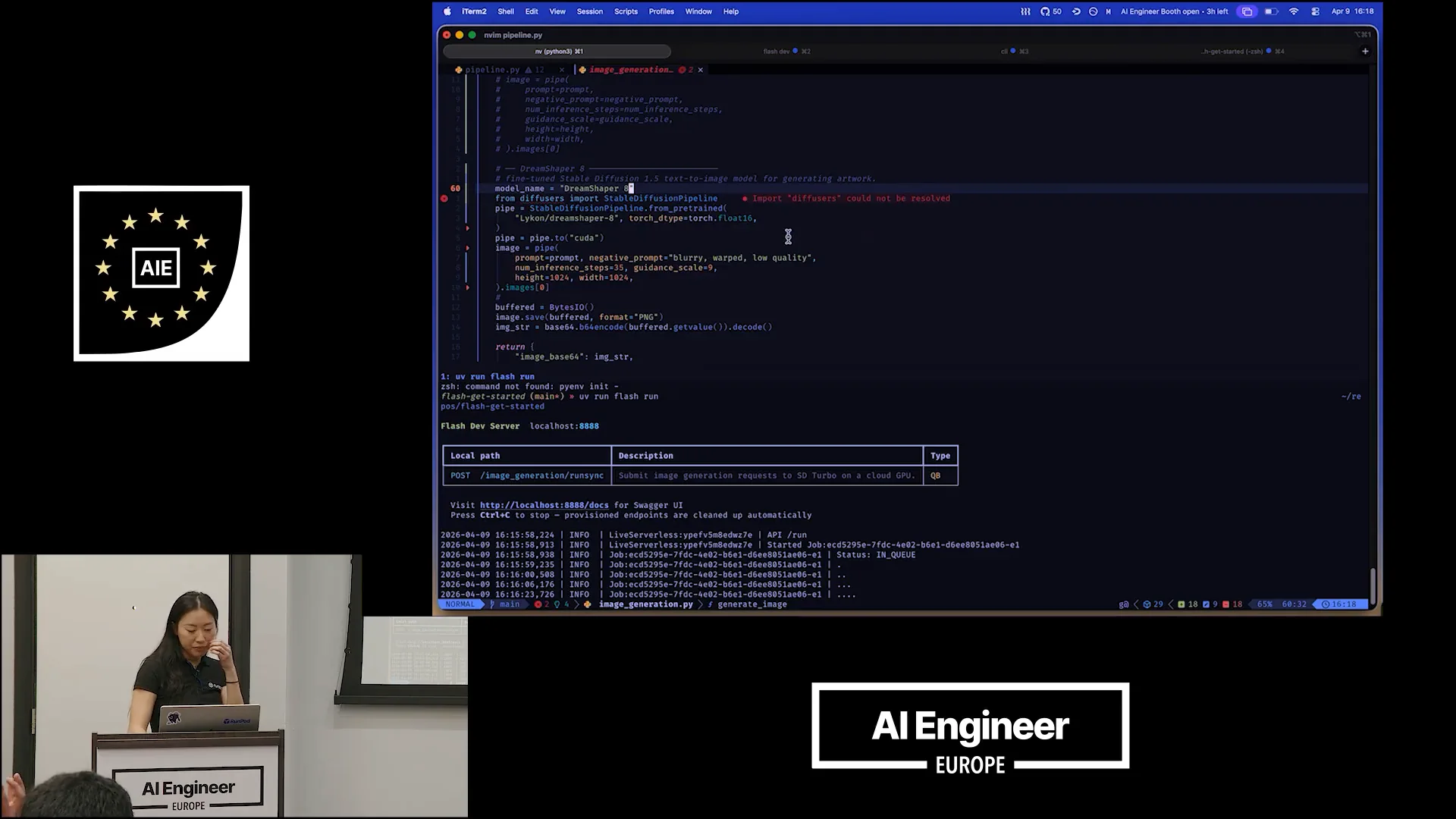 | I don't like what just happened, so we're going to switch out our model. I'll comment out this code here and swap in DreamShaper, which is a fine-tuned model based on StableDiffusion 1.5. This model is optimized for quick generation, but I believe it will produce a better quality image, especially for art and illustrative styles. We've adjusted some parameters, increasing the inference steps to 25. The height and width will be set to 10 by 24, which is fine. |
Slide 22 — 14:12 (watch)
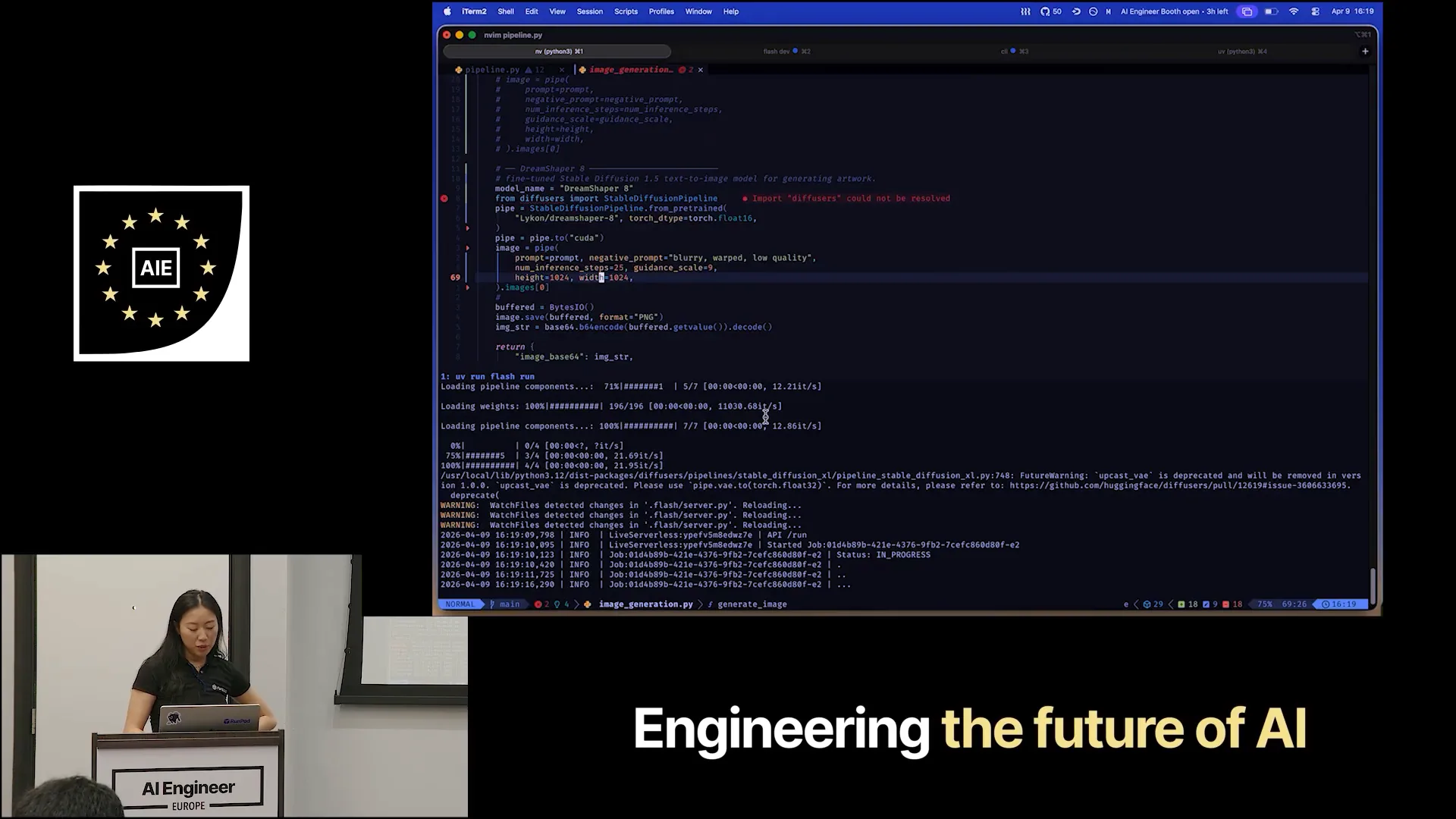 | Let's send the same request again and see what happens. The result is different. The speed of this process comes from not having to make a code change, commit it, rebuild my Docker image, upload it, and allocate GPU infrastructure. Instead, everything is happening right here in my IDE, allowing me to stay within the environment. |
Slide 23 — 14:34 (watch)
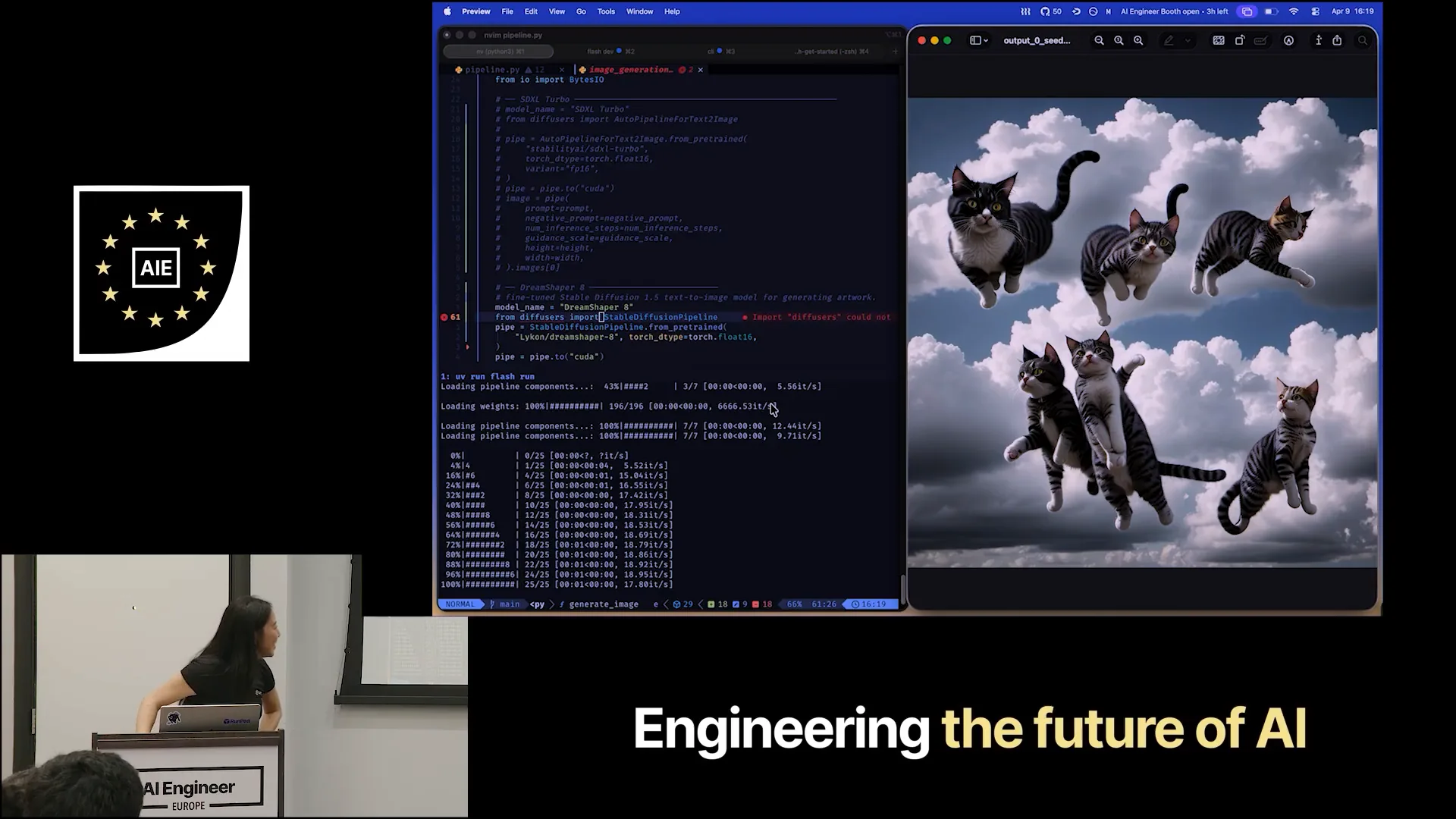 | This is beneficial, right? We all agree on that? |
Slide 24 — 14:50 (watch)
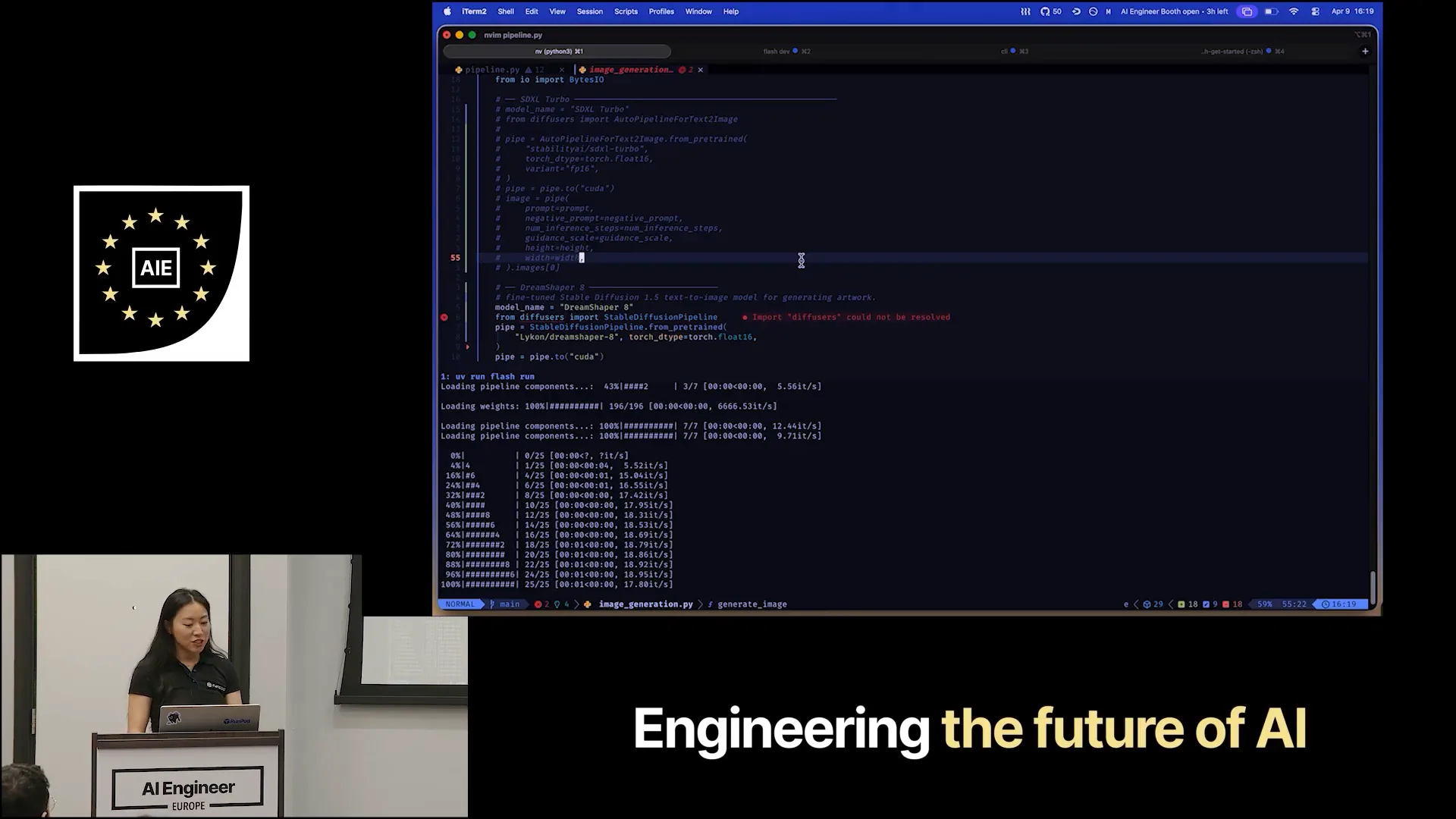 | One last aspect to highlight is the significant impact of using a developer tool like Flash, especially when you're not just making a single call to one model. It's about the orchestration code surrounding it. I have a pre-prepared pipeline to demonstrate this. |
Slide 25 — 15:06 (watch)
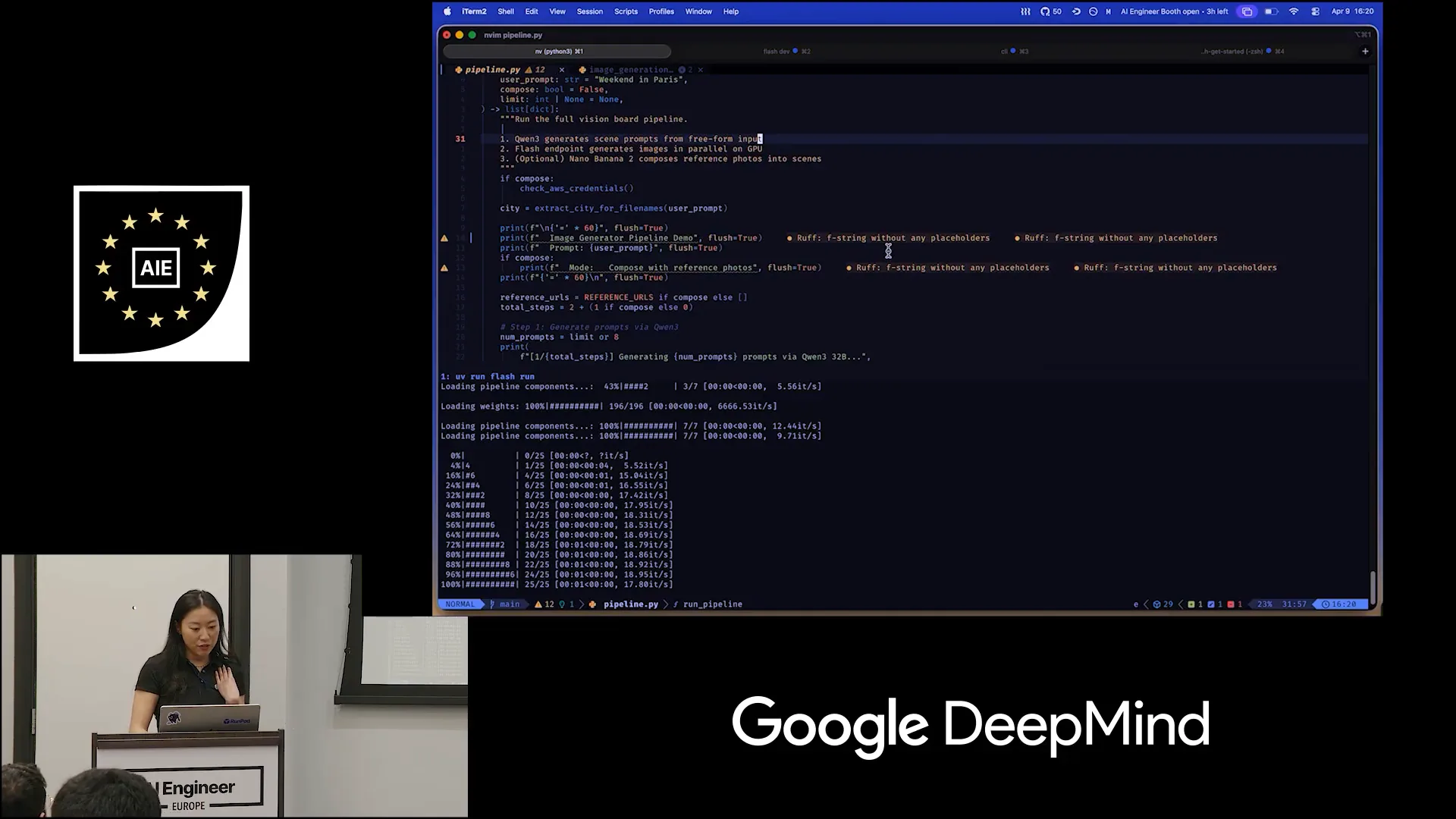 | Instead of generating and writing out every prompt manually, this pipeline will send a request to Gwen, which is already hosted on a public endpoint. |
Slide 26 — 15:20 (watch)
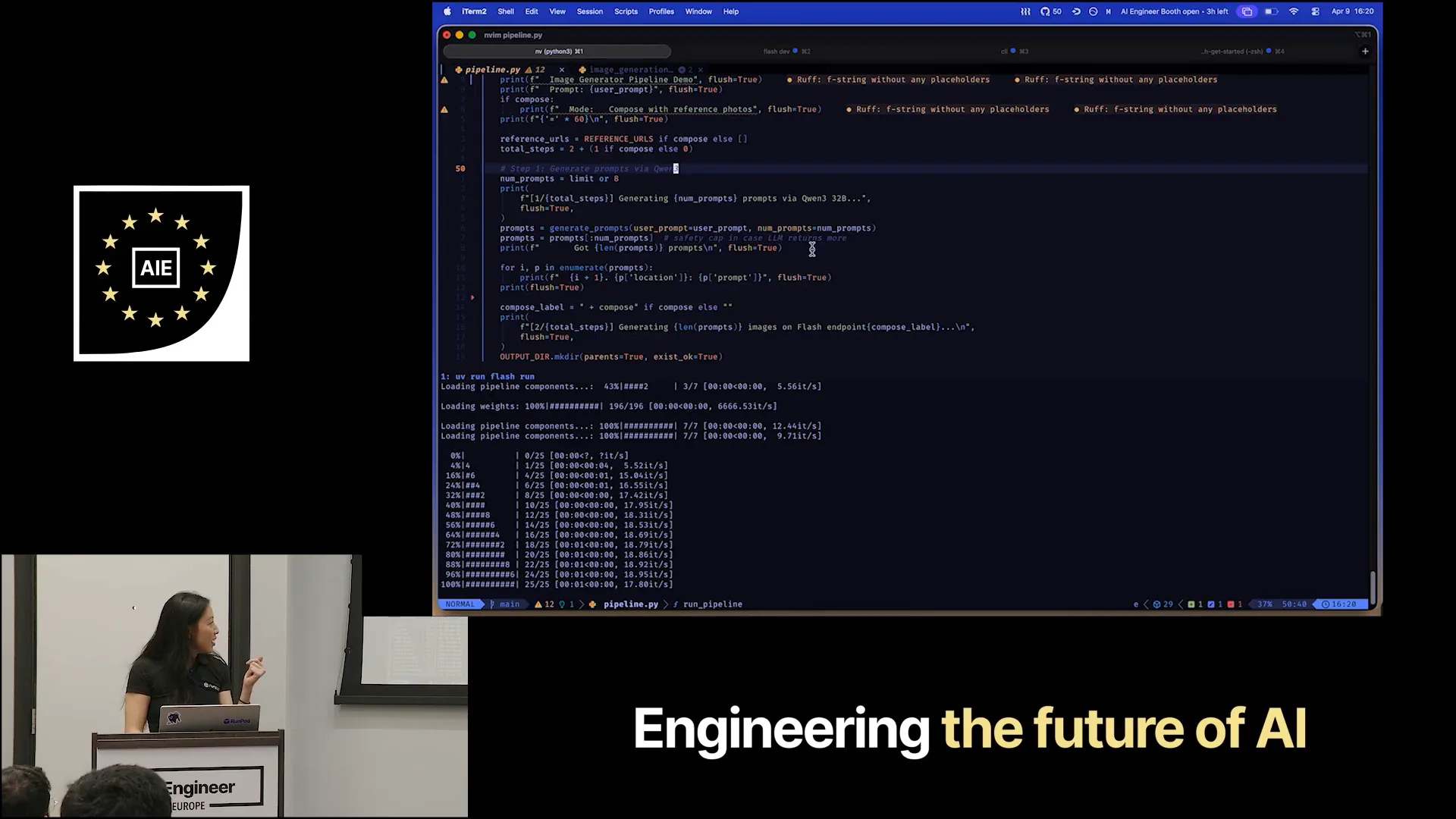 | Gwen3 will generate all the prompts for me. After that, it will send the requests to our DreamShaper running on our endpoint. There is one more pipeline that the requests will go through. |
Slide 27 — 15:36 (watch)
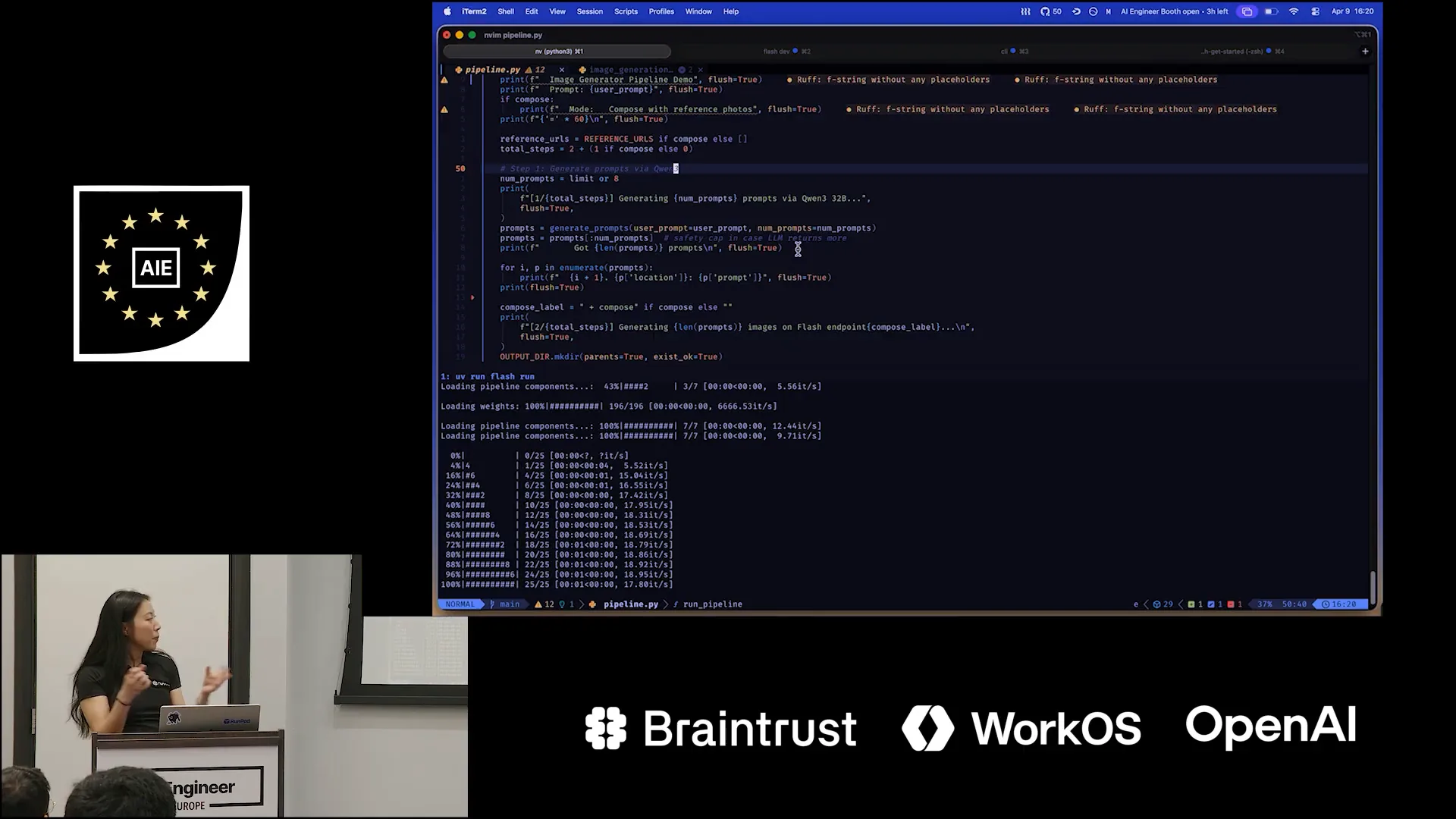 | It will send the request to NanoBanana2, a premium Google model known for its ability to compose images effectively. I hope to create some impressive pictures of our founders and share them with them after this demo. |
Slide 28 — 15:50 (watch)
 | Now let's run the entire pipeline. |
Slide 29 — 16:26 (watch)
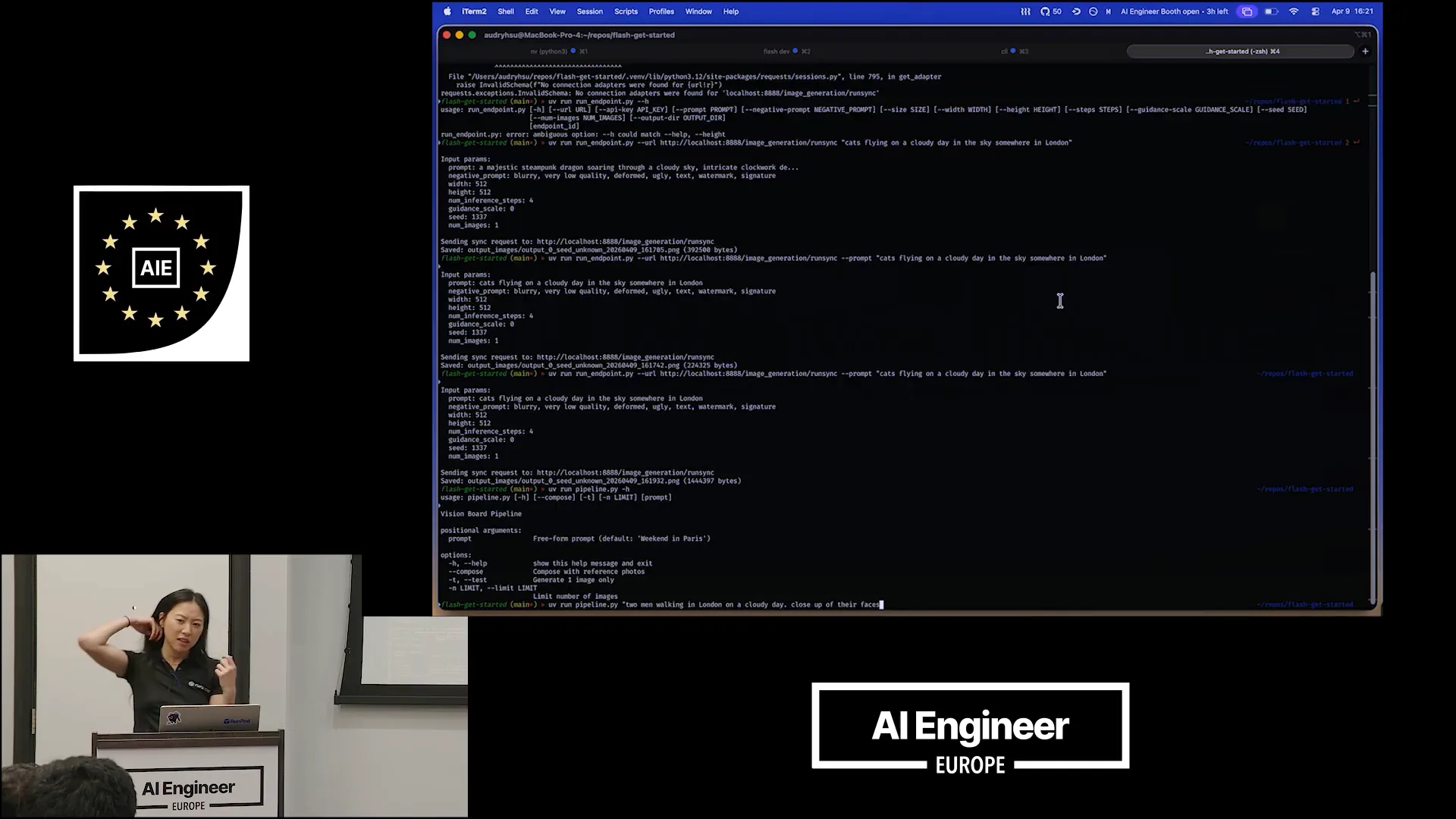 | Prompt: Two men walking in London on a cloudy day. Close-up of their faces. Any other requests for these two men? How do they look? Are they doing something? Yes, two men with glasses. Close-up of their faces. Now, let's generate three of those and compose them together. |
Slide 30 — 17:02 (watch)
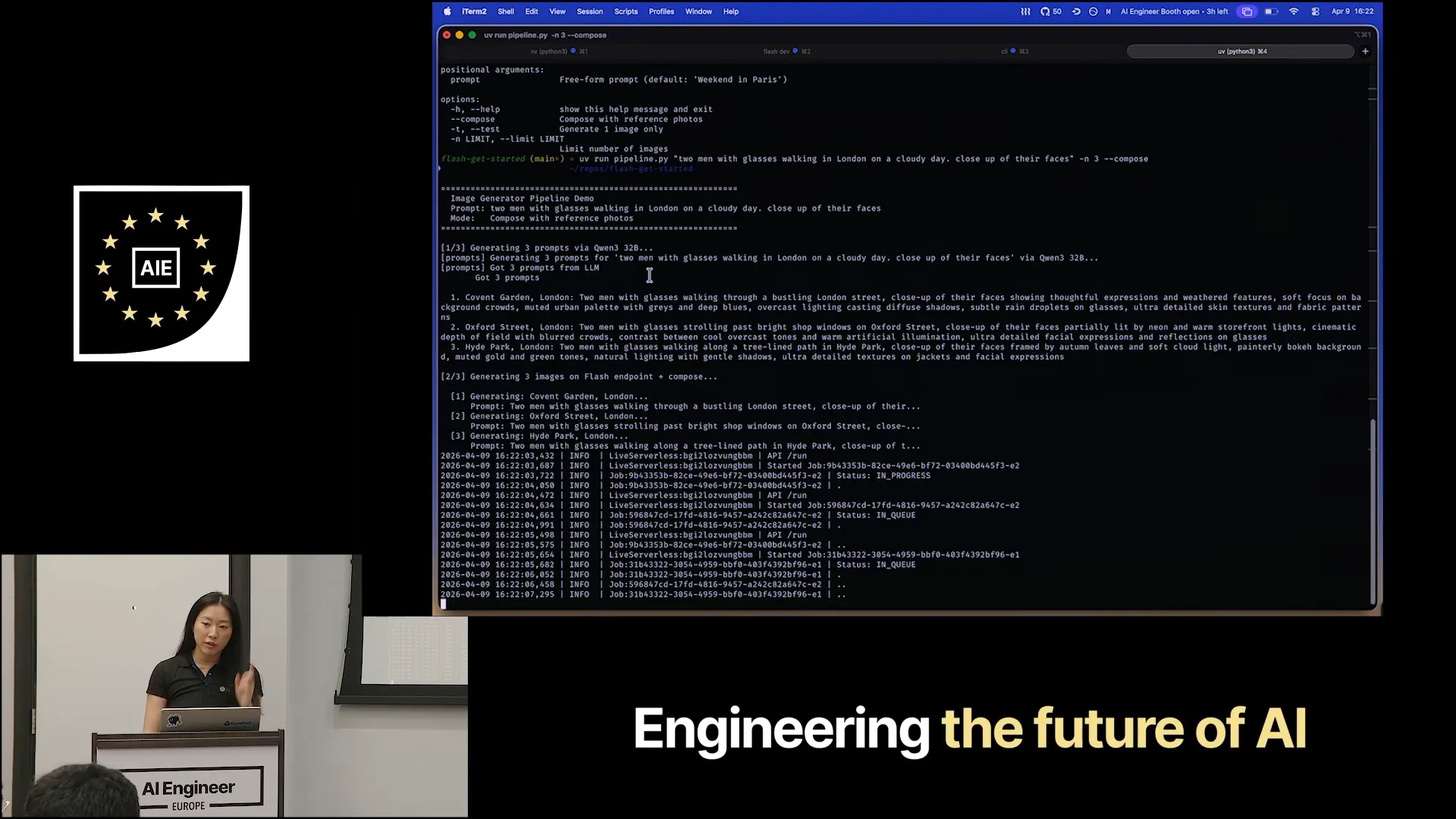 | The pricing model is based on the duration of each request. You are charged only for the time that the request is actively running. |
Slide 31 — 17:12 (watch)
 | I mentioned that this session would be entirely in the terminal, but I will switch back to the console briefly to show you what is currently running. |
Slide 32 — 17:38 (watch)
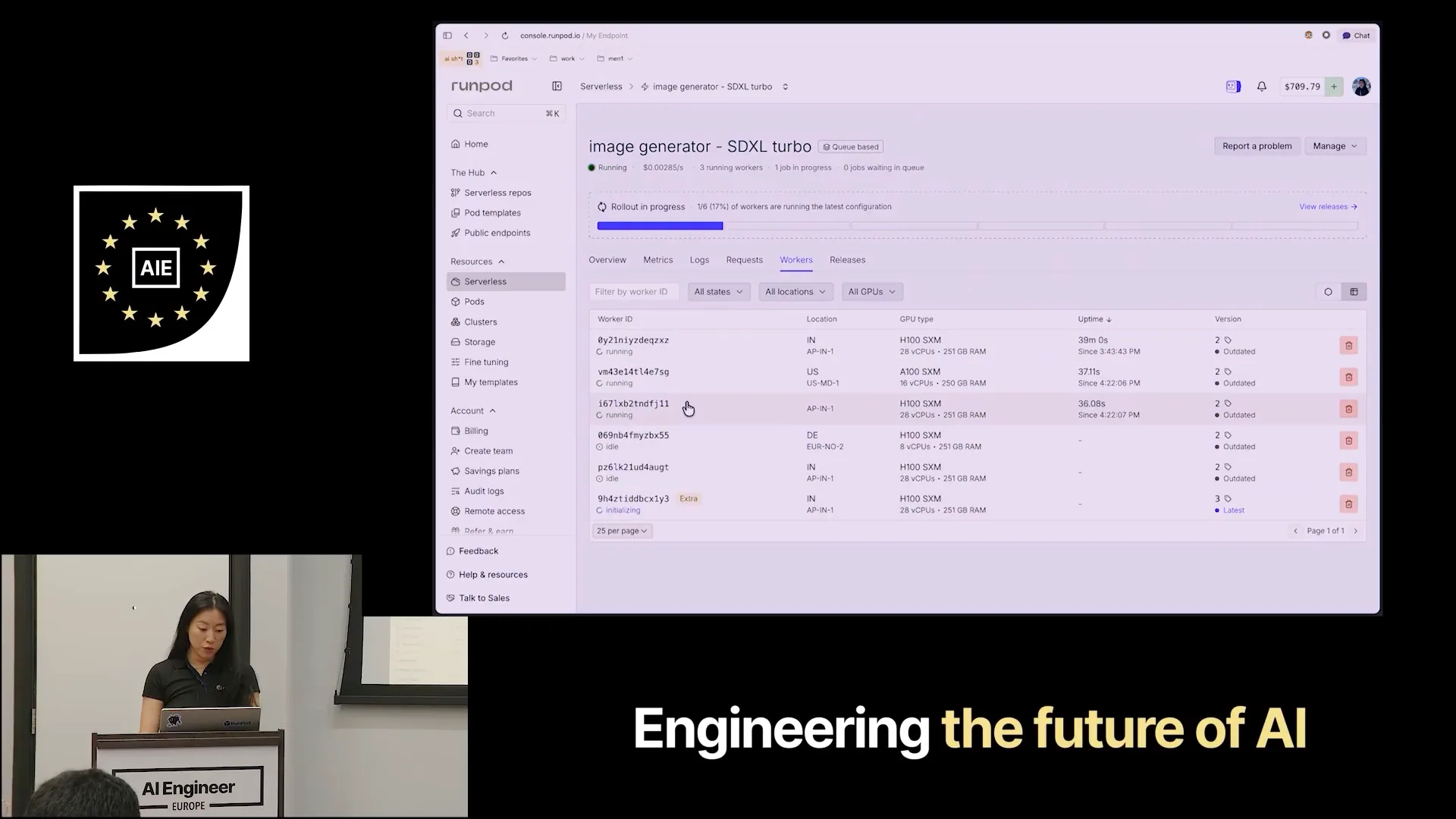 | This is the endpoint we created from the terminal. We provisioned five workers, and currently, three are running because I requested three photos. This indicates uptime, which reflects your charges. The cost of an H100 is currently $0.00116 per second. |
Slide 33 — 18:16 (watch)
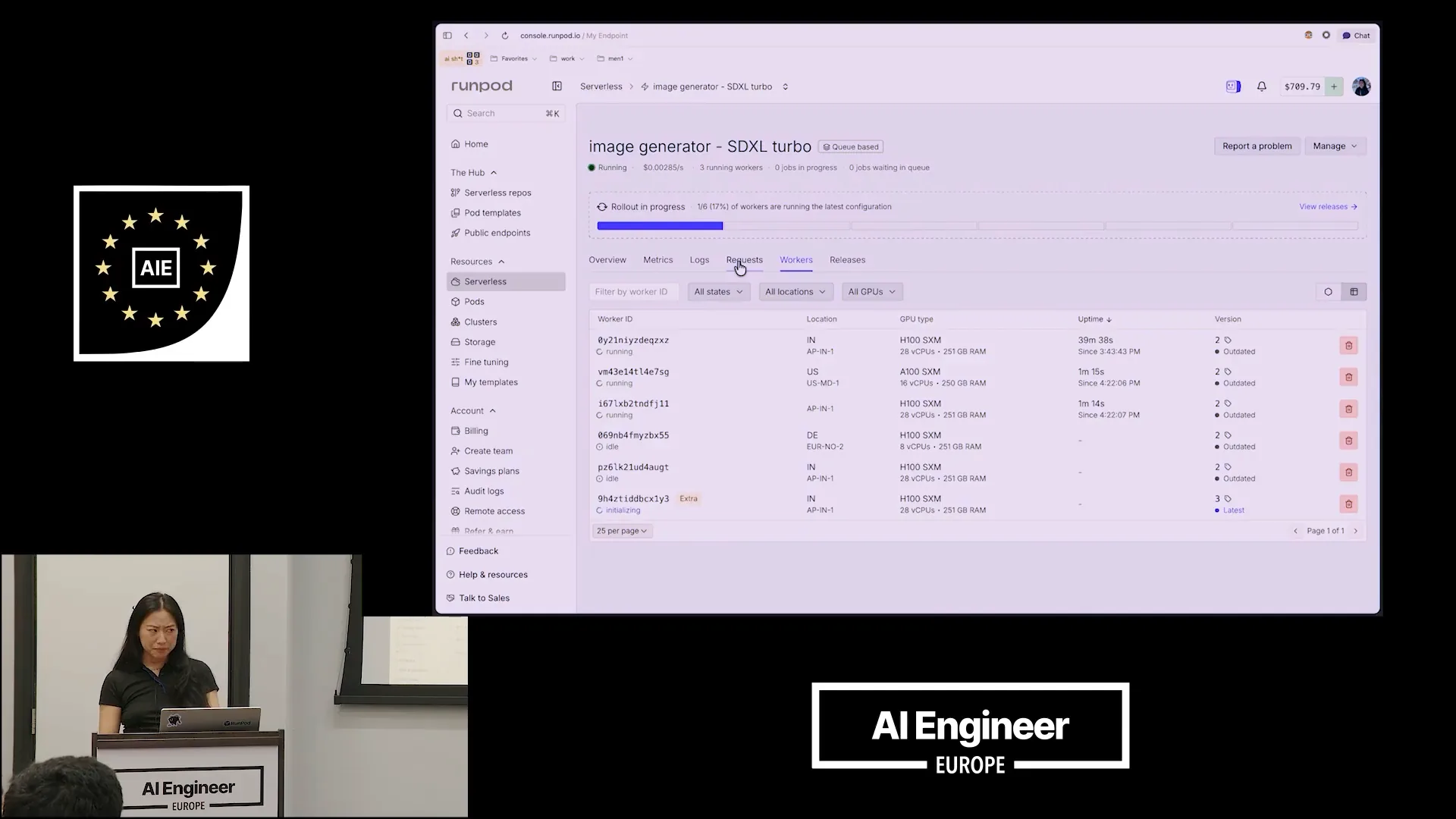 | Pricing differs between serverless and pods. With pods, you don't benefit from scaling, which results in a premium for serverless options. We recommend starting with a low worker count or using pods if you're still experimenting. During experimentation, you may only need one or two GPUs at a time. Serverless is ideal when you require hundreds of workers running on numerous GPUs, distributed for improved availability across different data centers. |
Slide 34 — 18:38 (watch)
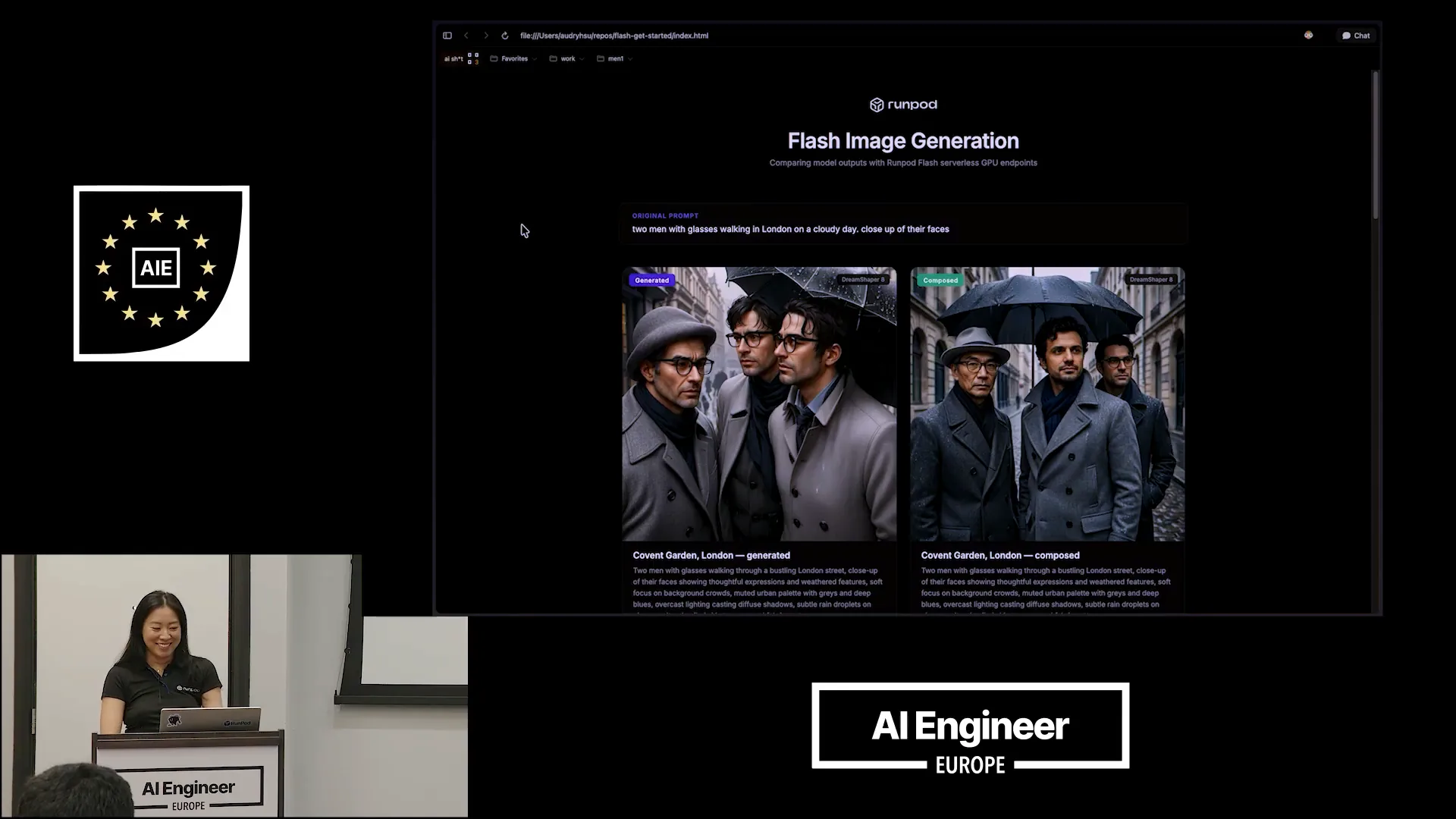 | Here’s our final presentation. |
Slide 35 — 18:46 (watch)
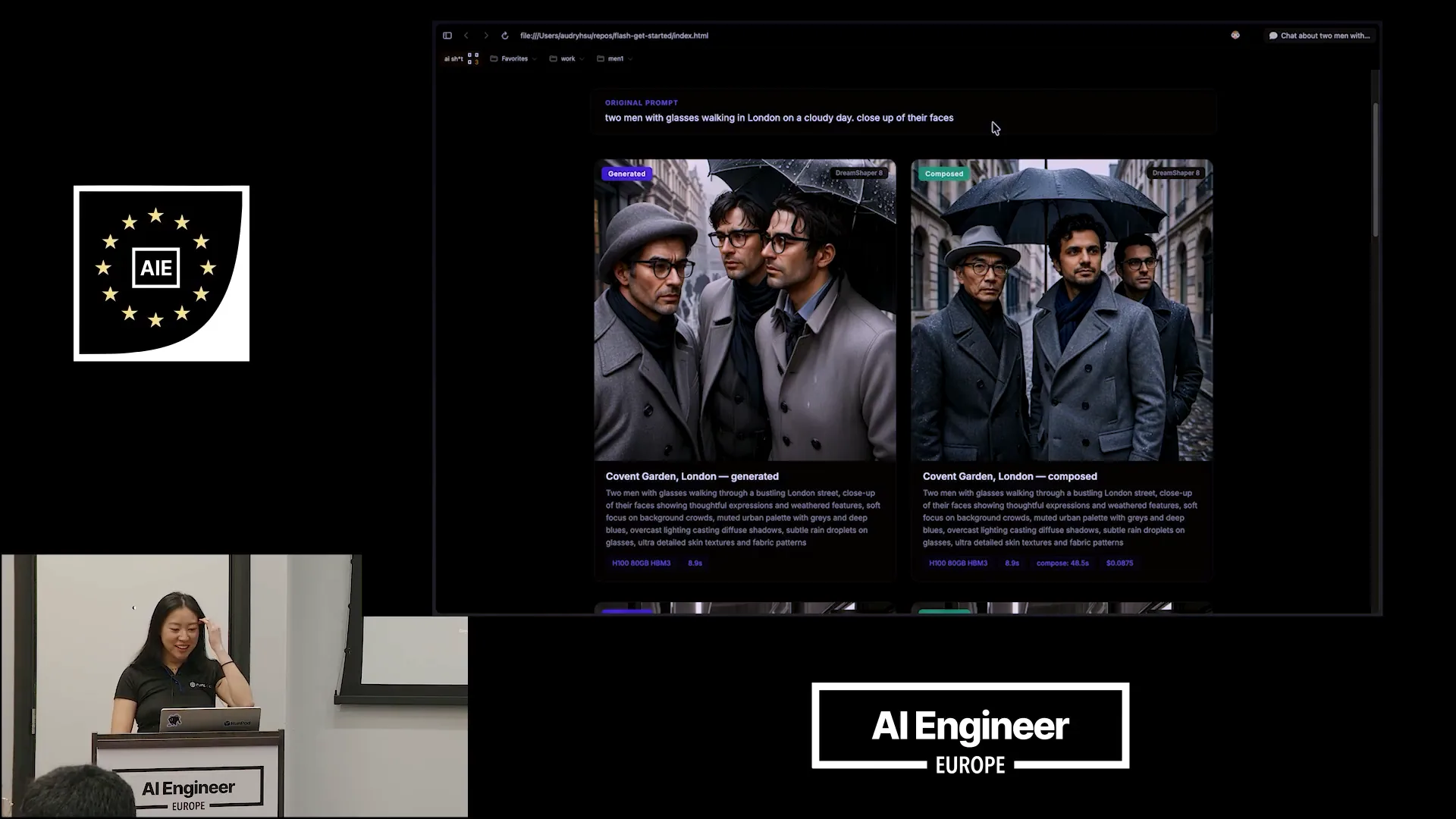 | This was our original prompt: two men with glasses walking in London on a cloudy day, with a close-up of their faces. |
Slide 36 — 18:58 (watch)
 | On the left, you can see what DreamShaper generated based on the prompt engineering that Quen3 developed for us. This prompt is significantly improved compared to the one I initially provided, incorporating much better cues. I can read it out to you since it might be difficult to see. |
Slide 37 — 19:14 (watch)
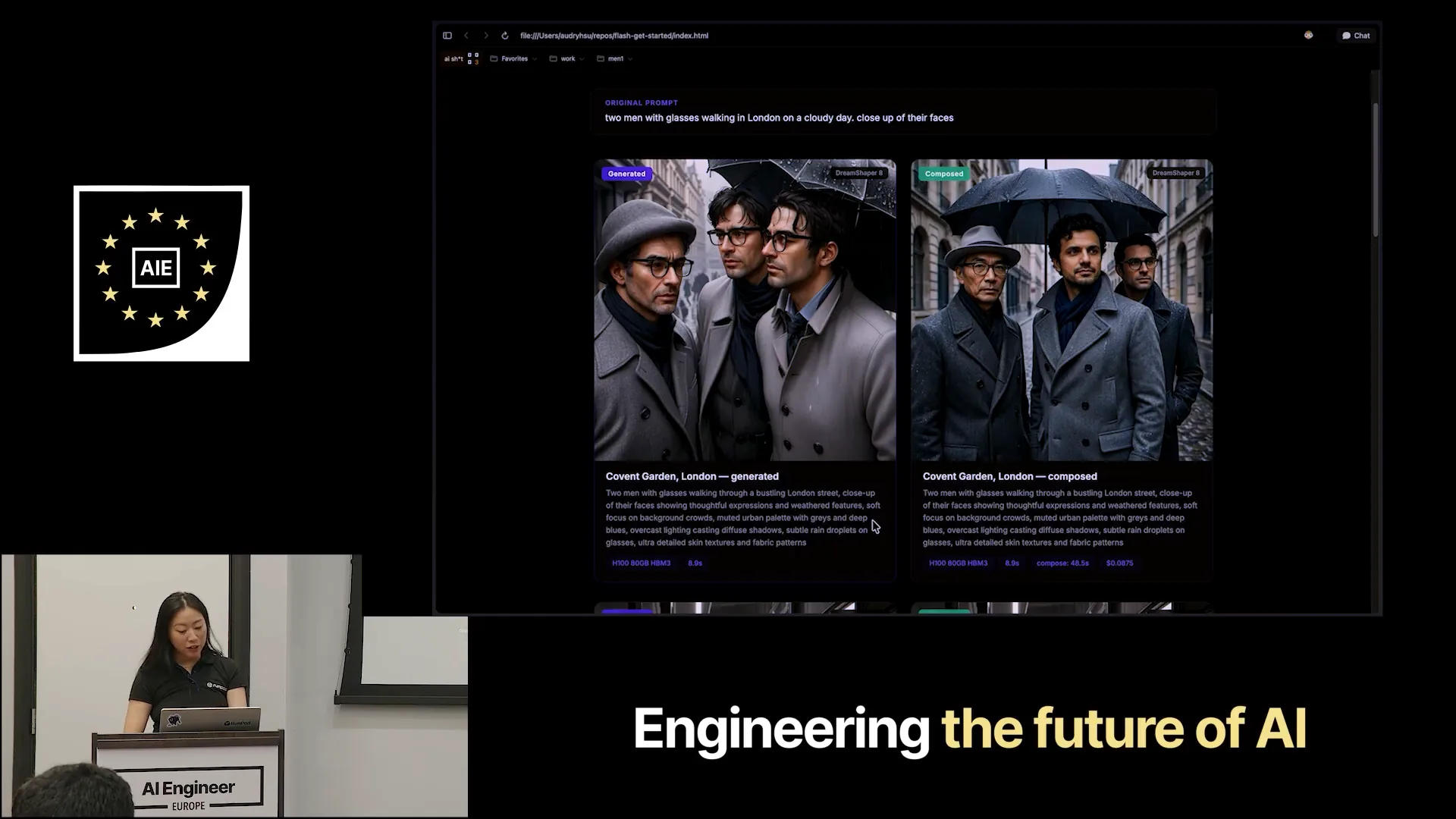 | The image features thoughtful expressions and weathered faces, with a soft focus on the background clouds. The muted urban palette includes grays and deep blues under overcast lighting. On the right is the final composed photo. |
Slide 38 — 19:28 (watch)
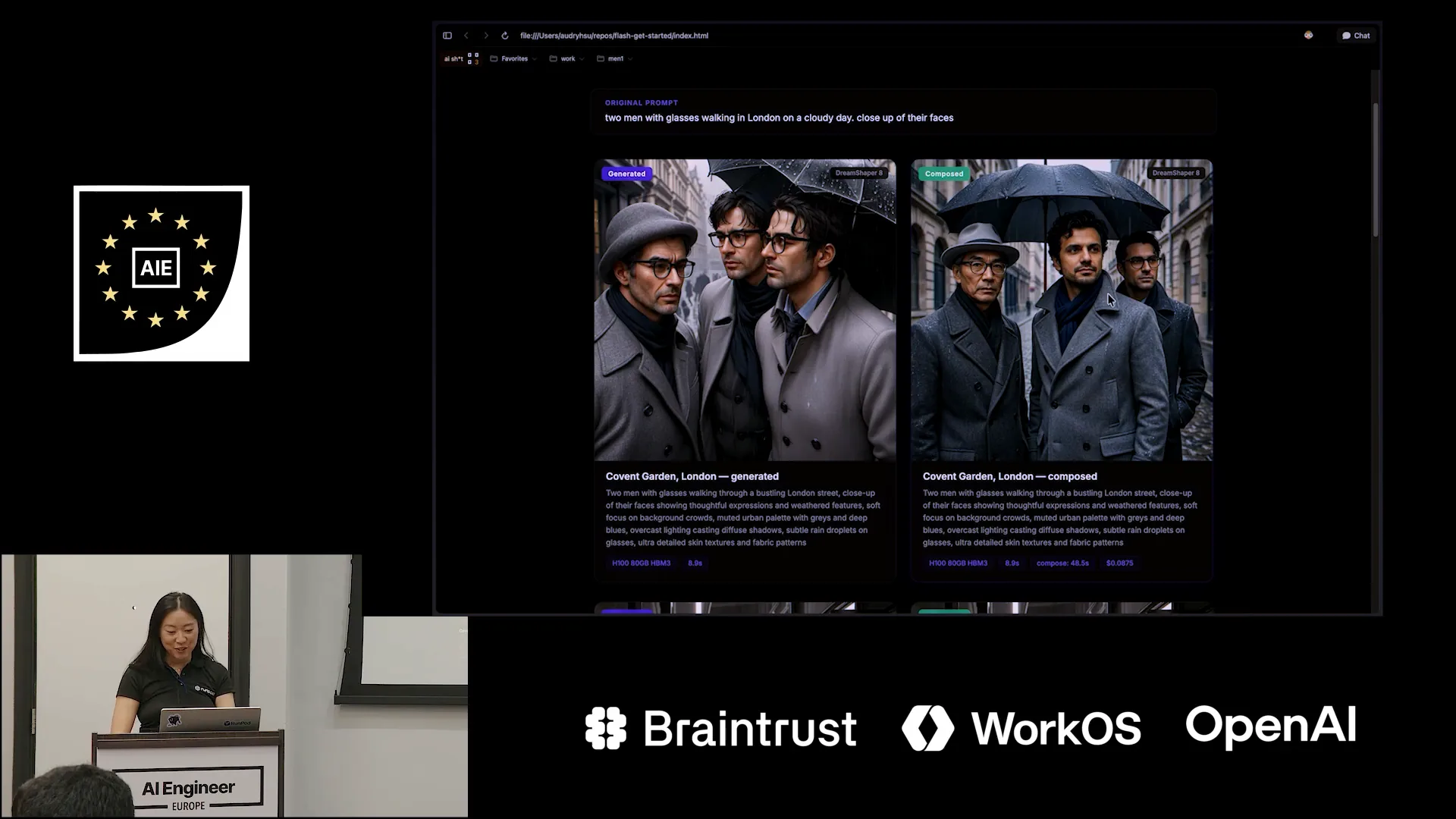 | This is a striking picture of Pradeep, and it appears to be an old photo of Zen. |
Slide 39 — 19:40 (watch)
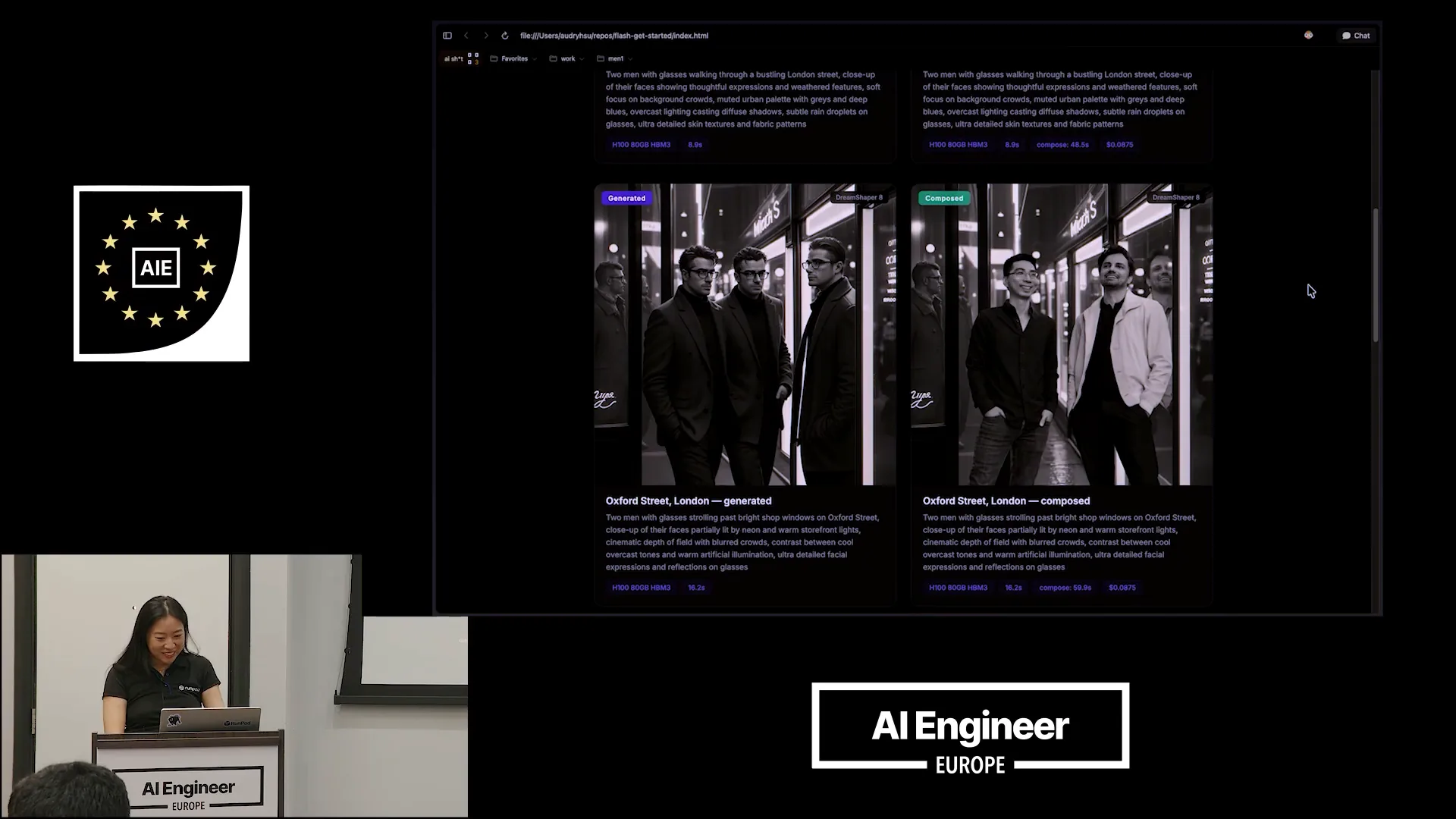
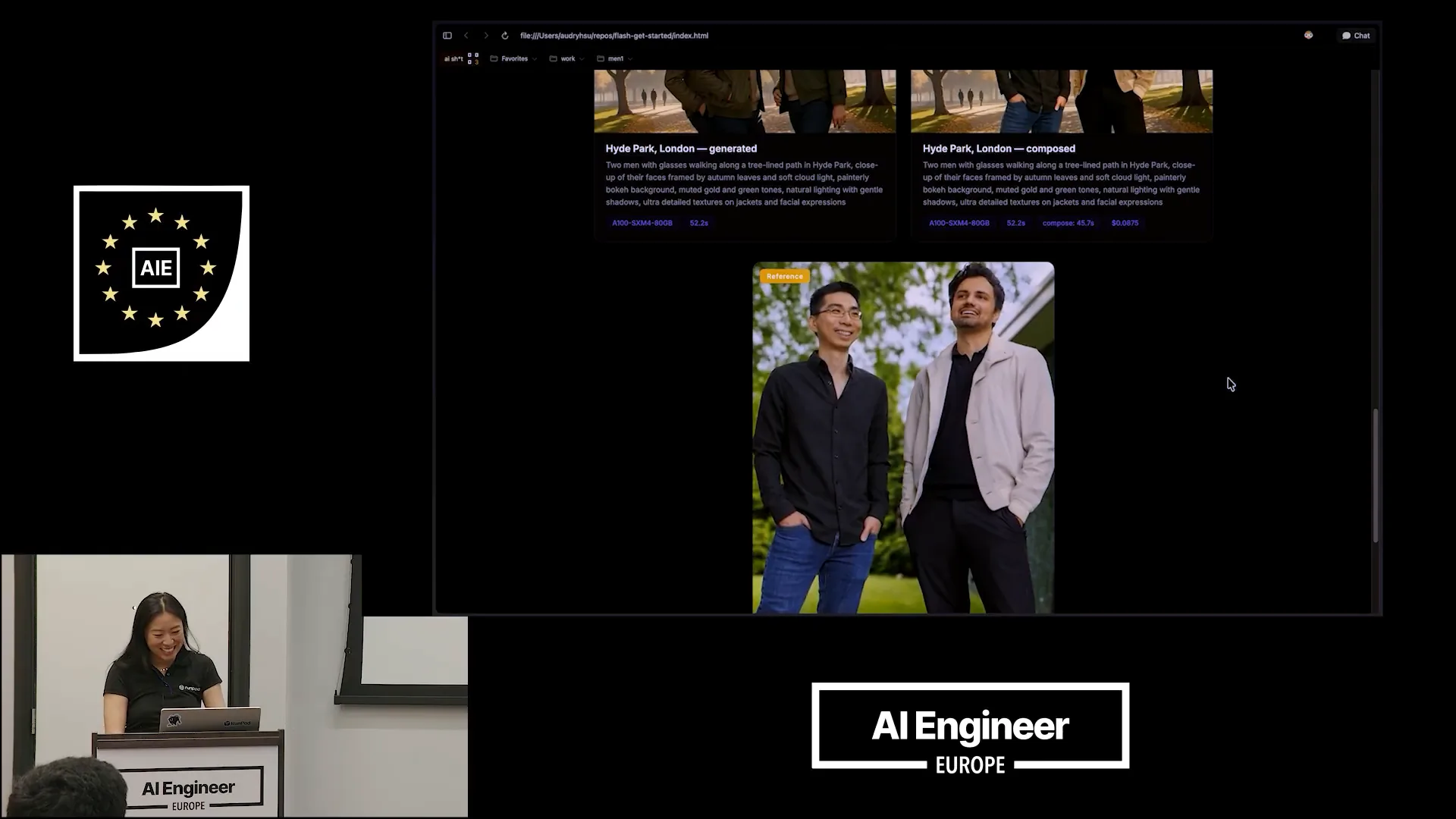 | I will scroll down to show you the reference photo that I sent. |
Slide 40 — 19:44 (watch)
 | Overall, I wanted to demonstrate how you can get started quickly. |
Slide 41 — 19:56 (watch)
 | You can start in your local development environment using open-sourced models or by bringing your own private model. This was a really enjoyable experience. Thank you all for joining me. |