49 slides extracted.
Slide 1 — 0:02 (watch)
 | Thank you. |
Slide 2 — 0:28 (watch)
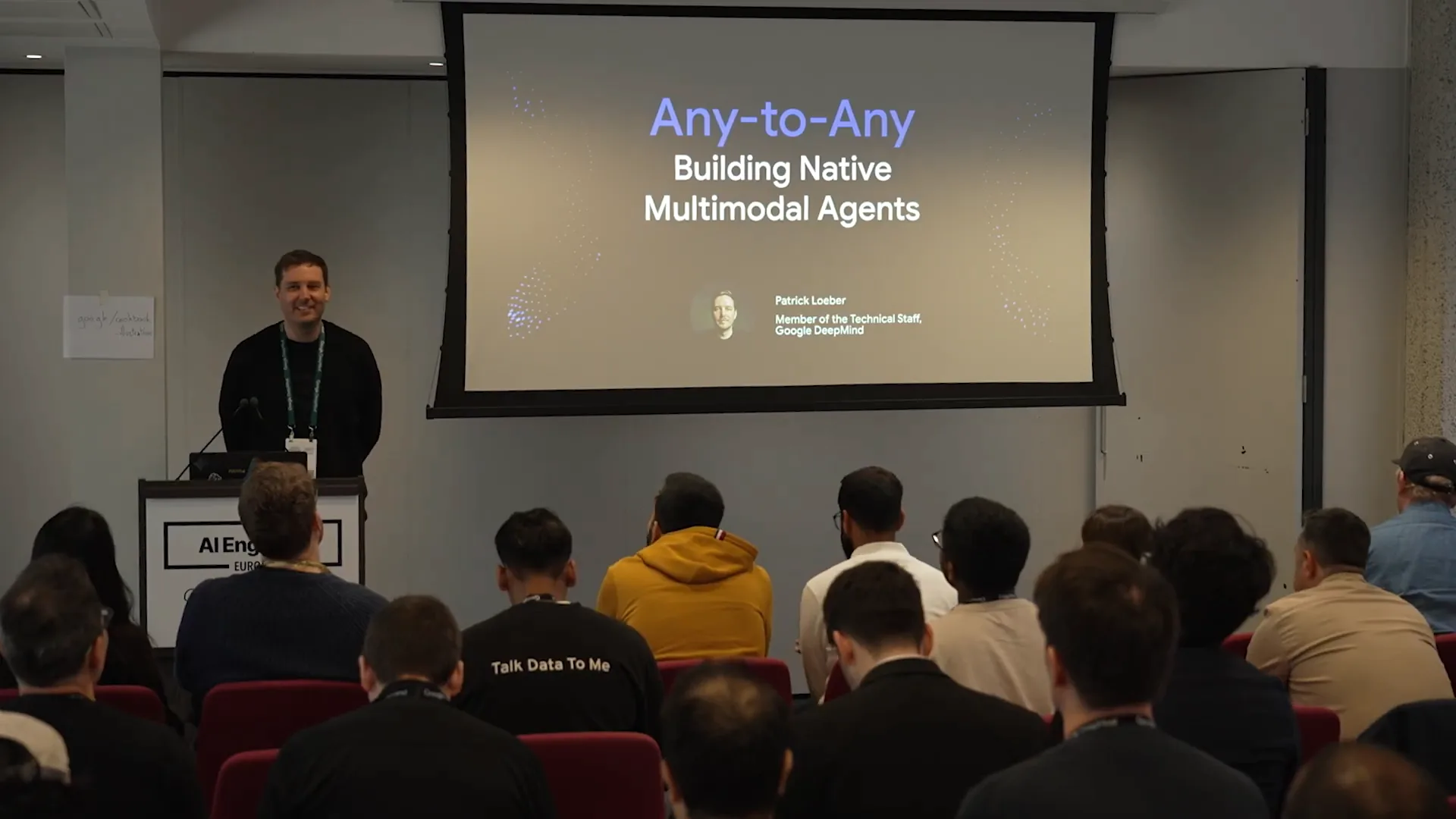 | I'm Patrick, a member of the technical staff at Google DeepMind, where I work on the Gemini API and AI Studio. Today, I will discuss any-to-any and the process of building native multimodal agents. |
Slide 3 — 0:50 (watch)
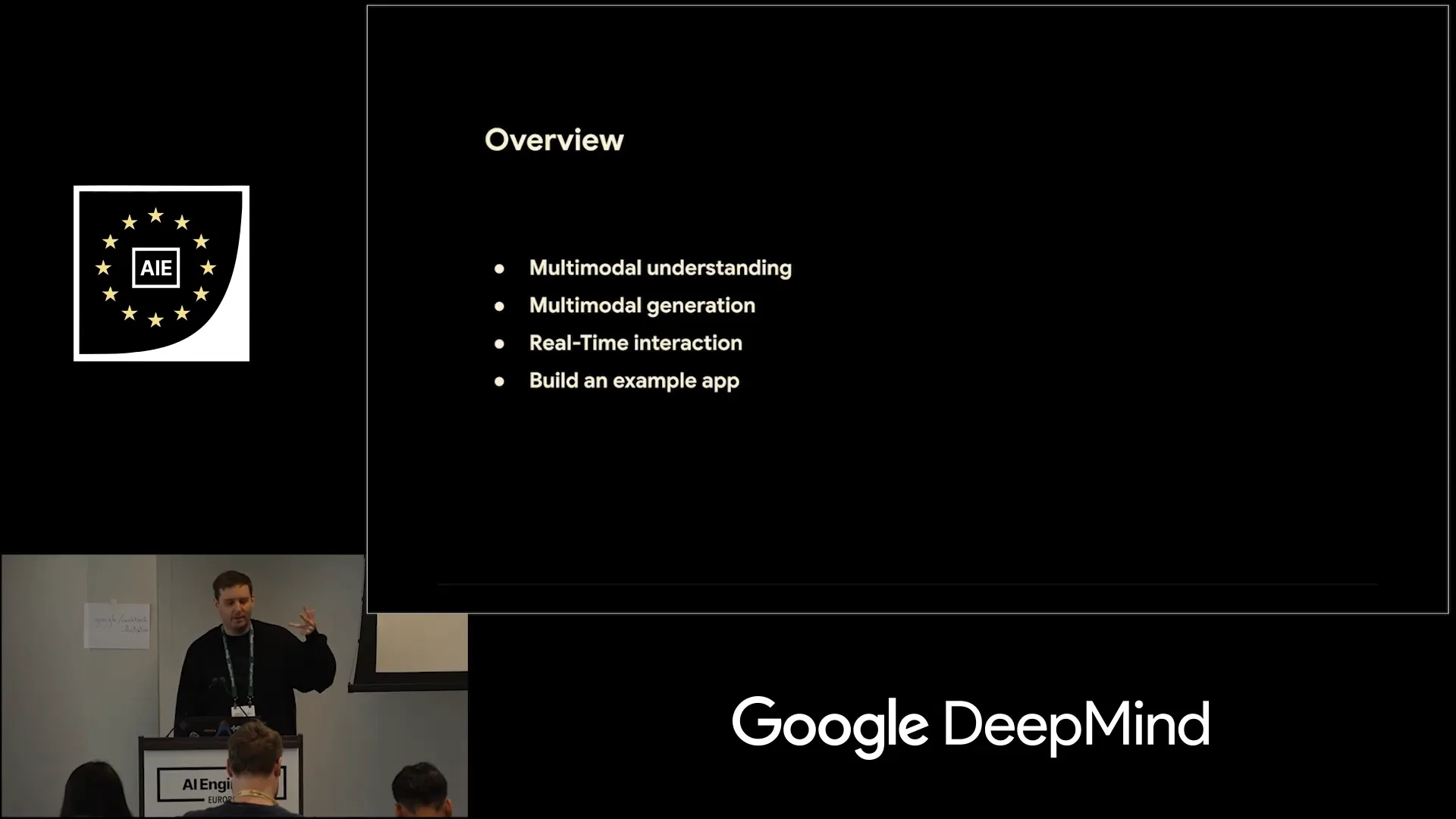 | I will discuss multimodal understanding, multimodal generation, and real-time interactions, and we will build an example app together. By the end of this session, you should be able to create a small notebook LLM clone for yourself. |
Slide 4 — 1:06 (watch)
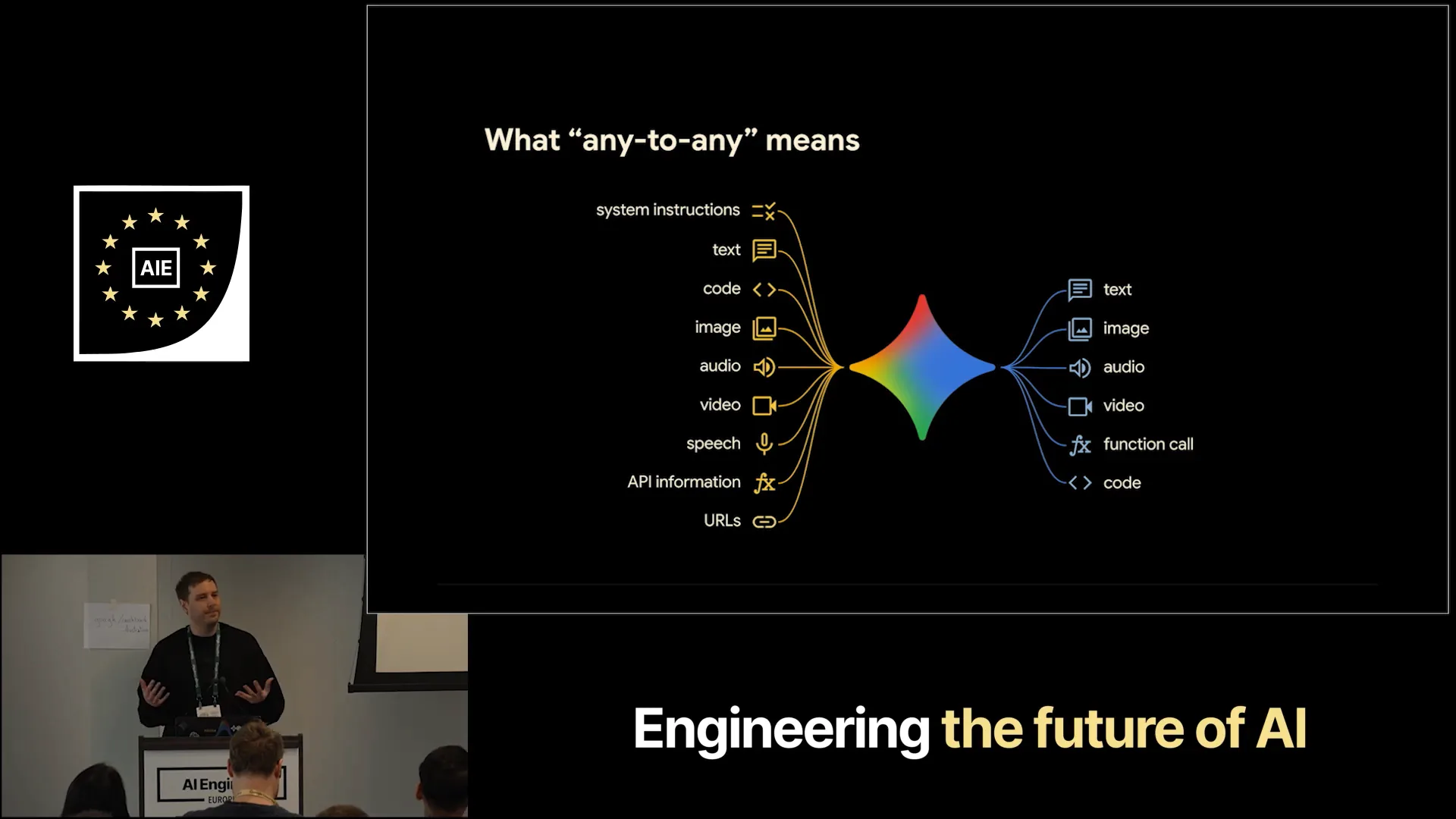 | Any-to-any refers to the capabilities of the Gemini API. It supports a wide range of use cases because Gemini understands more than just text. |
Slide 5 — 1:20 (watch)
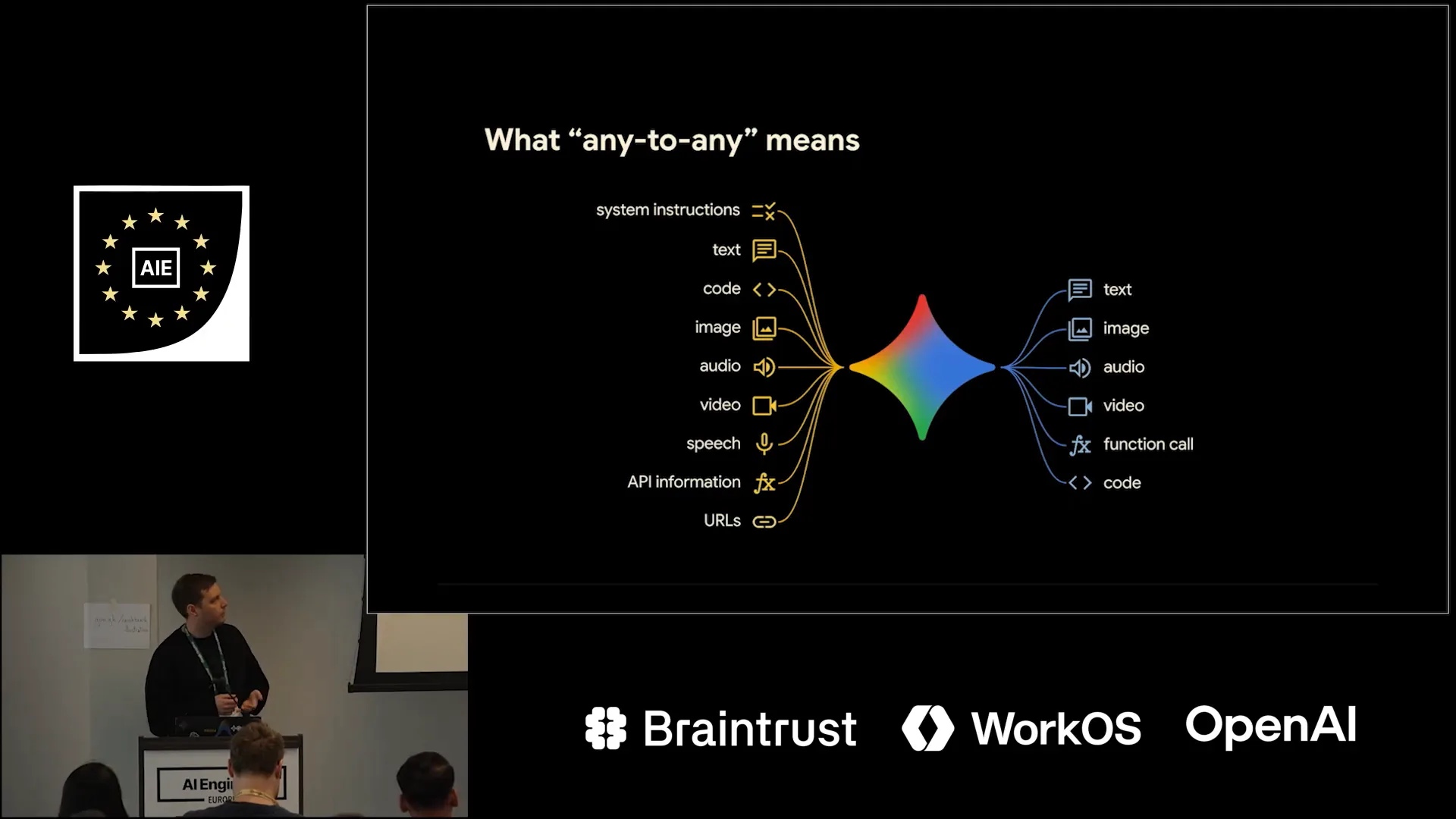 | Gemini is natively multimodal, allowing you to input code, images, audio, video, URLs, and even Google Search. It can generate not only text but also images, speech, videos, function calls, and code. |
Slide 6 — 1:34 (watch)
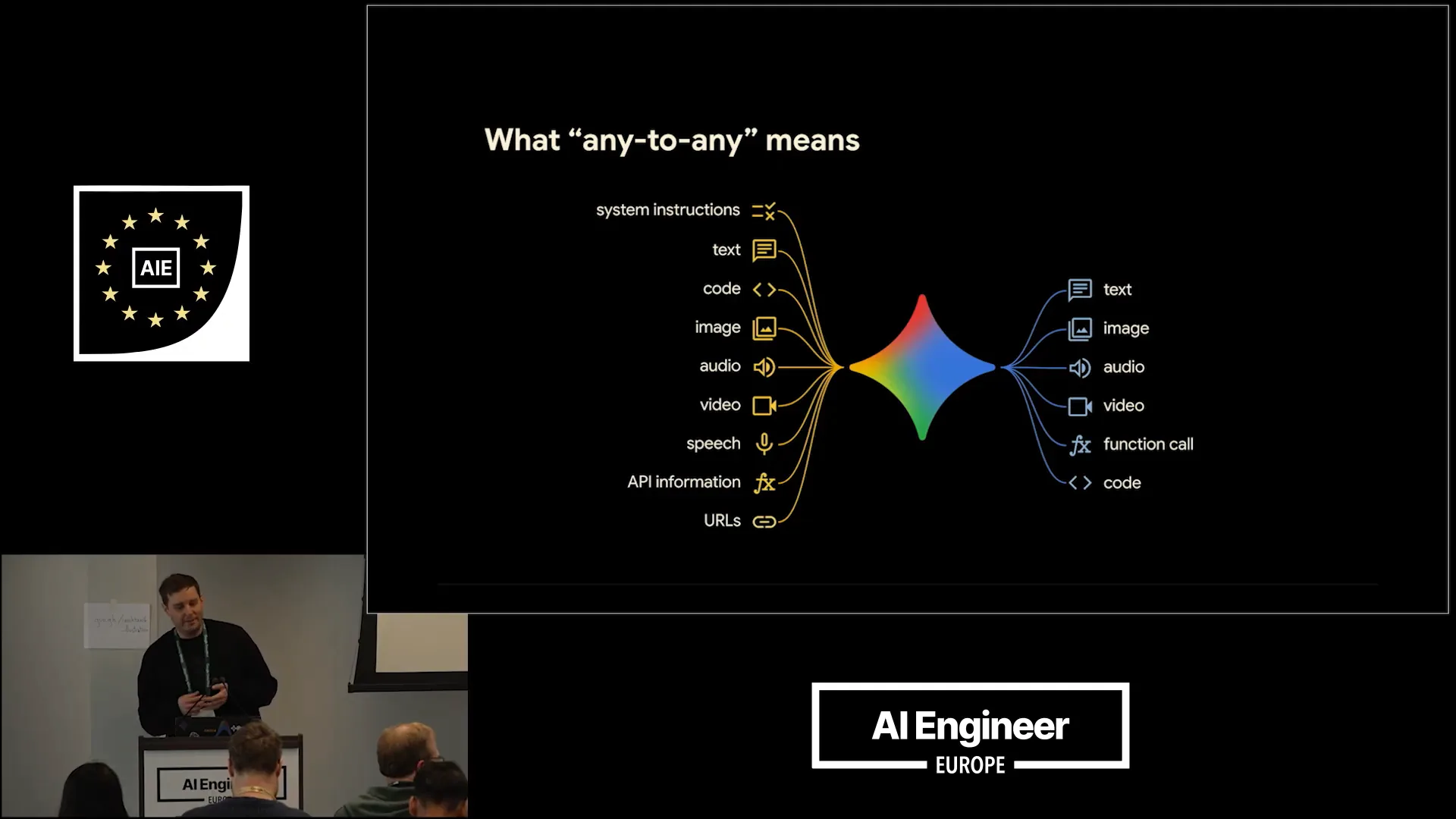 | This enables a wide range of exciting capabilities. |
Slide 7 — 1:44 (watch)
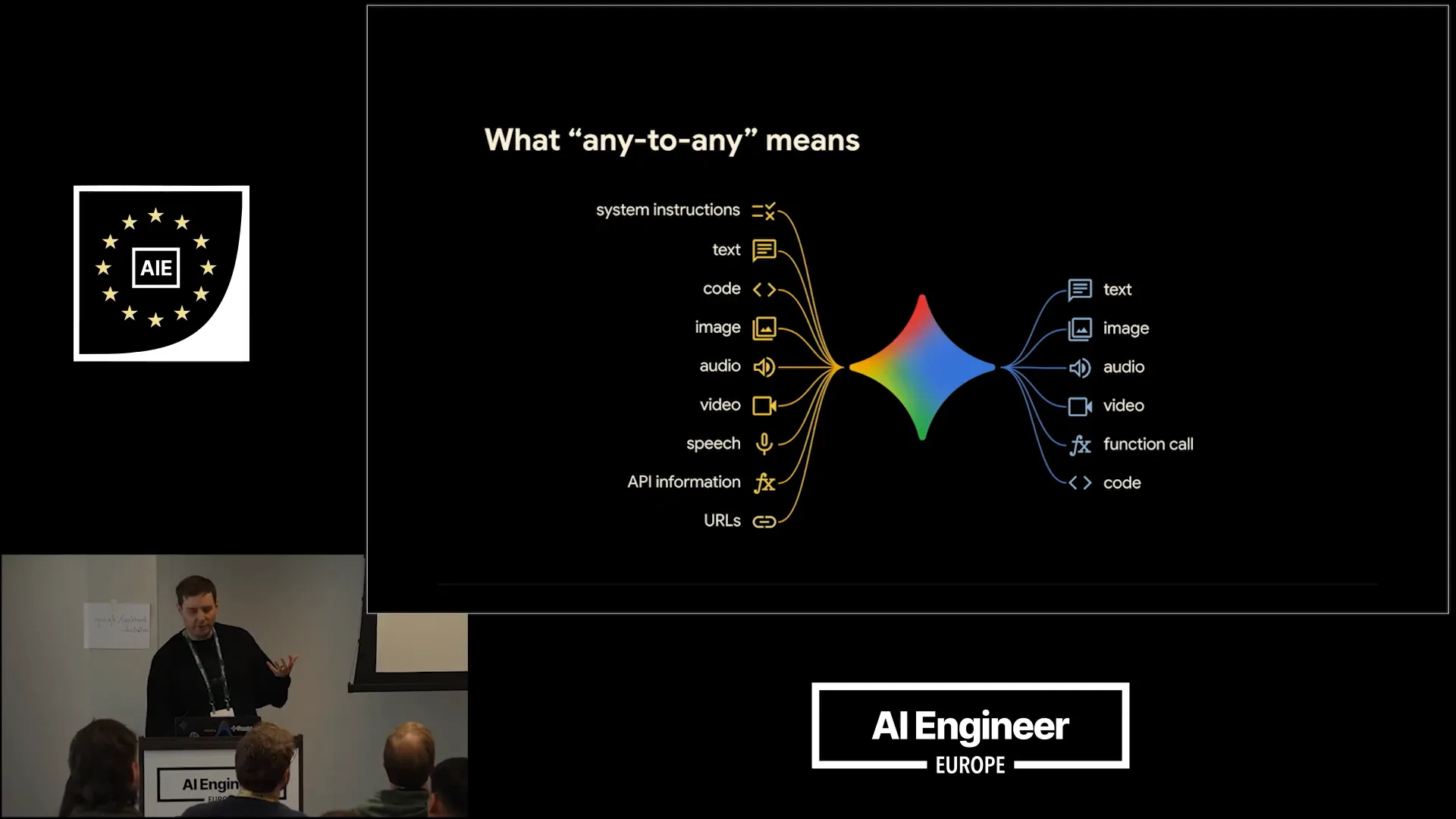 | This slide may give the wrong impression; there are still different models in use. |
Slide 8 — 2:12 (watch)
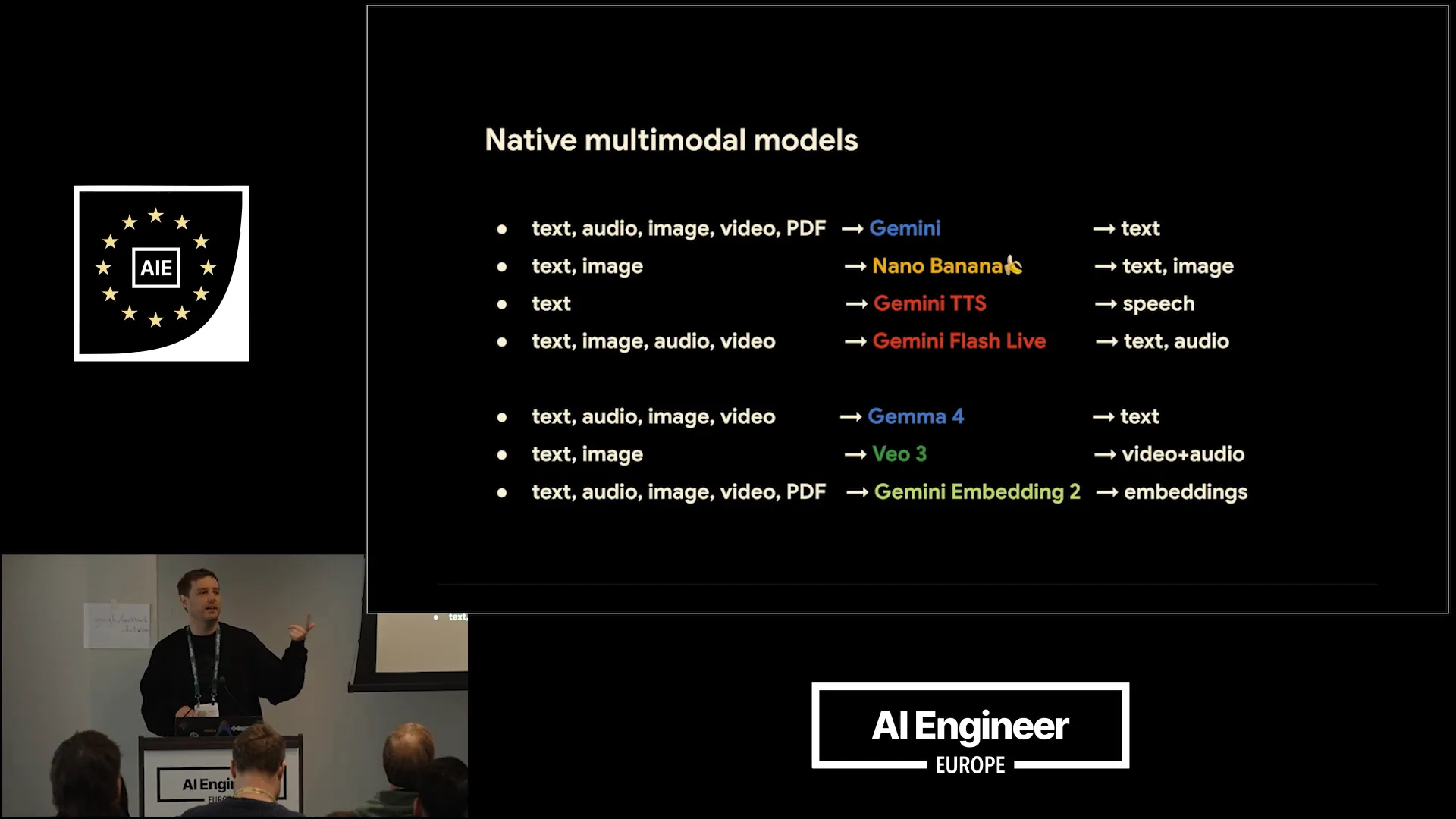 | We do not yet have a single multimodal model. At Google DeepMind, we envision integrating more generative capabilities into Gemini. Currently, the main model is Gemini 3, which can understand multiple modalities but only outputs text. We also have specialized native generation models, such as NanoBanana for native image generation and speech generation based on the main Gemini model. Additionally, Gemma supports text, image, and video input, while the smaller models also accept audio inputs, allowing for the development of multimodal agents locally. |
Slide 9 — 2:48 (watch)
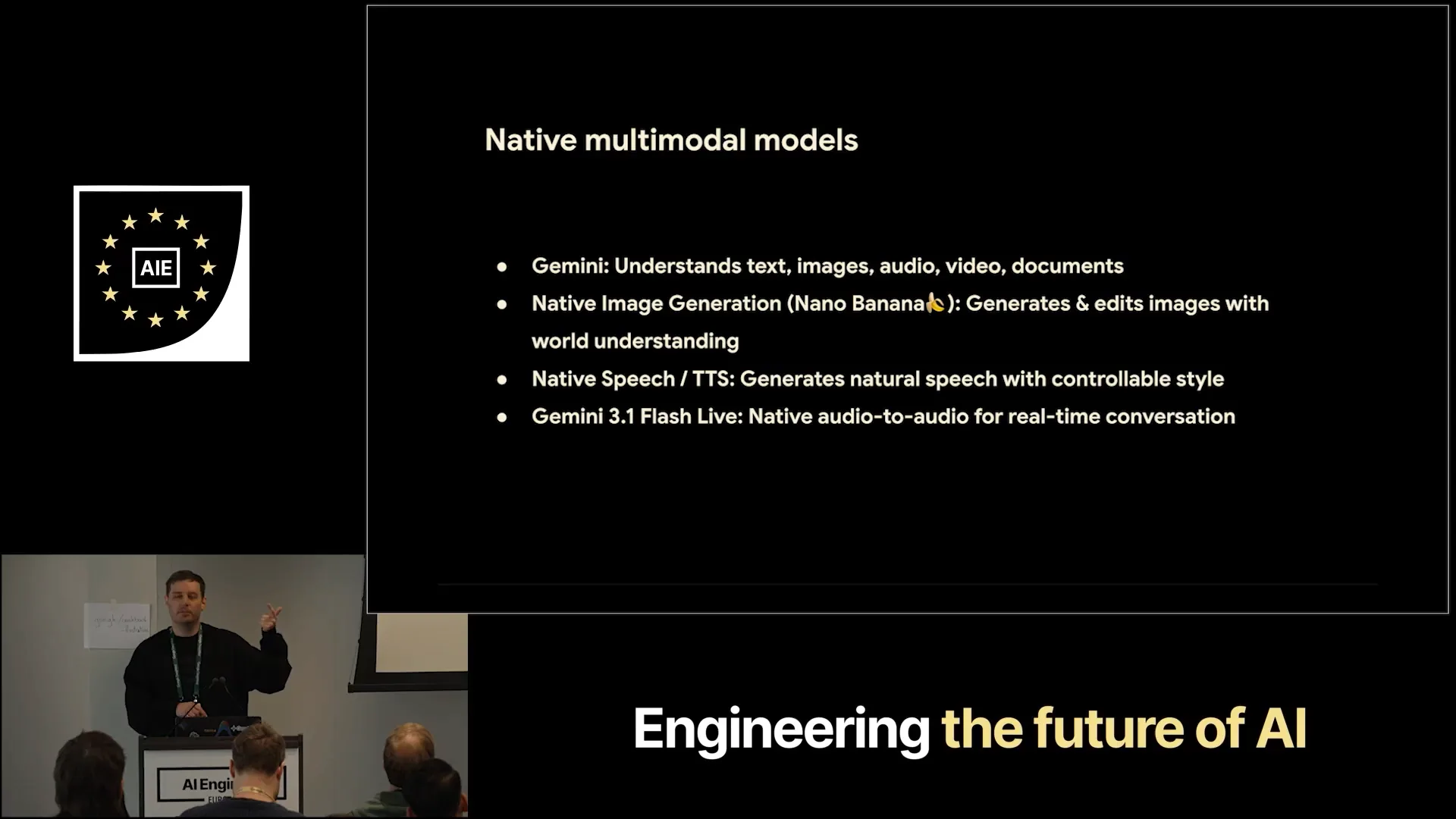 | I want to focus on four key areas: multimodal understanding with Gemini, native image generation, native speech generation, and, if time permits, a brief discussion about the Live API. |
Slide 10 — 3:08 (watch)
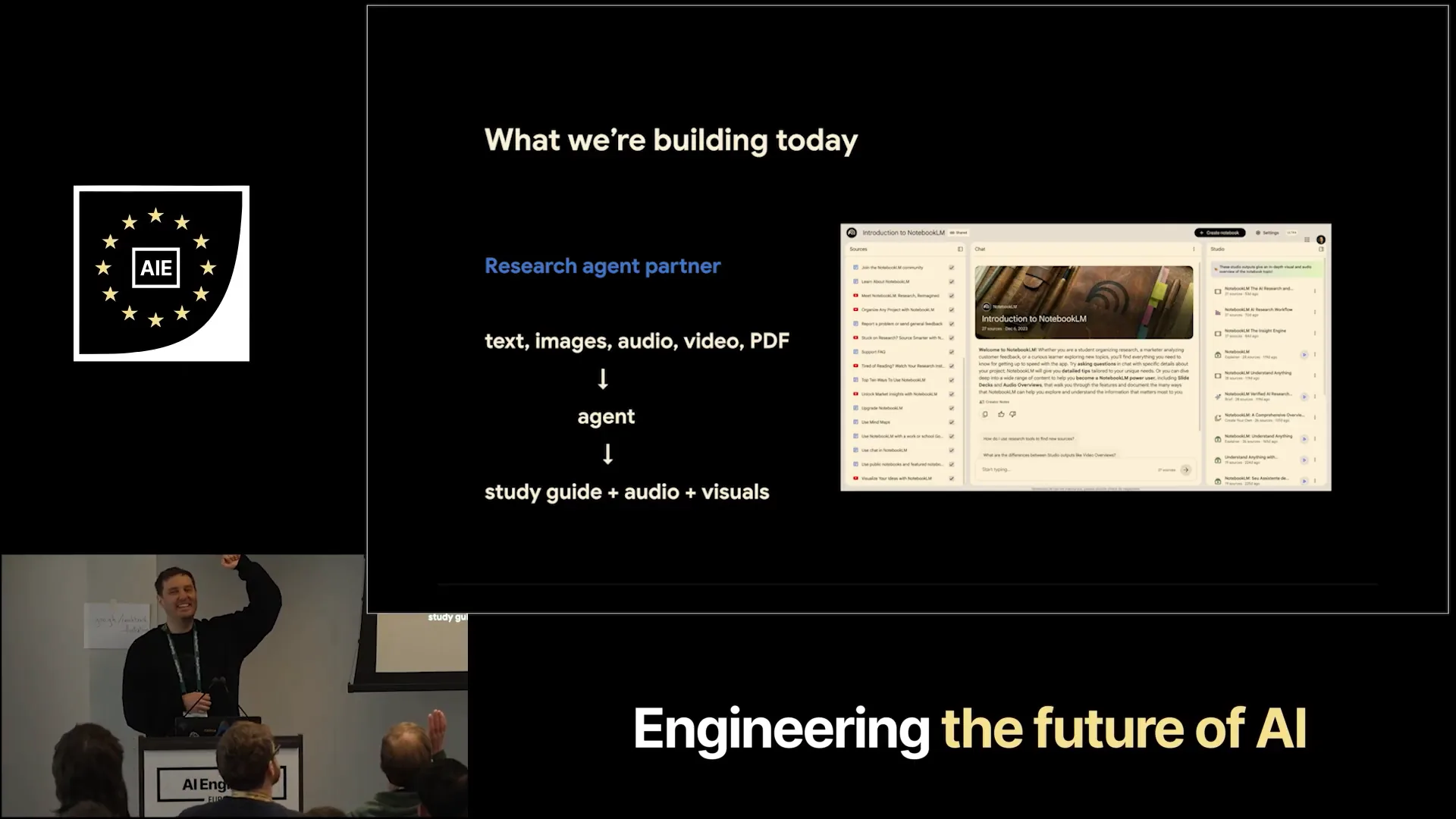 | I want to provide you with the building blocks to create a simple Notebook LM clone. Who here has used Notebook LM before? Almost everyone, so I won't go into detail. You can input various sources, and the audio overview feature is quite popular for generating podcasts that explain topics. Additionally, infographics are an interesting feature. |
Slide 11 — 3:32 (watch)
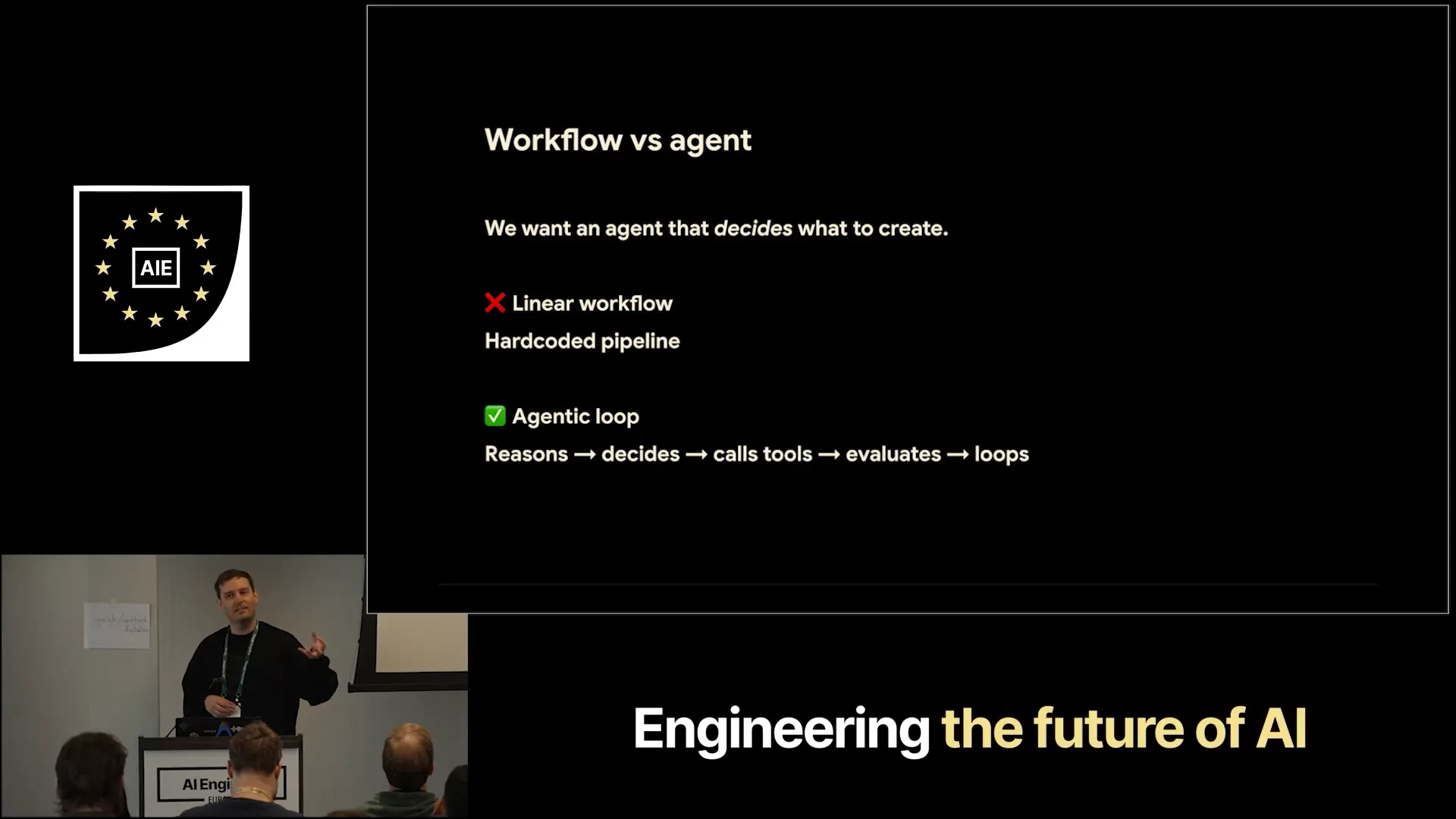 | We aim to build a similar system as an agent instead of a fixed workflow. This approach allows the agent to determine what to create rather than relying on a hard-coded pipeline. We utilize a reasoning model that can make decisions about the creation process. |
Slide 12 — 3:44 (watch)
 | It is connected through tool calls or function calls, which then invoke the other specialized models. |
Slide 13 — 4:04 (watch)
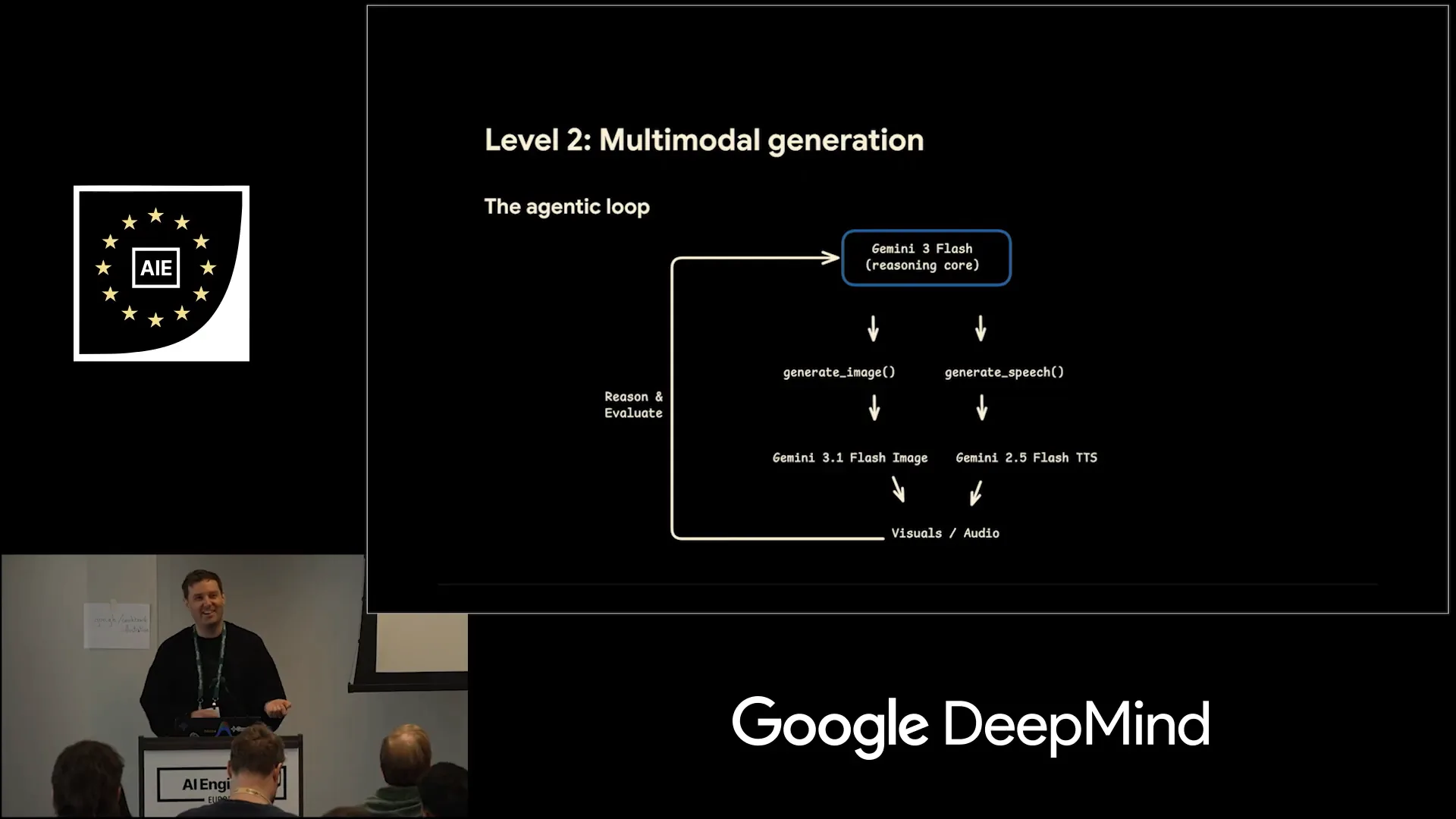
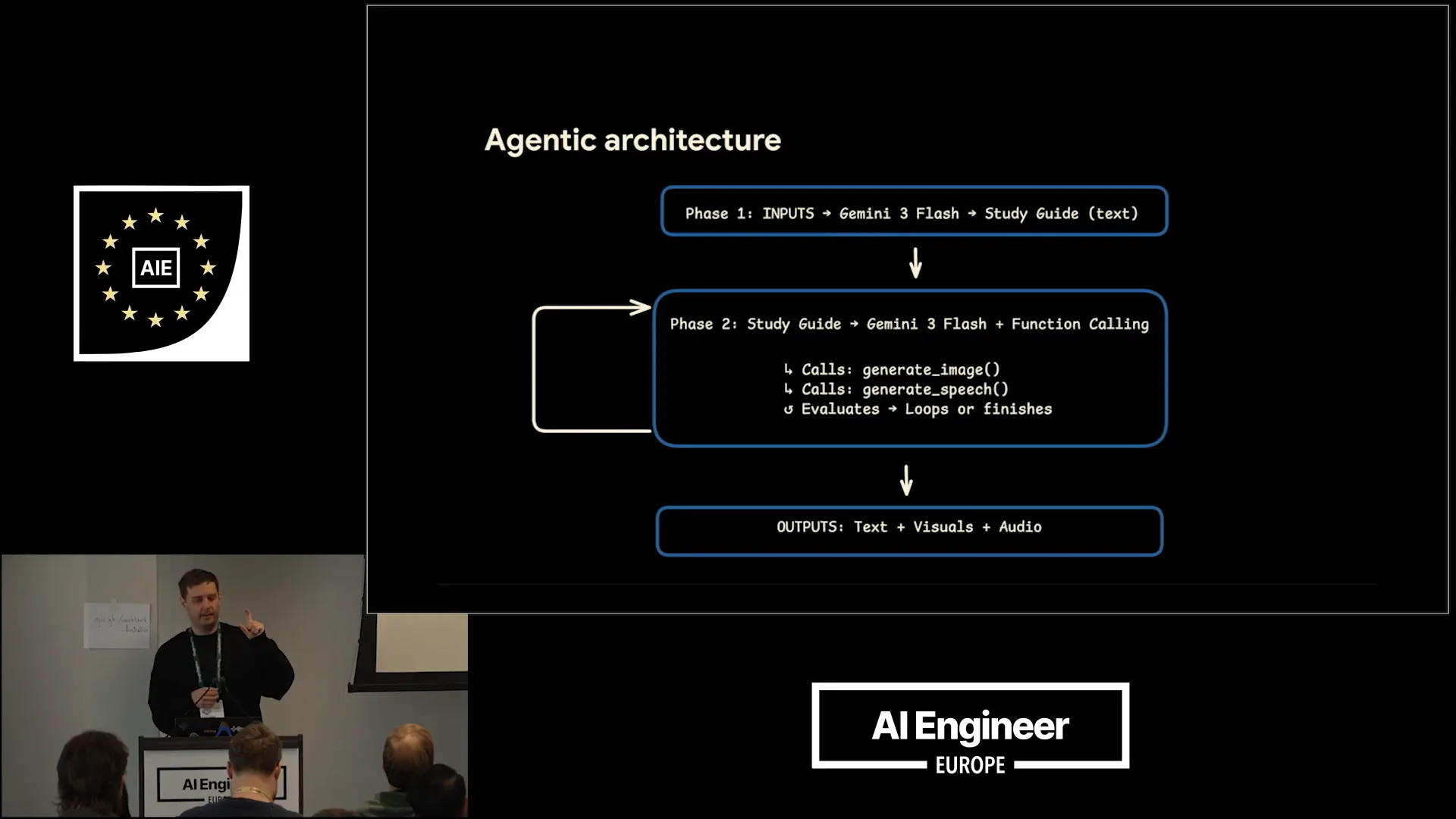 | This slide illustrates the architecture of the application. In phase one, we focus on multimodal understanding. Phase two introduces the agentic loop, utilizing Gemini as the reasoning model. This model can call various tools, generating different modalities. It operates in a loop, assessing whether additional assets are needed or if the current output is sufficient. Ultimately, the output consists of text, speech, and infographics. |
Slide 14 — 4:30 (watch)
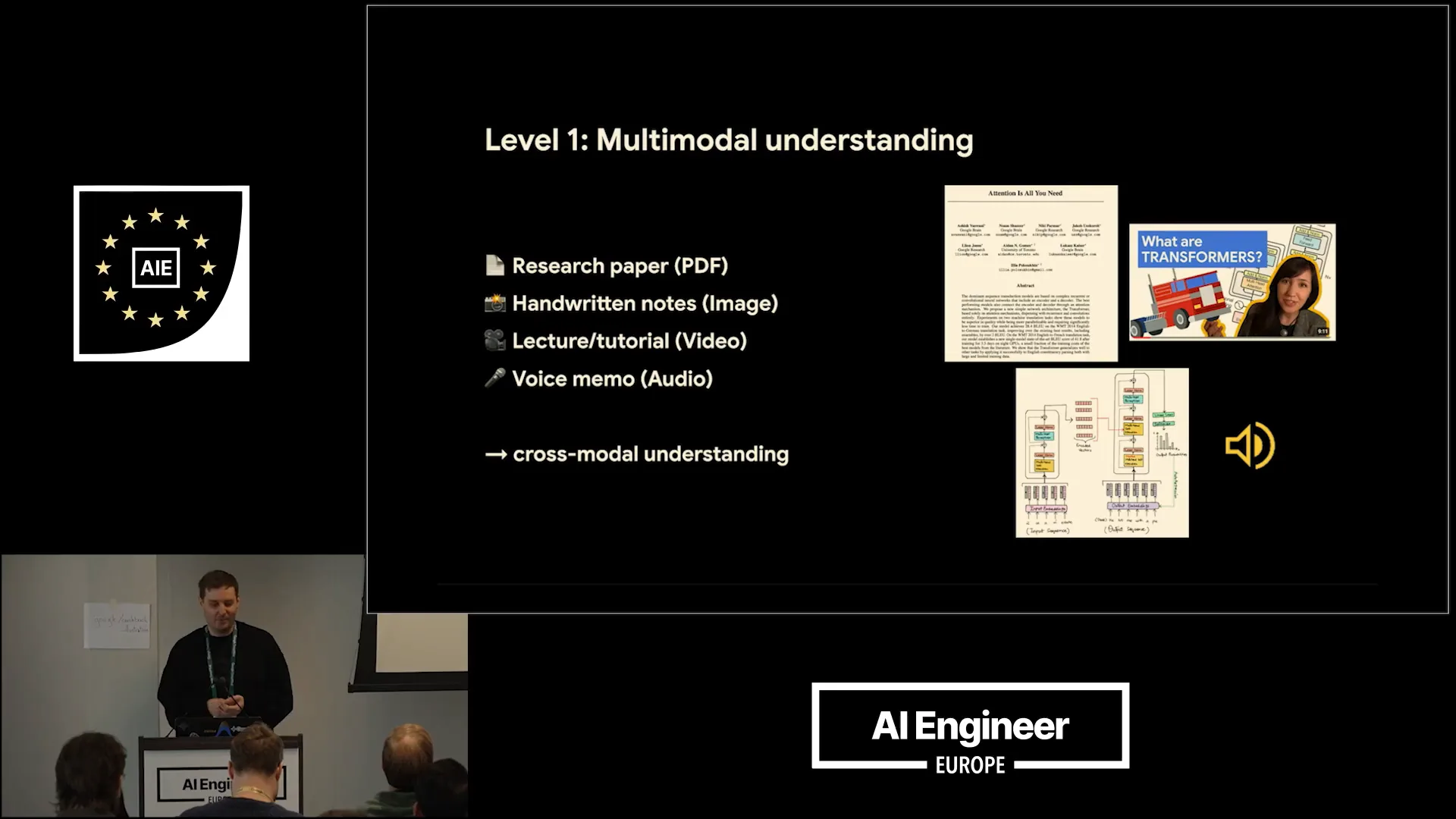 | I want to illustrate this with insights from the "Attention is All You Need" paper. We aim to input various formats such as PDFs, images, and videos, which could be lectures or tutorials, as well as voice memos. |
Slide 15 — 4:46 (watch)
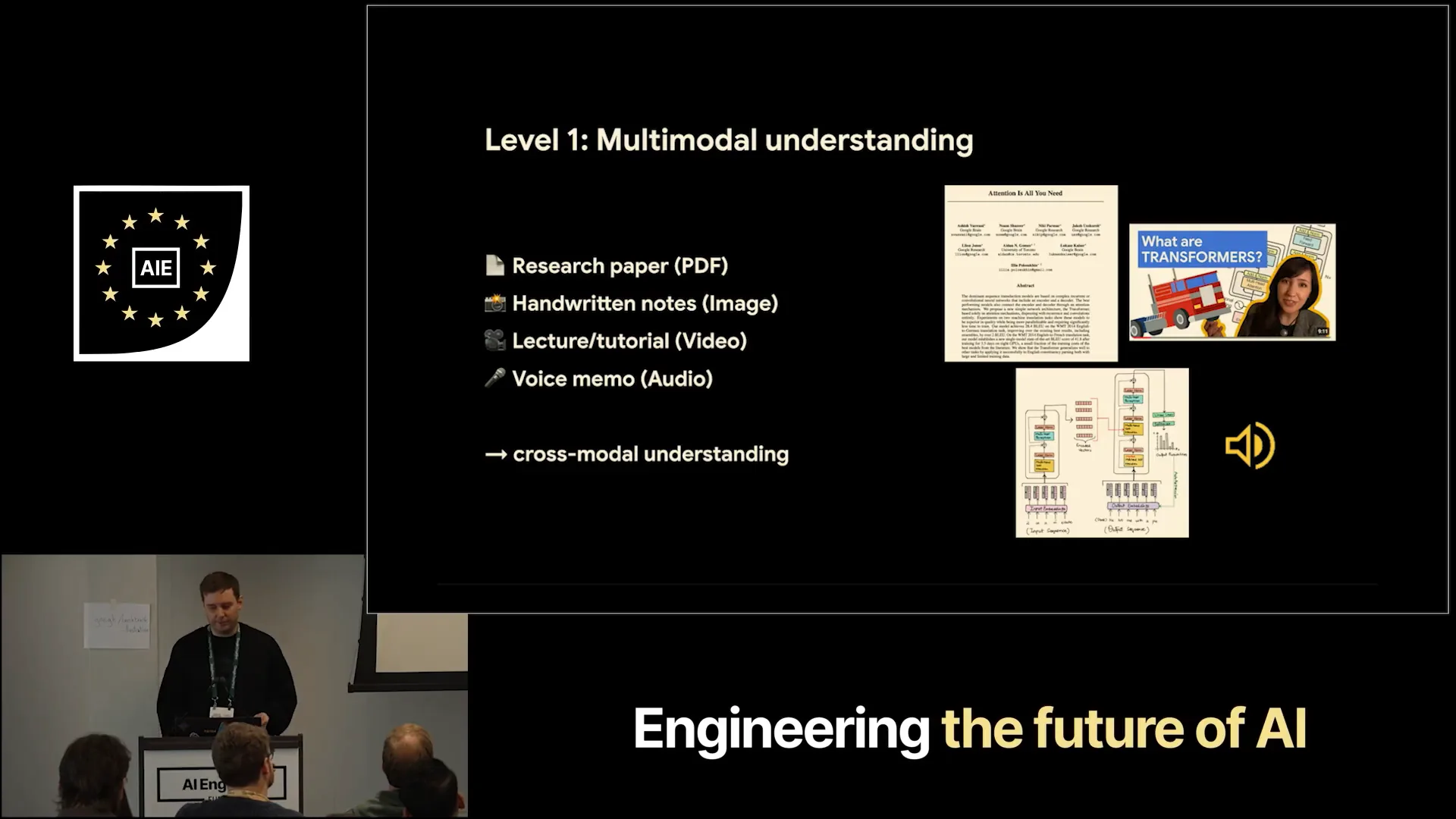 | Ideally, we want cross-modal understanding, allowing the model to draw information from various sources and make connections. |
Slide 16 — 5:16 (watch)
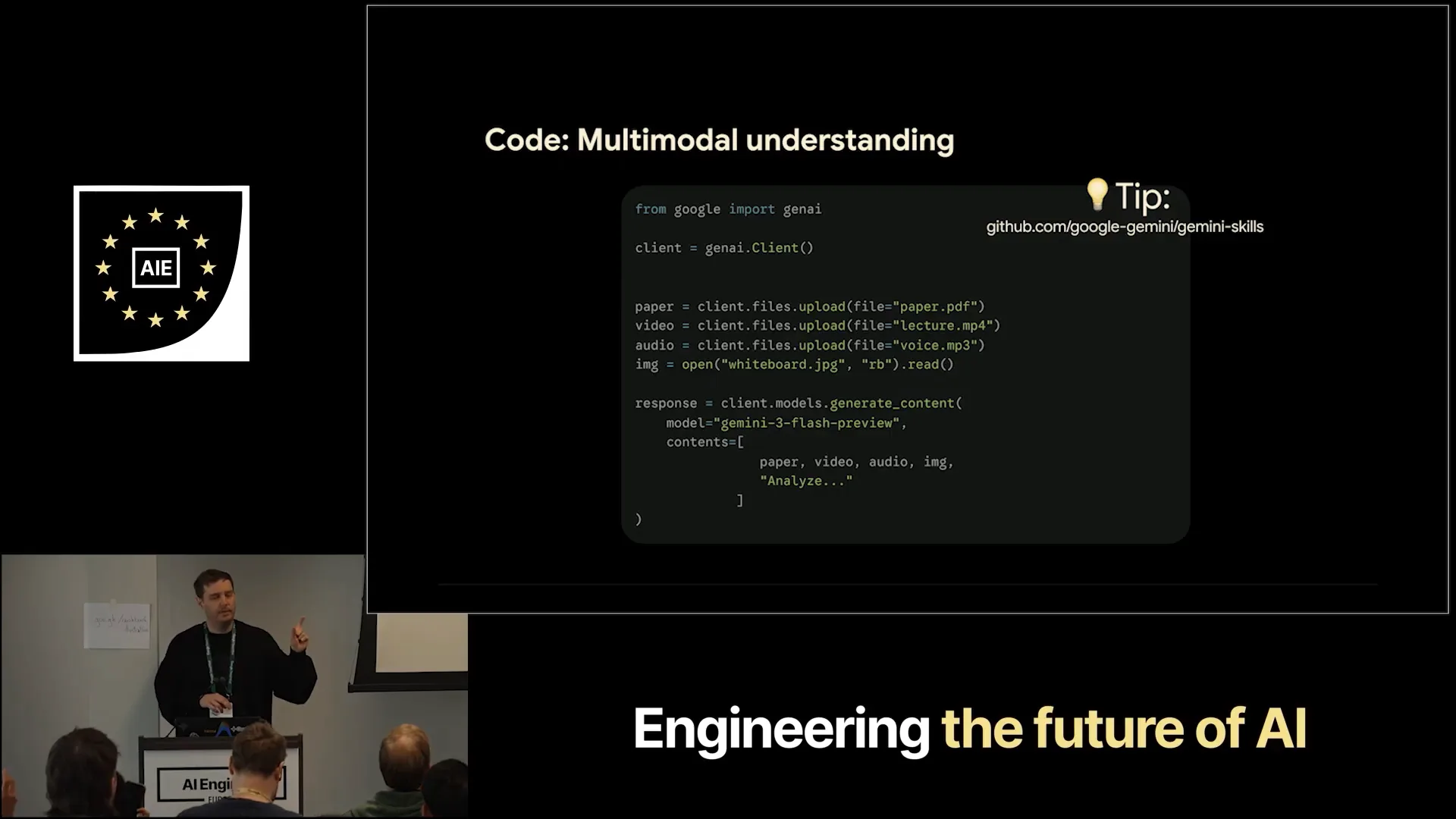 | It's actually very easy to achieve cross-modal understanding with Gemini. Here’s the code you need. How many of you have built with the Google Gen AI SDK before? About half the room. To set it up, first, obtain your API key for free at ai.studio. Then, install the SDK, which is available in different programming languages. You can upload various files, such as a PDF, video, and MP3 file. For smaller files, you can also use inline data. As a tip, I mentioned Gemini API skills on the right side. You don’t need to memorize this code; simply connect your agent with the Gemini skill and instruct it to create the desired output. |
Slide 17 — 5:54 (watch)
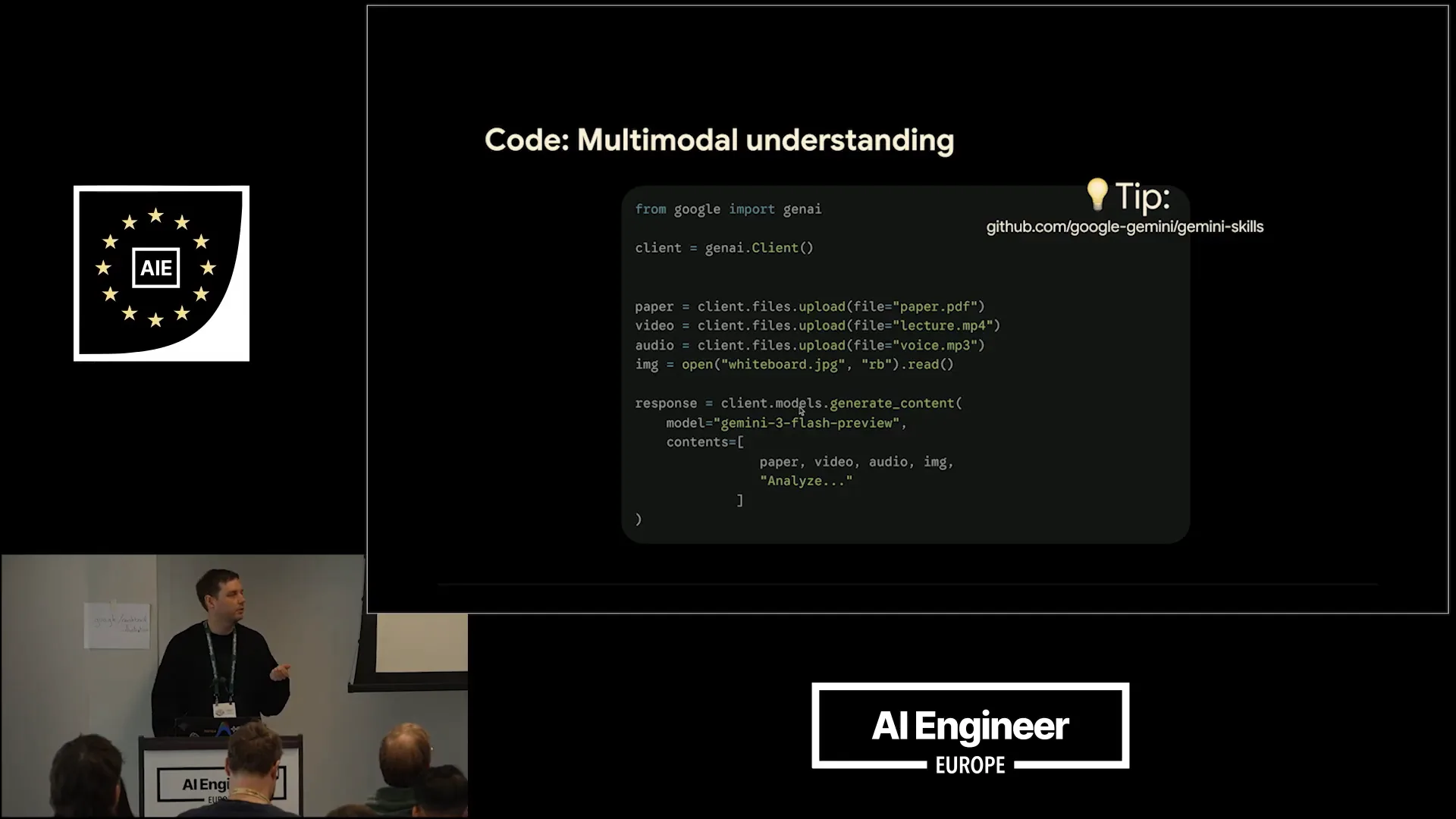 | The system should be able to work with the Gemini models. This encompasses everything we need. We then call the client models to generate content, specifically using Gemini 3 Flash. Next, we can compile everything into the contents list and instruct it to analyze these resources, providing additional information about their contents. Finally, it should generate a summary. |
Slide 18 — 6:24 (watch)
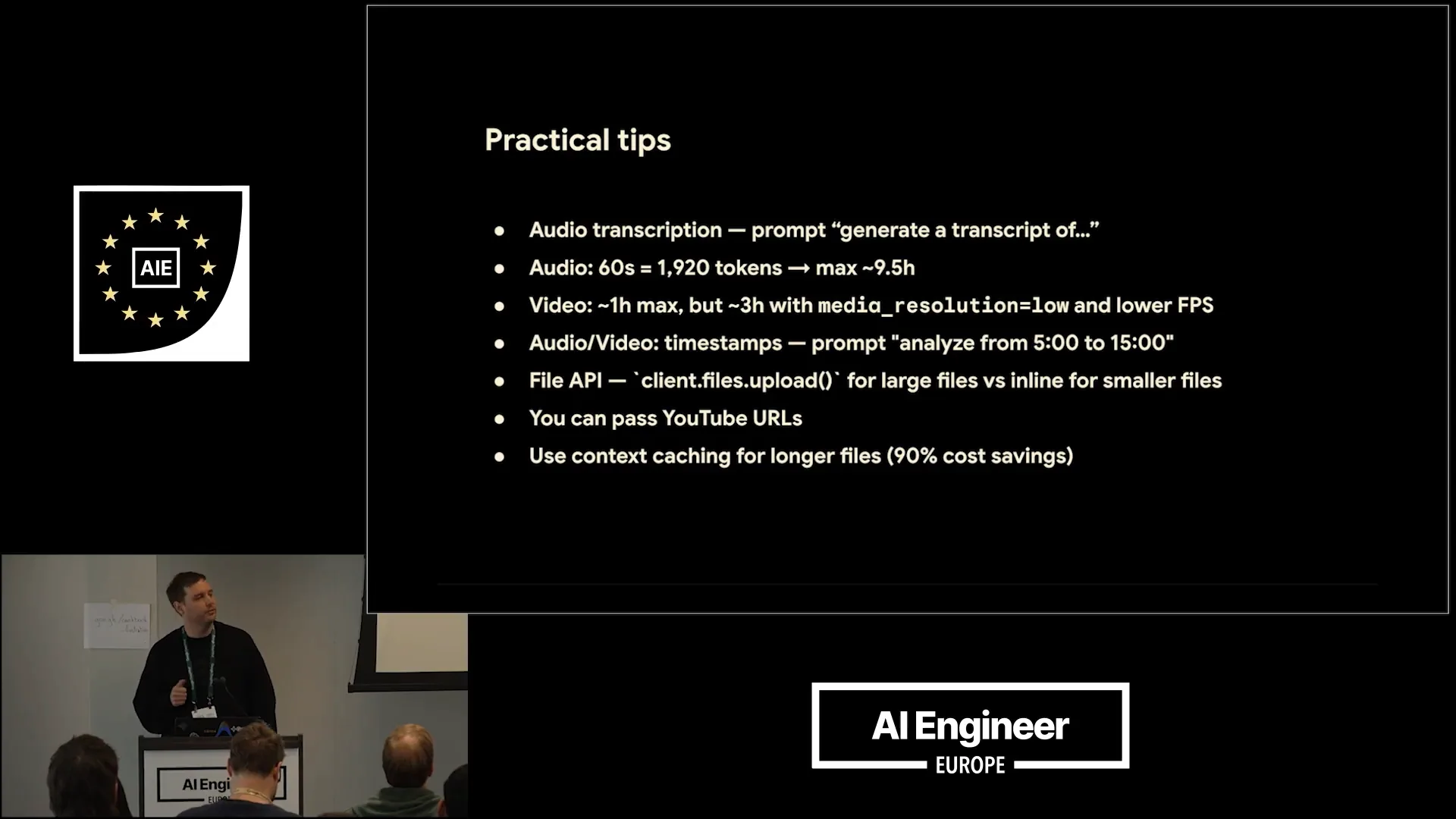 | Here are some practical tips for understanding the capabilities of Gemini. You can use it to transcribe audio, and even the smallest model, Flashlight, performs well in this regard. Simply prompt it with "generate a transcript of this file." Additionally, one minute of audio translates to 1,920 tokens, and Gemini has a token limit of one million. |
Slide 19 — 7:06 (watch)
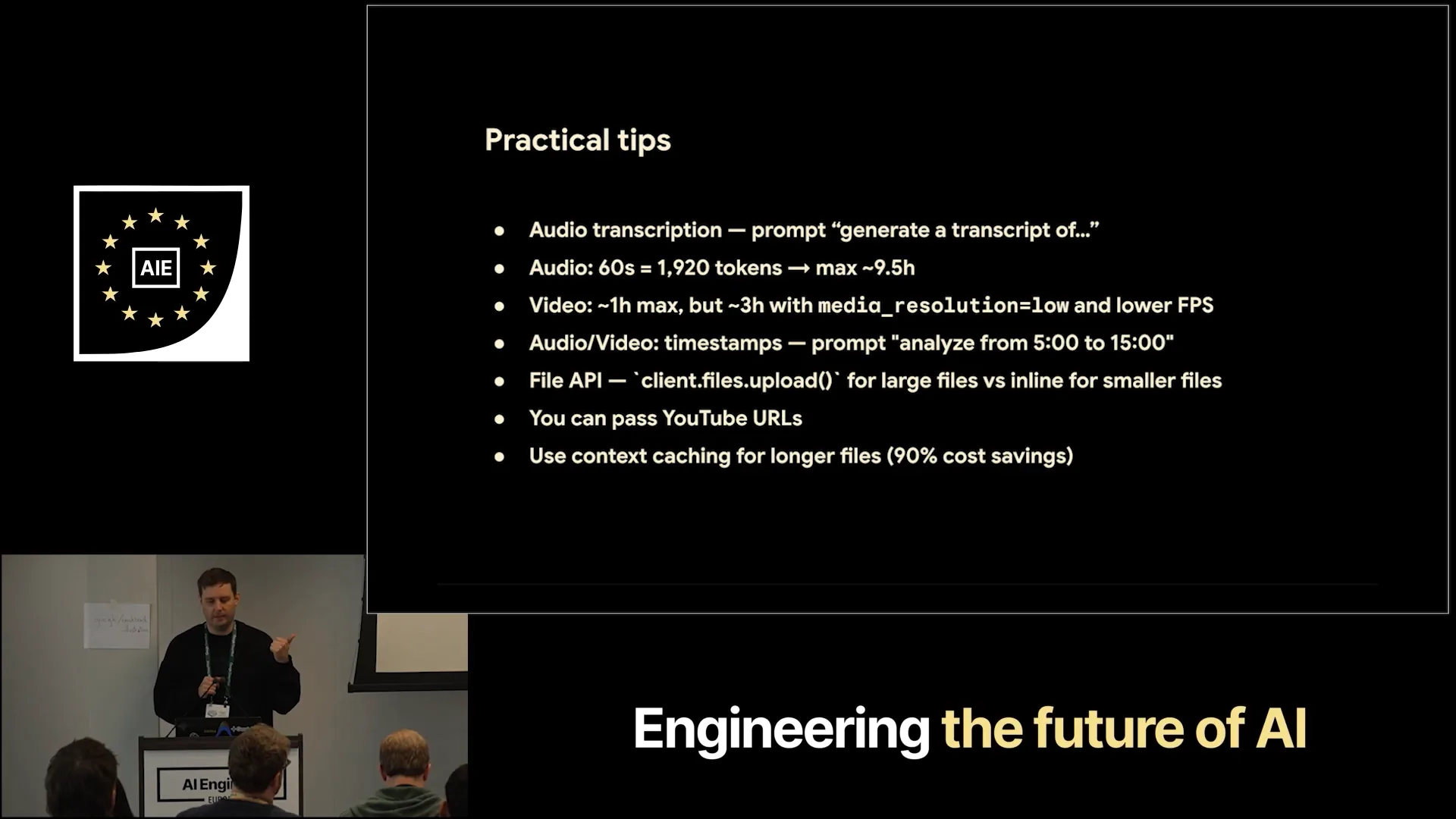 | If you do the math, this translates to more than nine hours of audio content that you can input. For video, it's roughly one hour. However, there are configurations you can adjust for more control, allowing you to analyze longer audio files by specifying different timestamps, such as from minute 5 to minute 15. Additionally, you can use the file API to easily upload larger files or pass in URLs, including YouTube URLs. It's also beneficial to combine this with context caching, which is built into the API. This feature is particularly useful when loading longer files into Gemini and performing repeated queries, as it can save you 90% of the costs. |
Slide 20 — 7:38 (watch)
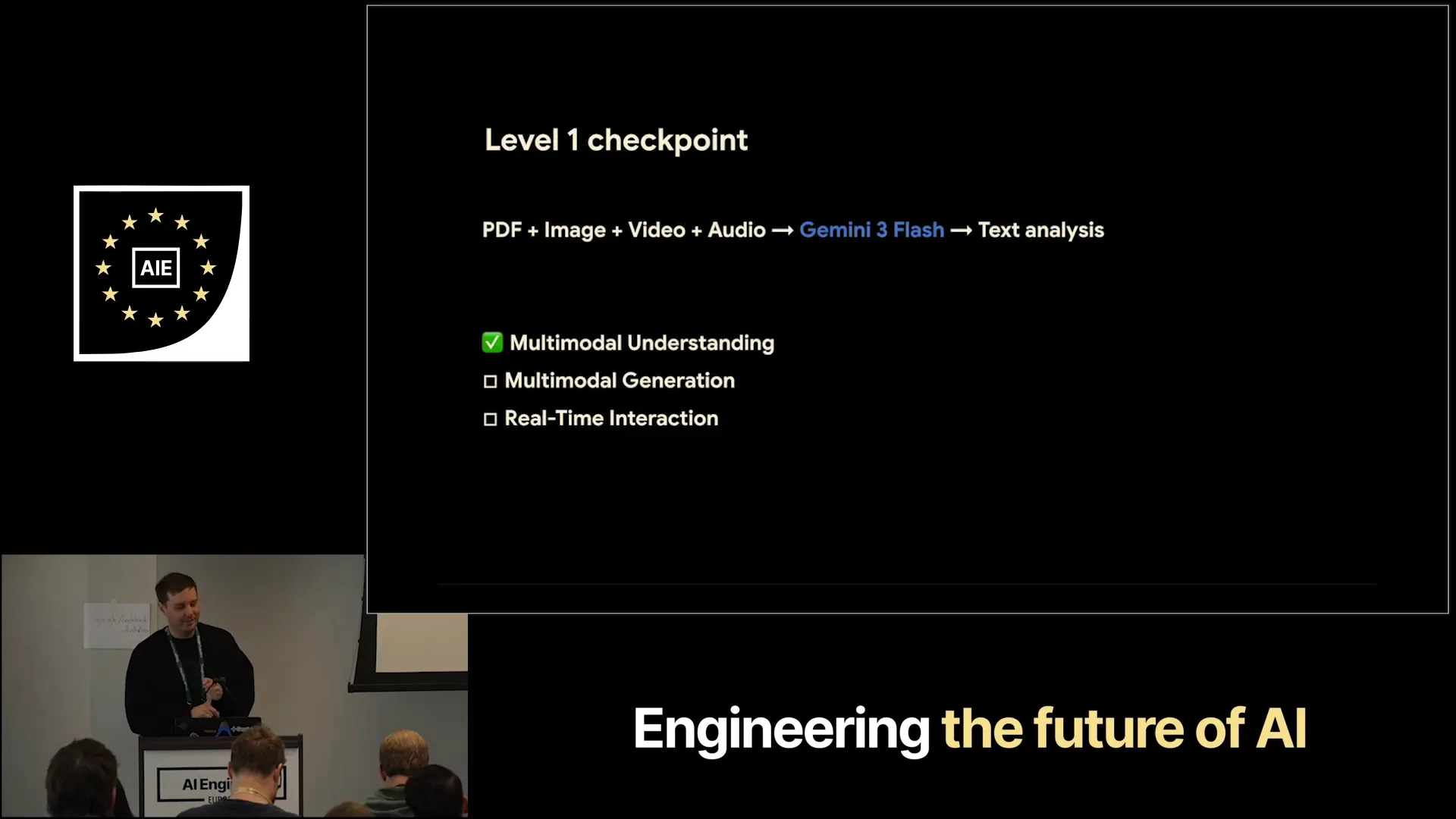 | This is multimodal understanding in a nutshell. |
Slide 21 — 7:44 (watch)
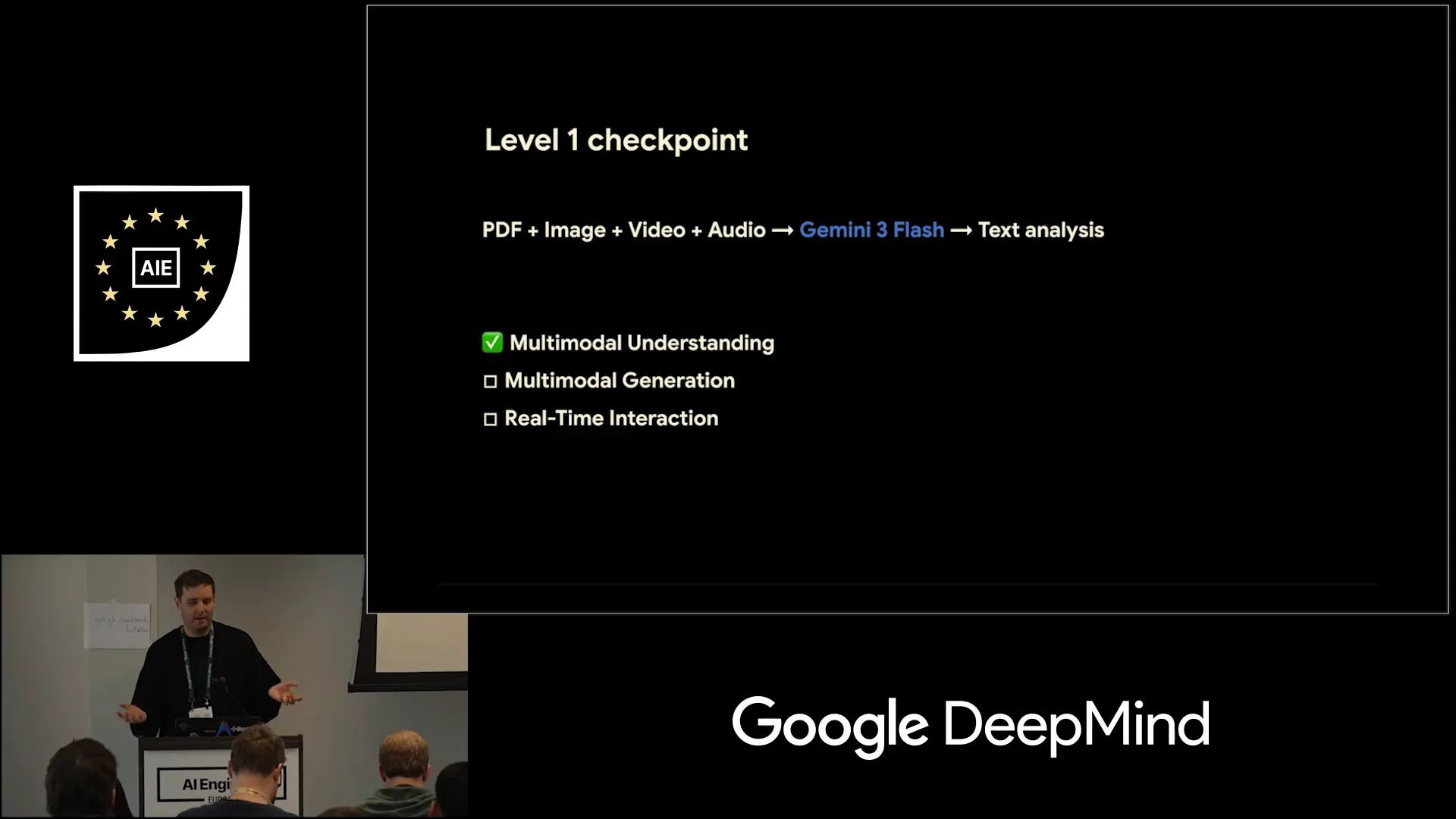 | We can now use Gemini to understand various resources and generate a summary. |
Slide 22 — 7:50 (watch)
 | The timer is not working, so I'm unsure how much time I have left. However, I believe we are still in a good position. |
Slide 23 — 8:02 (watch)
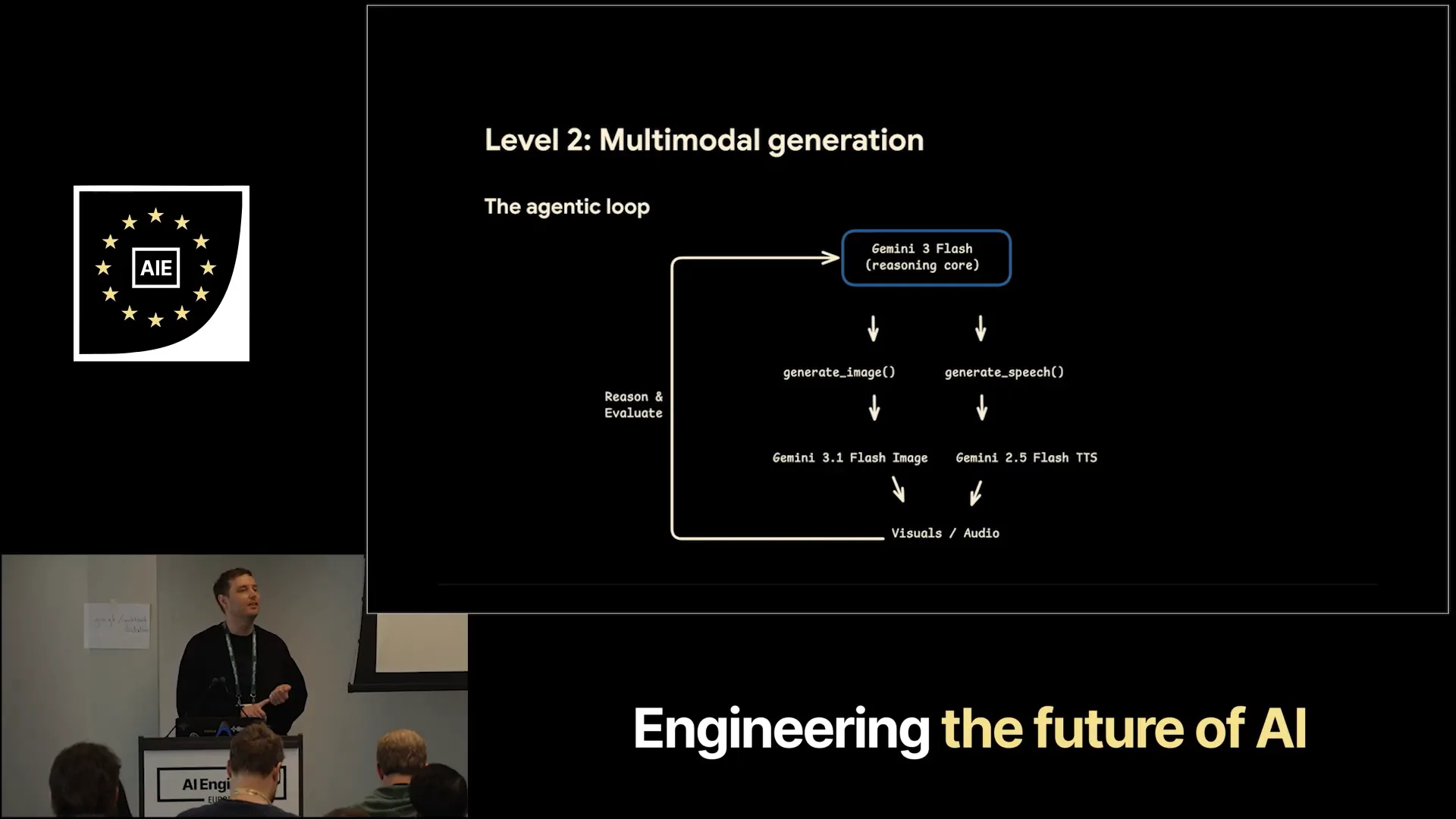 | The next phase is multimodal generation, which utilizes the agentic loop with Gemini as the core component. We integrate this with function calling. |
Slide 24 — 8:18 (watch)
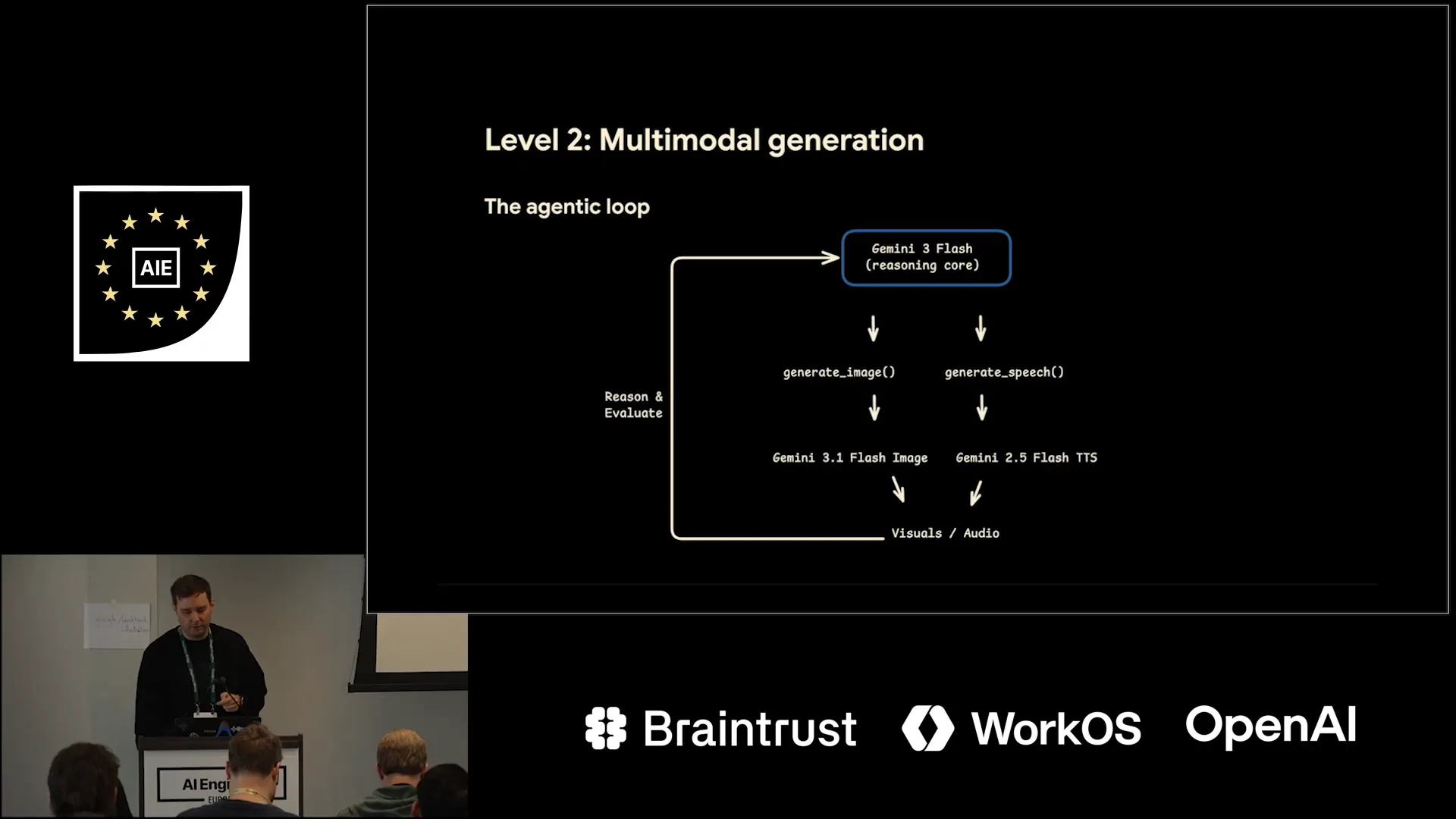 | I will show you how to do this shortly. These functions call the specialized native generation models, allowing the system to reason about whether the available assets are sufficient or if additional resources are needed. |
Slide 25 — 8:32 (watch)
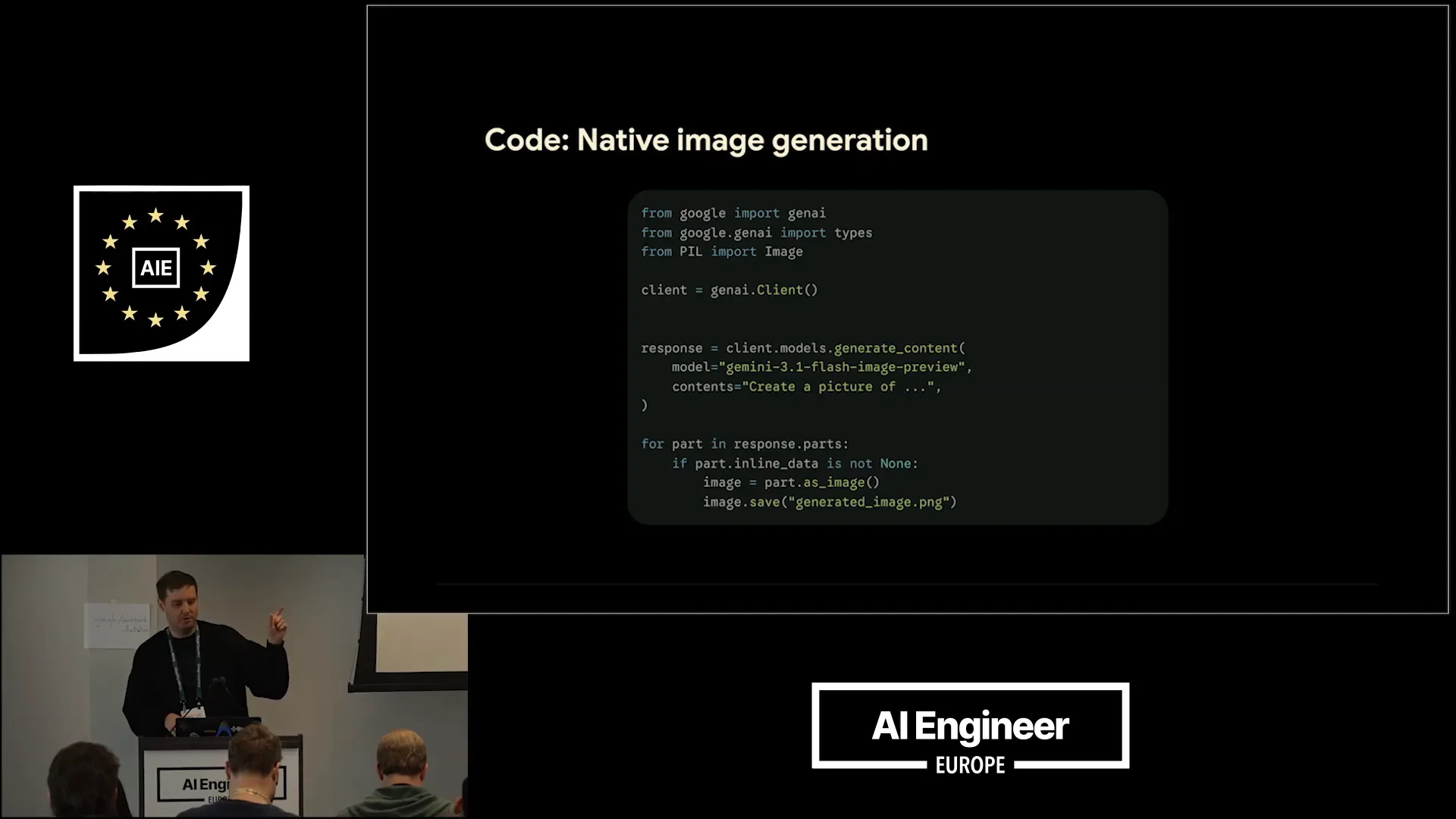 | The process for using these specialized models is similar in terms of code. Once you have the SDKs, you call the client models to generate content. In this instance, we are using Gemini 3.5 for flash image preview. |
Slide 26 — 8:44 (watch)
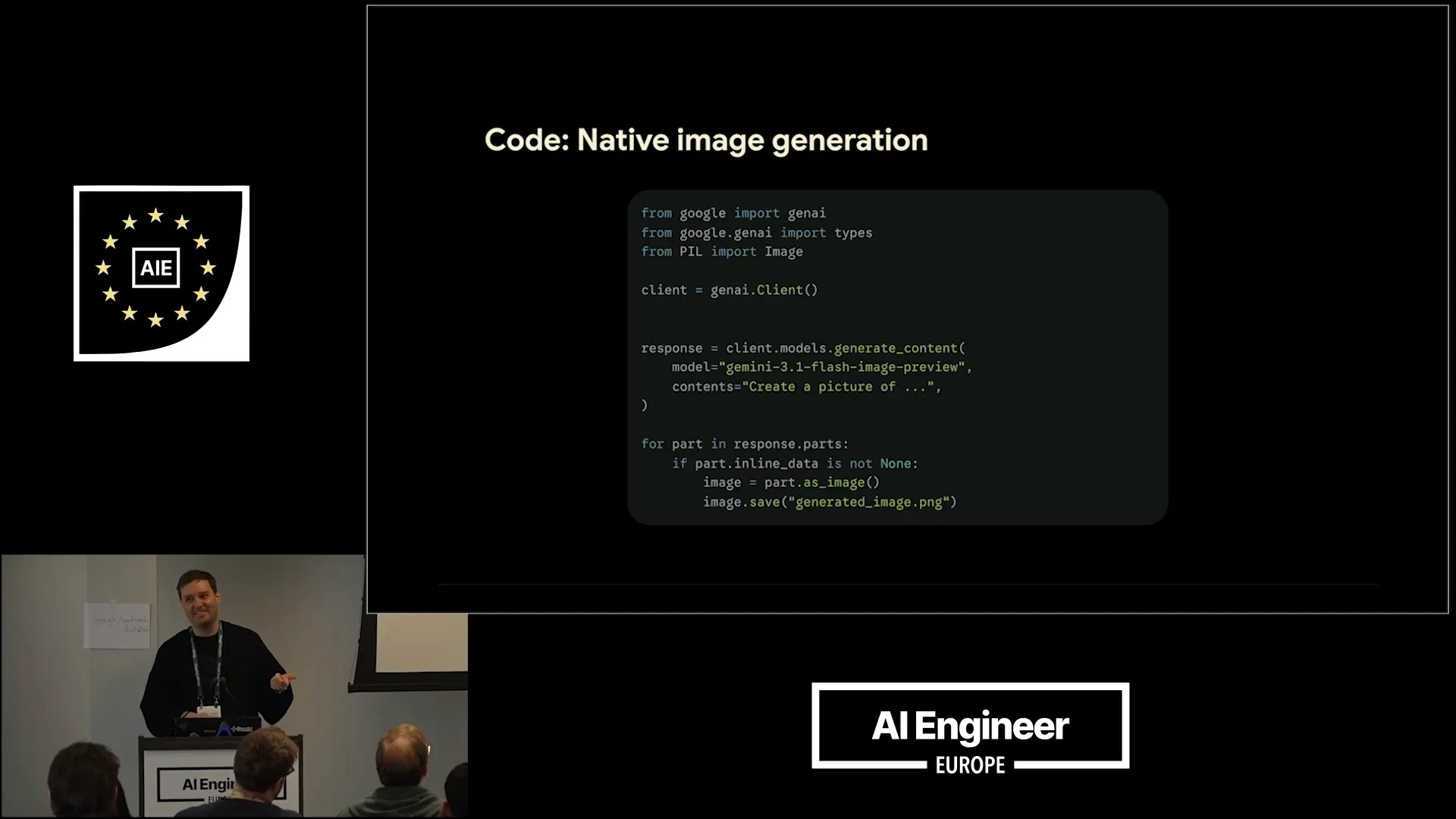 | The model we are using is NanoBanana2, which is well-known. We instruct it to create a picture. |
Slide 27 — 8:56 (watch)
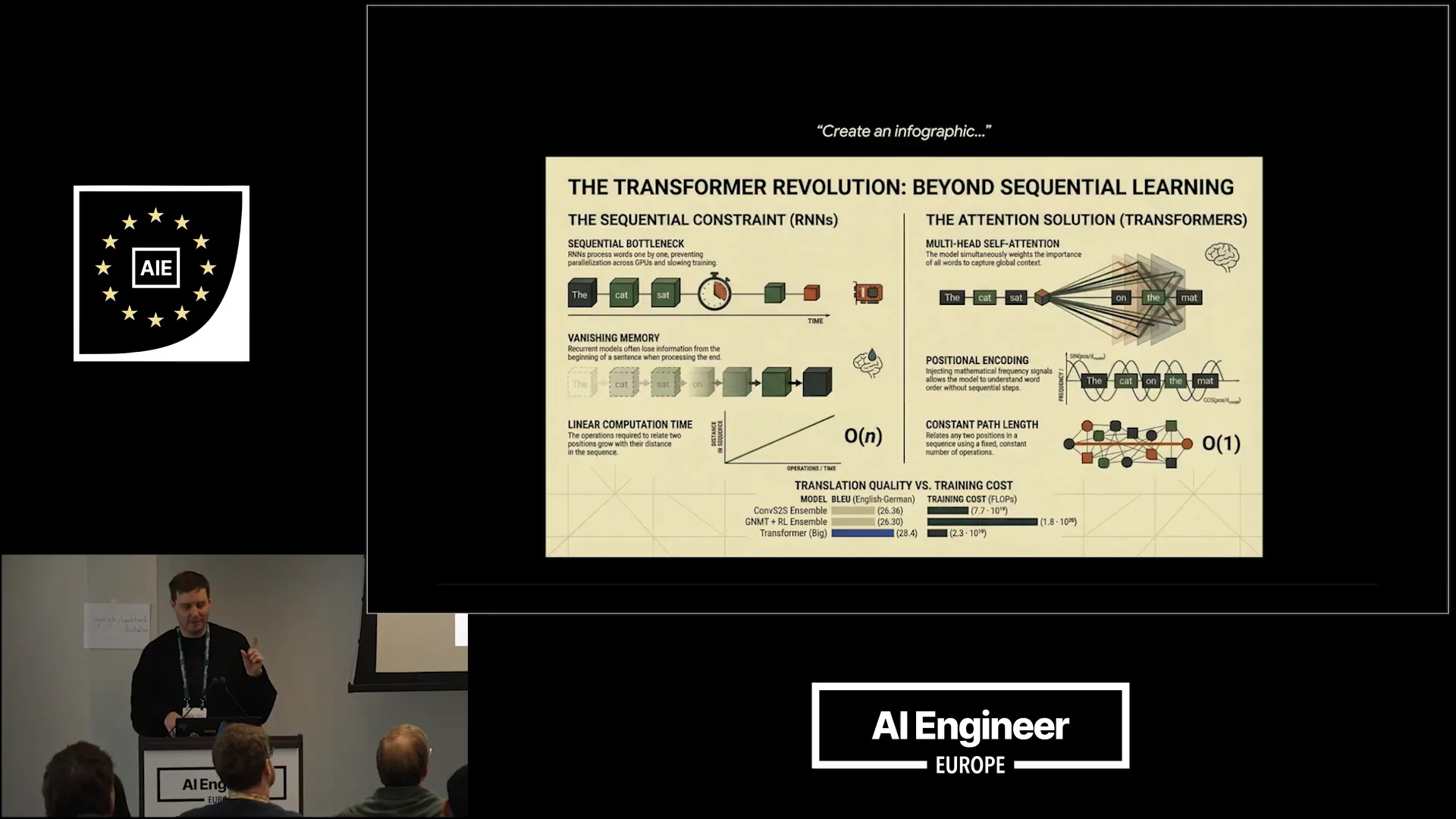 | In this case, it excels at creating infographics. You simply include it in your prompt, and it generates an infographic. It produces visually appealing graphics for us. |
Slide 28 — 9:12 (watch)
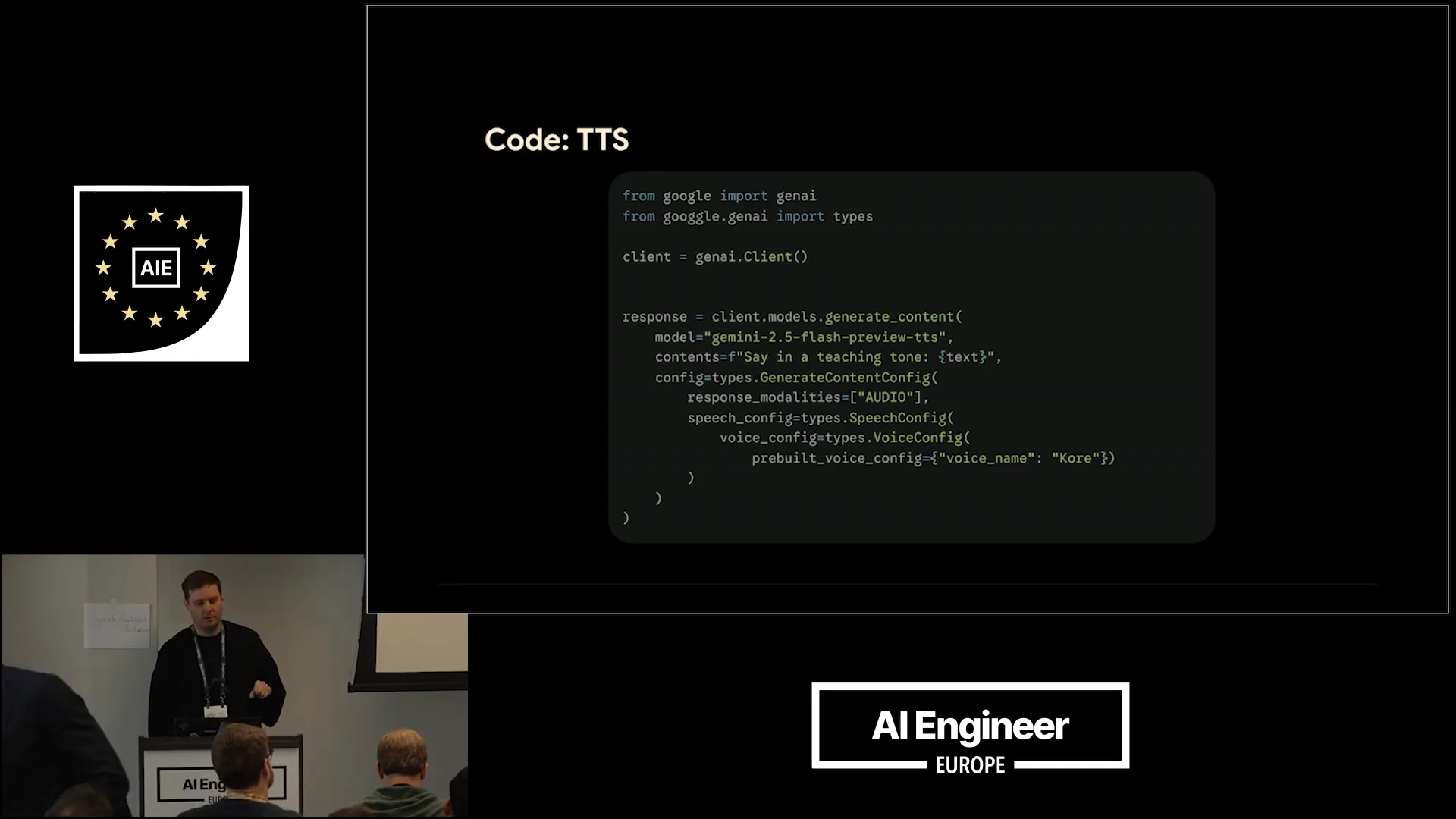 | We also have a text-to-speech model based on Gemini 2.5. This model allows for various configurations, including the option to create a two-speaker audio file, which is suitable for a podcast style. |
Slide 29 — 9:28 (watch)
 | Here is a nice example, if the sound works. Does it work? |
Slide 30 — 9:48 (watch)
 | Neural network architecture was introduced in a 2017 Google paper titled "Attention is All You Need." Transformers are the revolutionary models behind today's most powerful AI, such as GPT-5 and BERT. |
Slide 31 — 10:18 (watch)
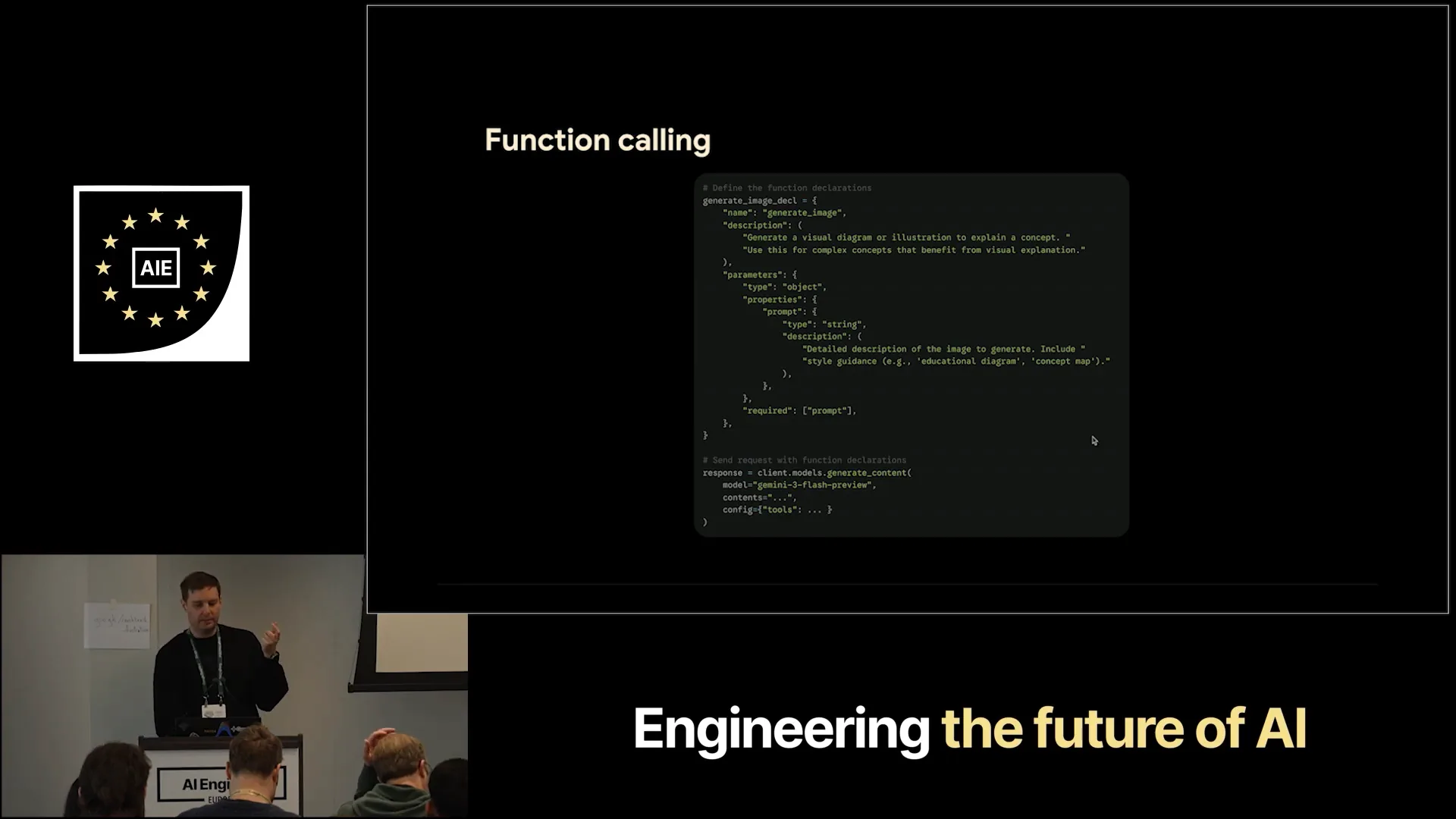 | To combine Gemiini with function calling or tool calling, you need to create your function declarations, which include a name and a description. This helps the model understand the function's purpose. You also define the parameters; in this case, we only require one string for the prompt, which provides a detailed description of how the image should look. You will do the same for the audio generation function. After setting up your model call, client models will generate content, and you can configure the tools. |
Slide 32 — 10:58 (watch)
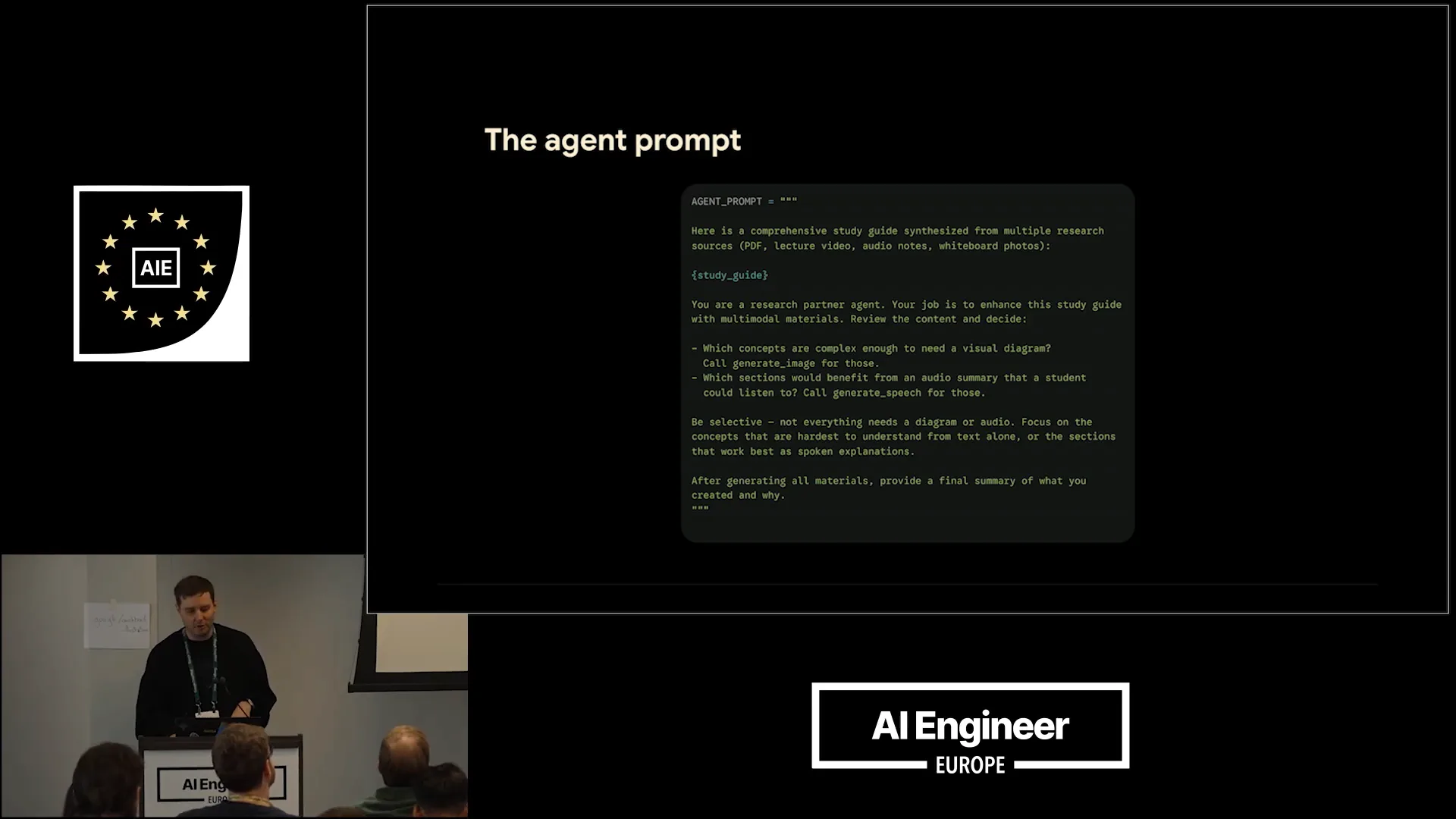
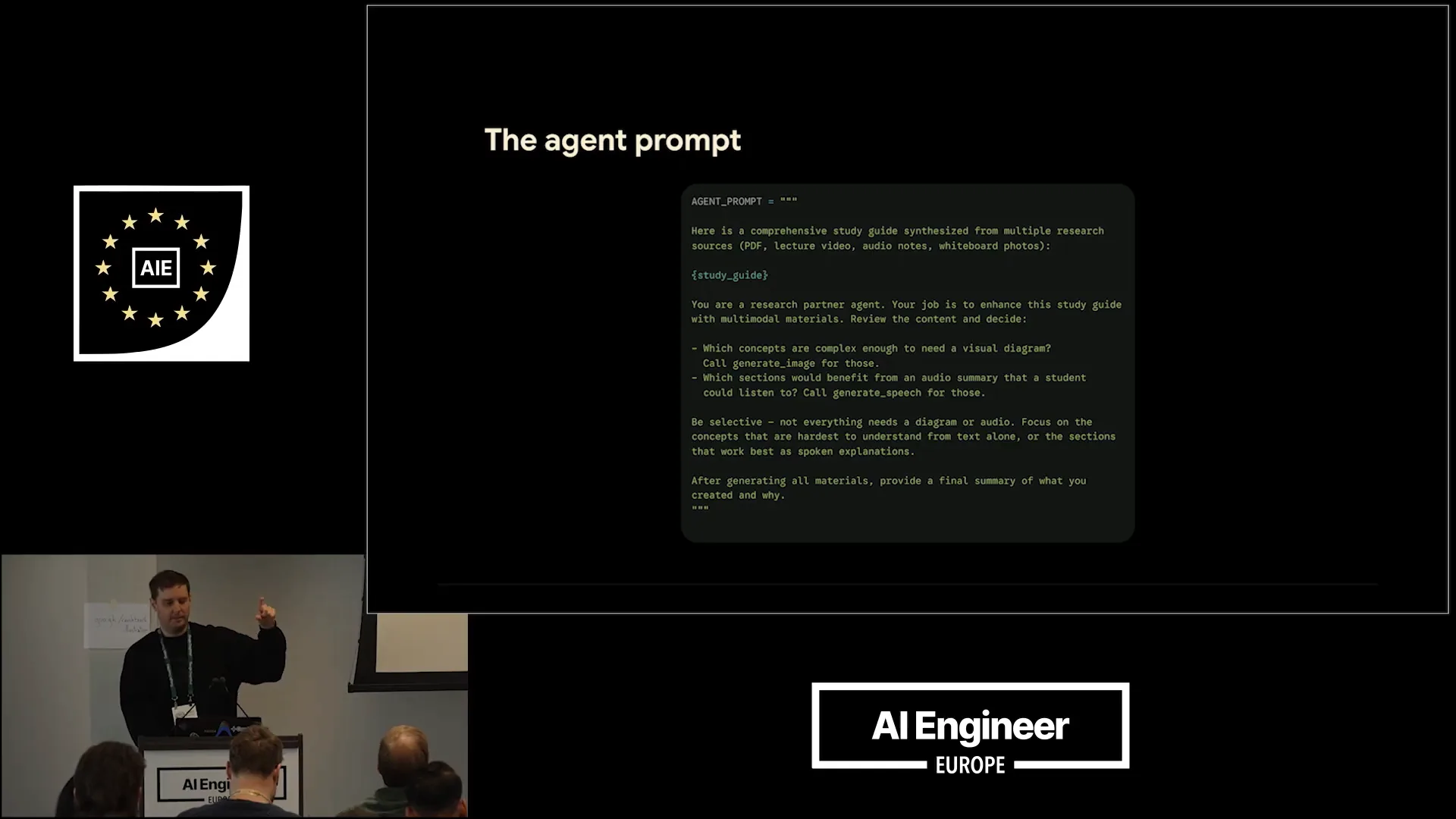 | You also need to include this in your prompt. Here is a small example of an agent prompt where you instruct Gemiini: "Hey, here's the study we synthesized from the different modalities. Now you're a research agent partner. Your job is to enhance the study guide with multiple materials." You specify the two functions: determine which concepts are complex enough to require a visual diagram, for which you will call generate image, and identify which sections would benefit from an audio summary, for which you will call generate speech. |
Slide 33 — 11:24 (watch)
 | This covers everything you need to set up the agentic function calling for the multimodal generation component. |
Slide 34 — 11:32 (watch)
 | I want to briefly discuss why native generation is important. We refer to these as native image generation models because they are based on Gemiini. |
Slide 35 — 12:08 (watch)
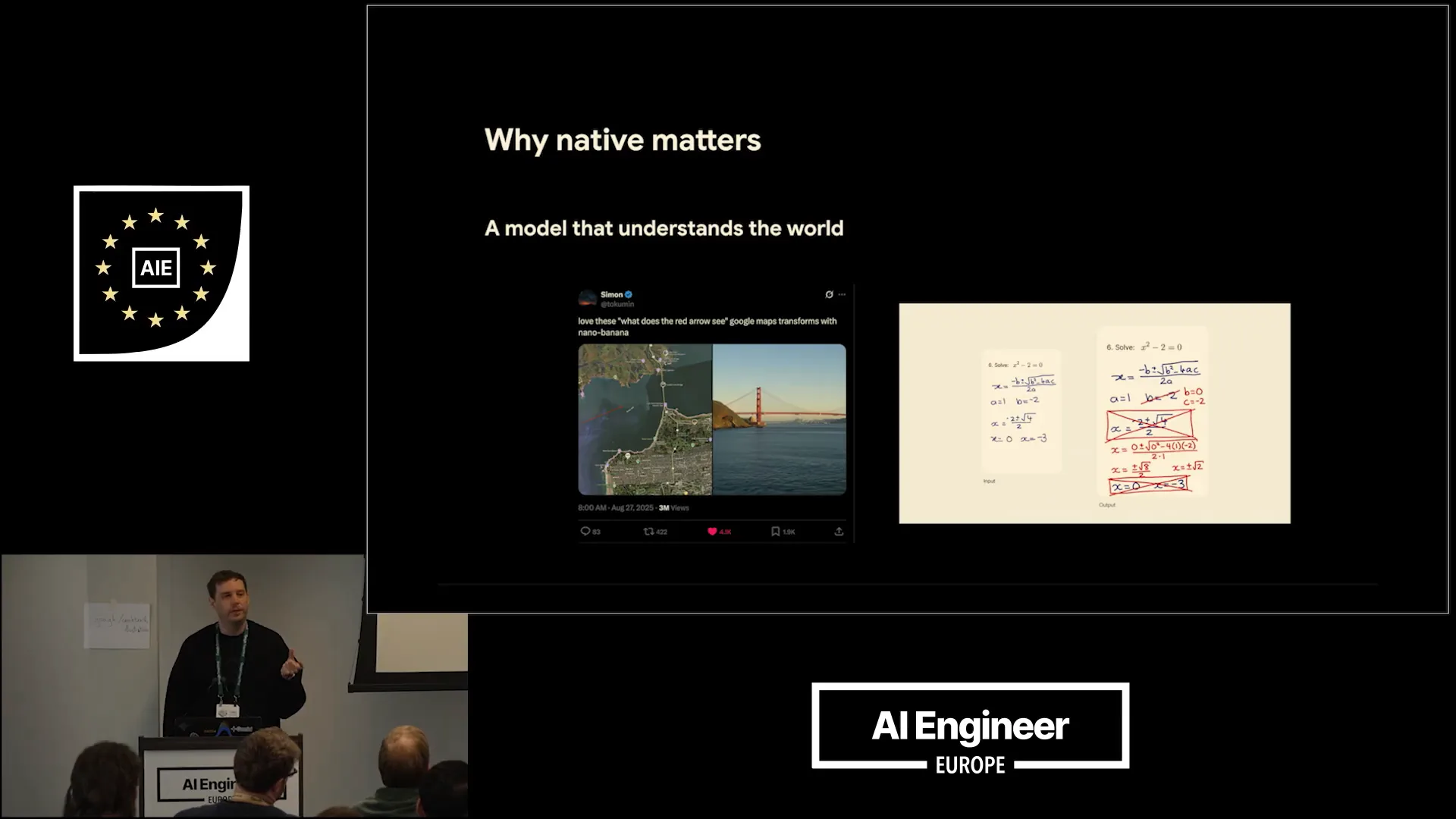
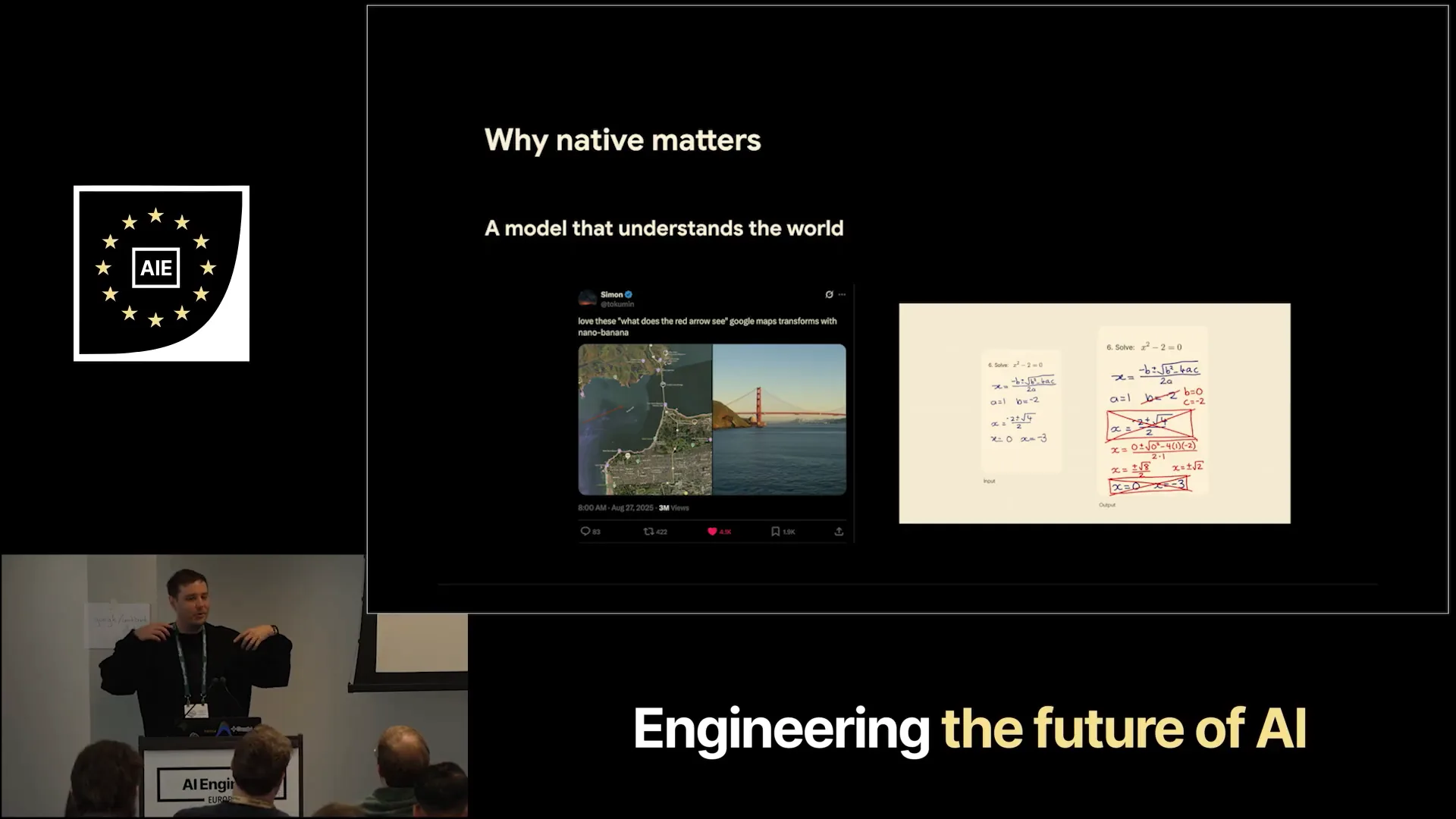 | A significant amount of training for the main Gemiini models is also applied to these models, enabling a variety of impressive use cases. For instance, on the left, there's an example from Twitter user NanoBanana1, where you can draw errors on maps and instruct the model to create an image based on what you see. Because Gemiini understands the world, it can accurately generate a picture of the Golden Gate Bridge. On the right, there's an educational example using NanoBanana2, which can directly correct math homework and create images with the corrections, demonstrating its understanding of math. Additionally, it can generate code on images, showcasing numerous valuable applications. |
Slide 36 — 13:06 (watch)
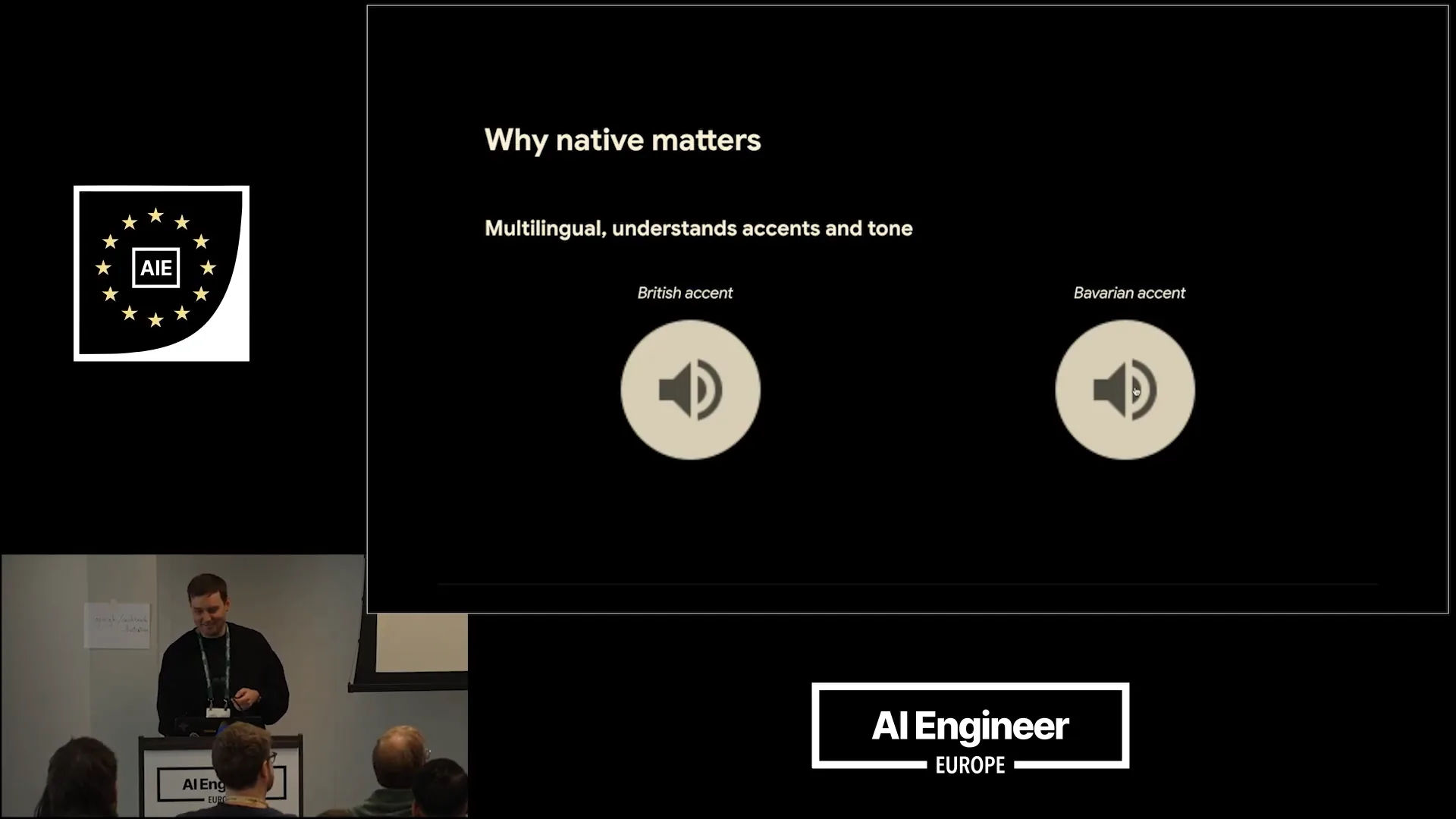 | The audio models are multilingual and can understand various accents and tones. We're diving into building these multimodal agents today without any delays. For example, I can demonstrate a Bavarian accent: "Servus, miteinander. Heute schauen wir uns an, wie wir diese multimodalen Agenten zusammenschrauben, gell?" While not every accent in the world is covered, the models can still generate different accents effectively. |
Slide 37 — 13:34 (watch)
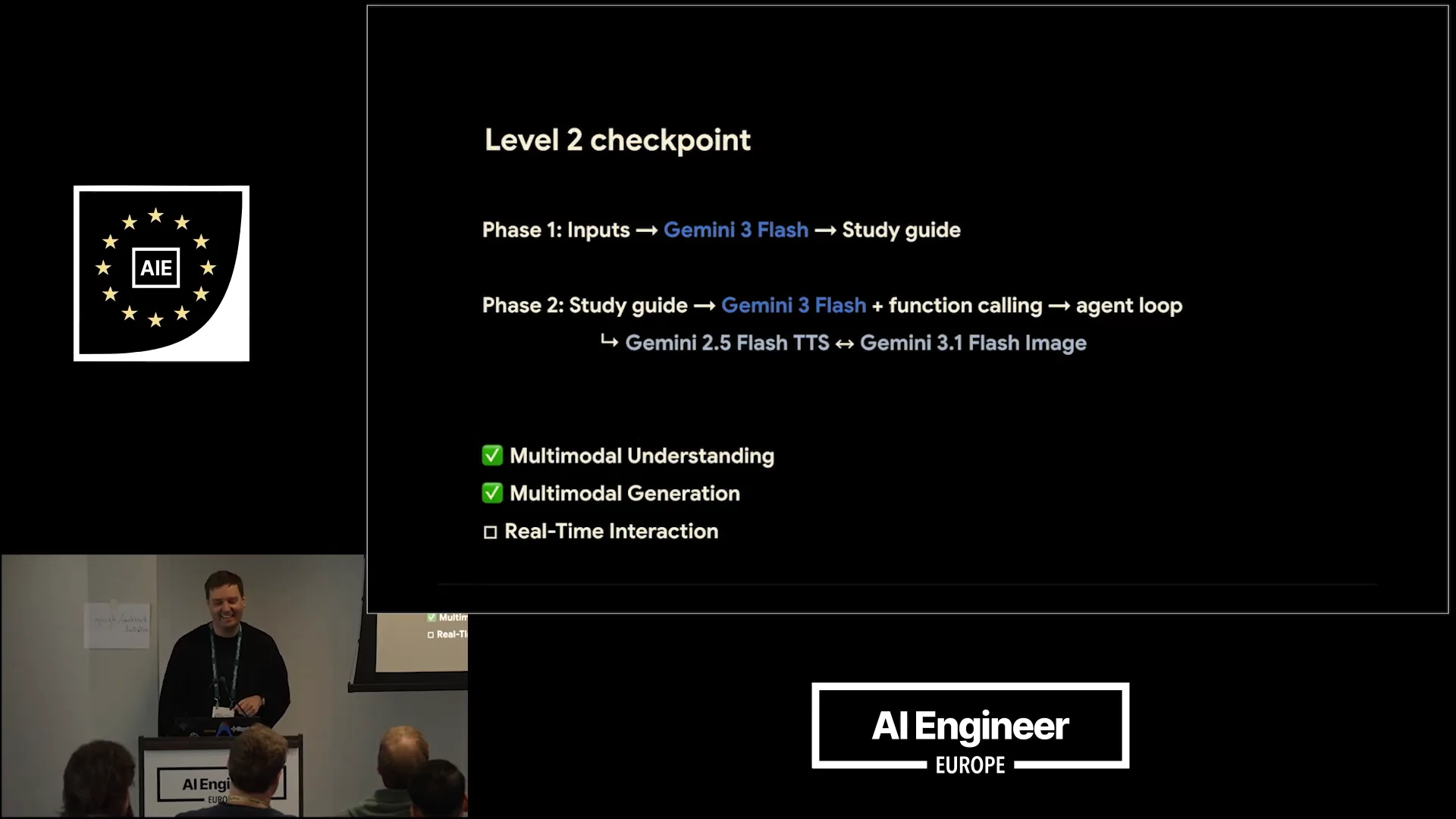 | This is a quick checkpoint. |
Slide 38 — 13:44 (watch)
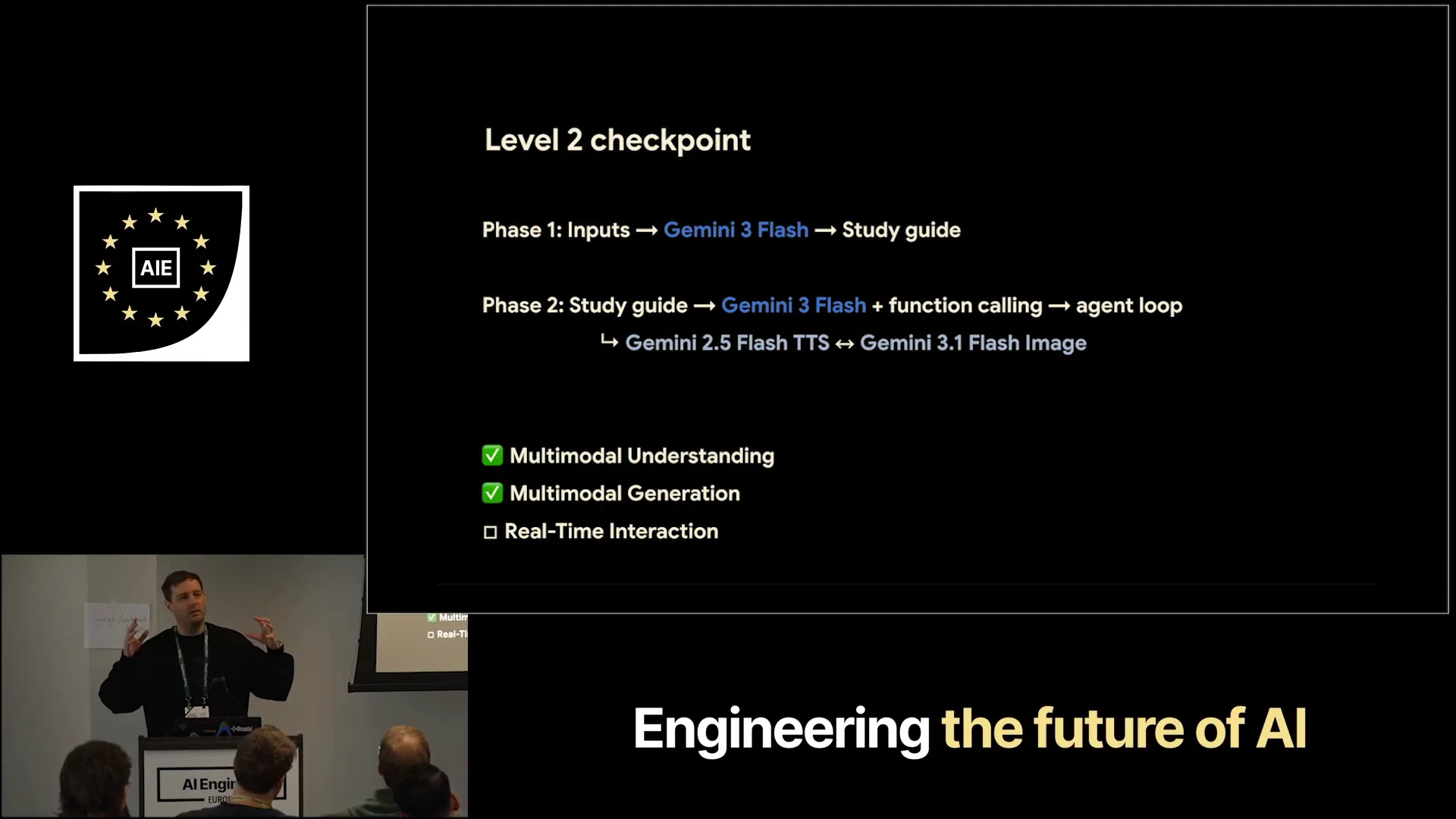 | You now know how to perform both the understanding and generation components. This essentially covers the Notebook LM clone. I would like to briefly mention... |
Slide 39 — 14:06 (watch)
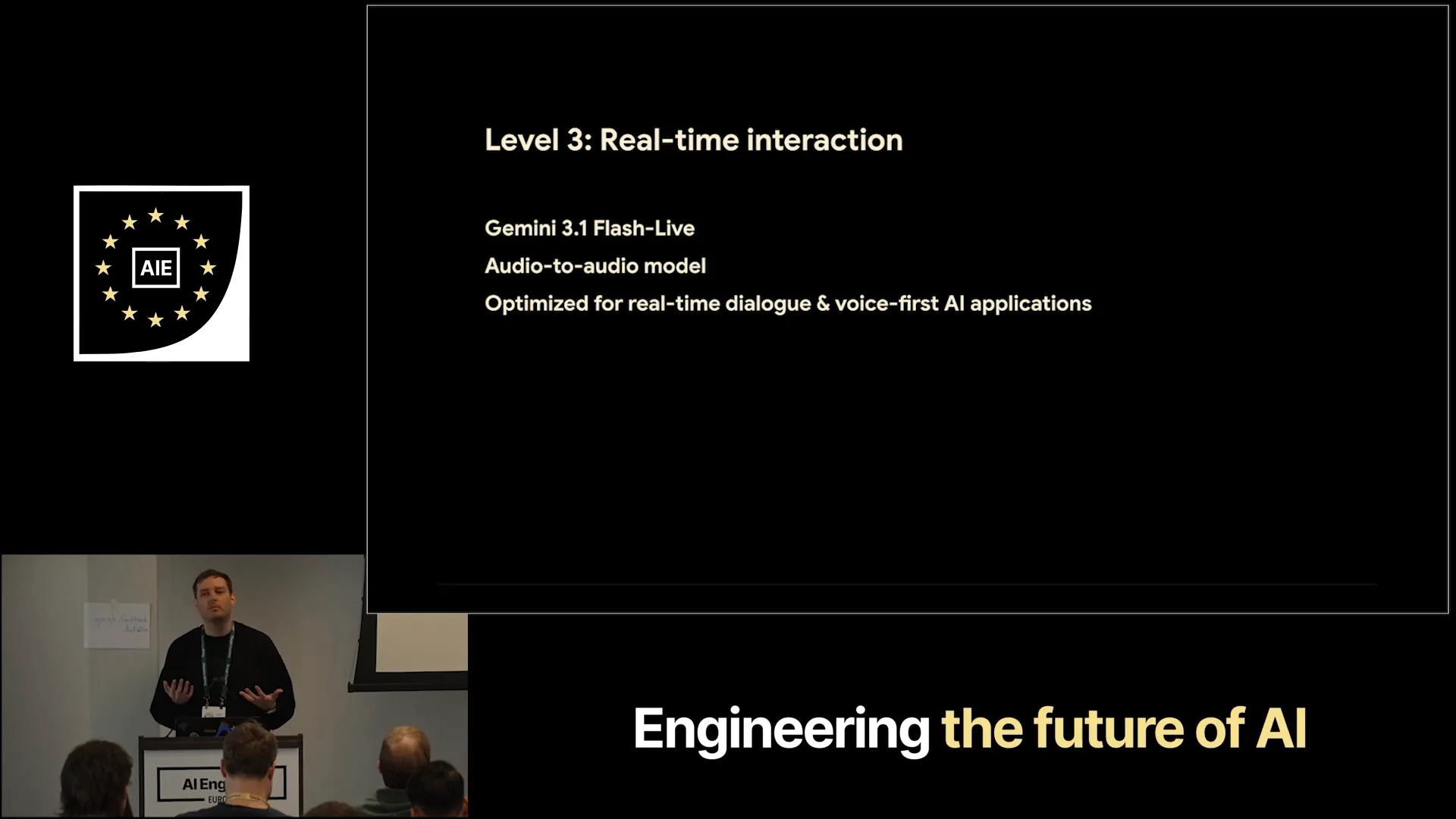 | We also have a model for real-time interaction through what we call the Live API. This model, based on Gemini 3.1 Flash Live, is an audio-to-audio model. It features a single architecture where audio input directly produces audio output, eliminating the need for a cascaded pipeline with different models. This design enables highly natural-sounding interactions. |
Slide 40 — 14:26 (watch)
 | I don't have time for a live demo, but you can try it at ai.studio live. |
Slide 41 — 14:32 (watch)
 | Here is a quick video from our colleague, Thor. |
Slide 42 — 14:46 (watch)
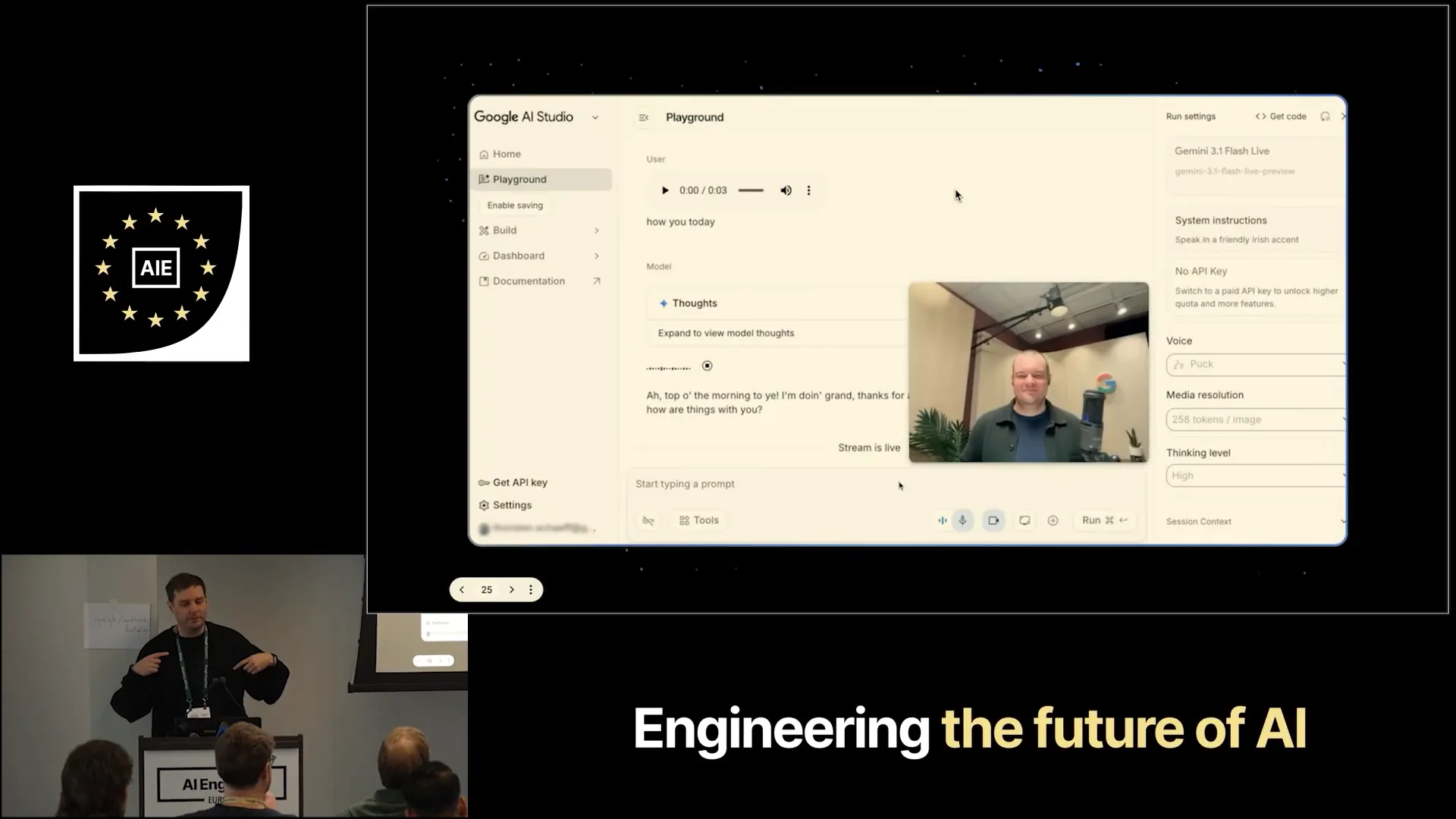 | Hello, Gemini. How are you today? I'm doing well, thanks for asking. I'm just enjoying the chat. How are things with you? Can you see me? Yes, I can see you clearly. |
Slide 43 — 15:02 (watch)
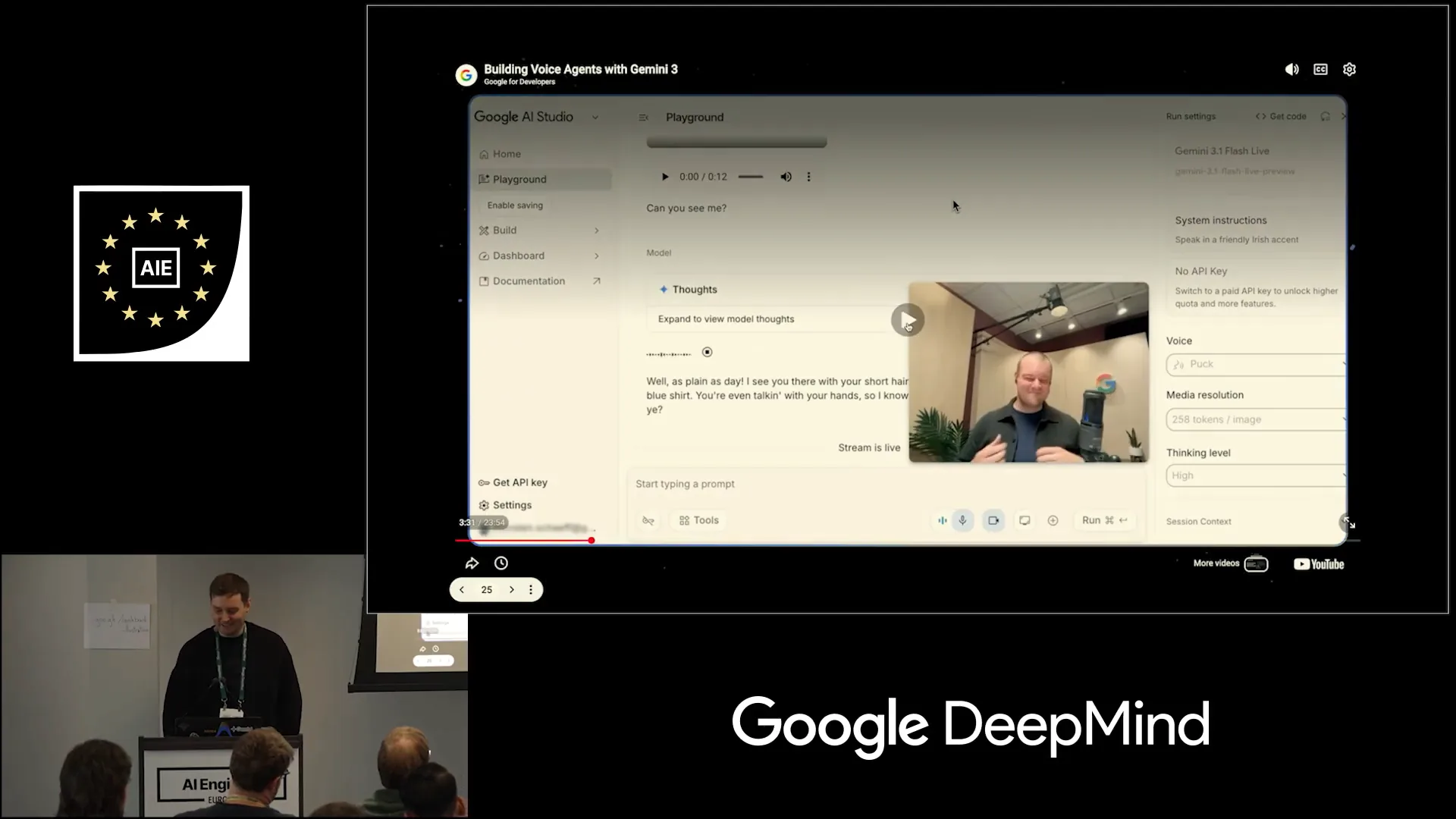 | I see you with your short hair and beard, wearing a dark brown jacket over a blue shirt. You can try it out for yourself at ai.studio live. That’s about it. |
Slide 44 — 15:14 (watch)
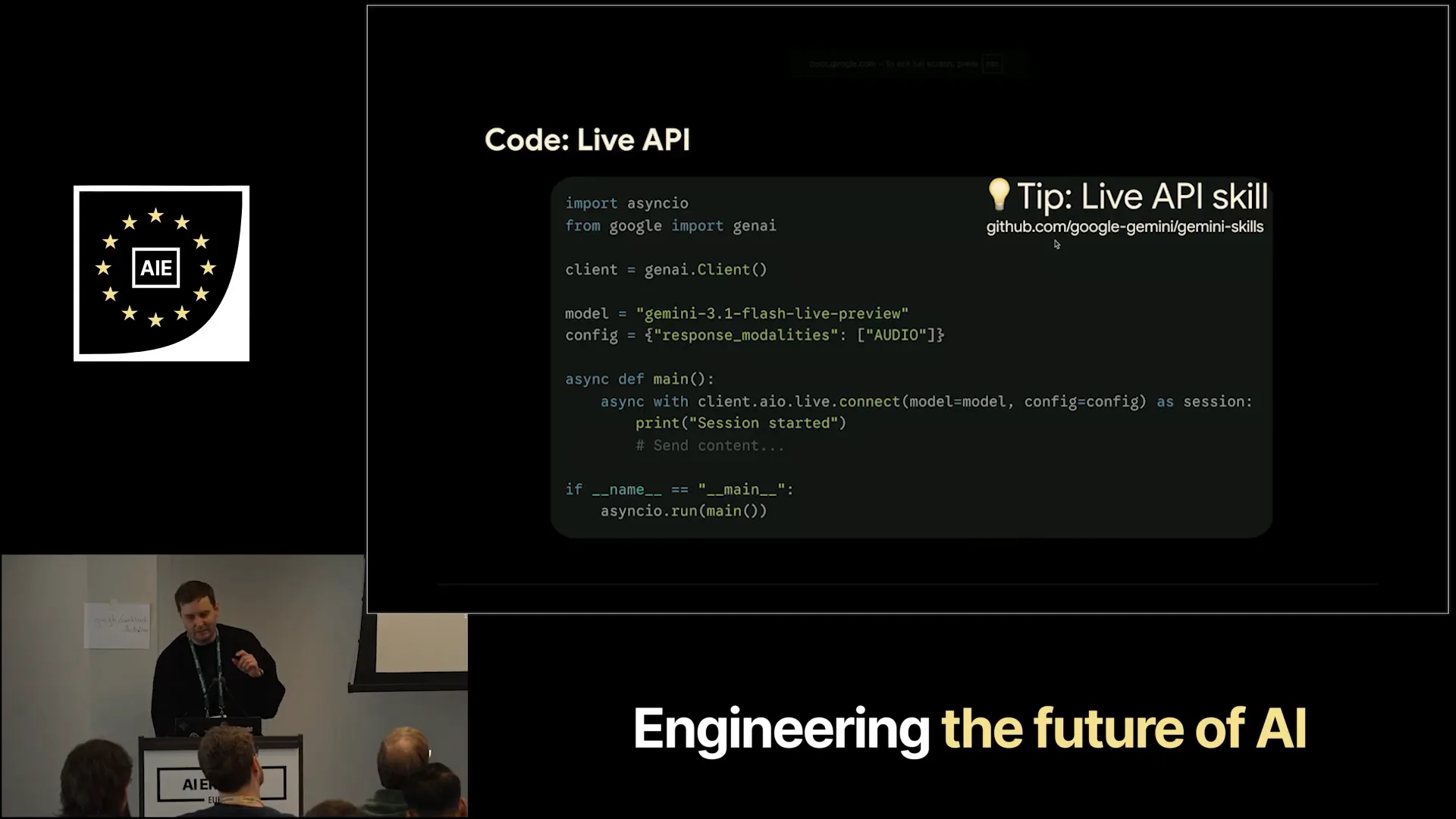 | This slide demonstrates how to implement it in the code. Additionally, we have a skill available that you can configure. |
Slide 45 — 15:18 (watch)
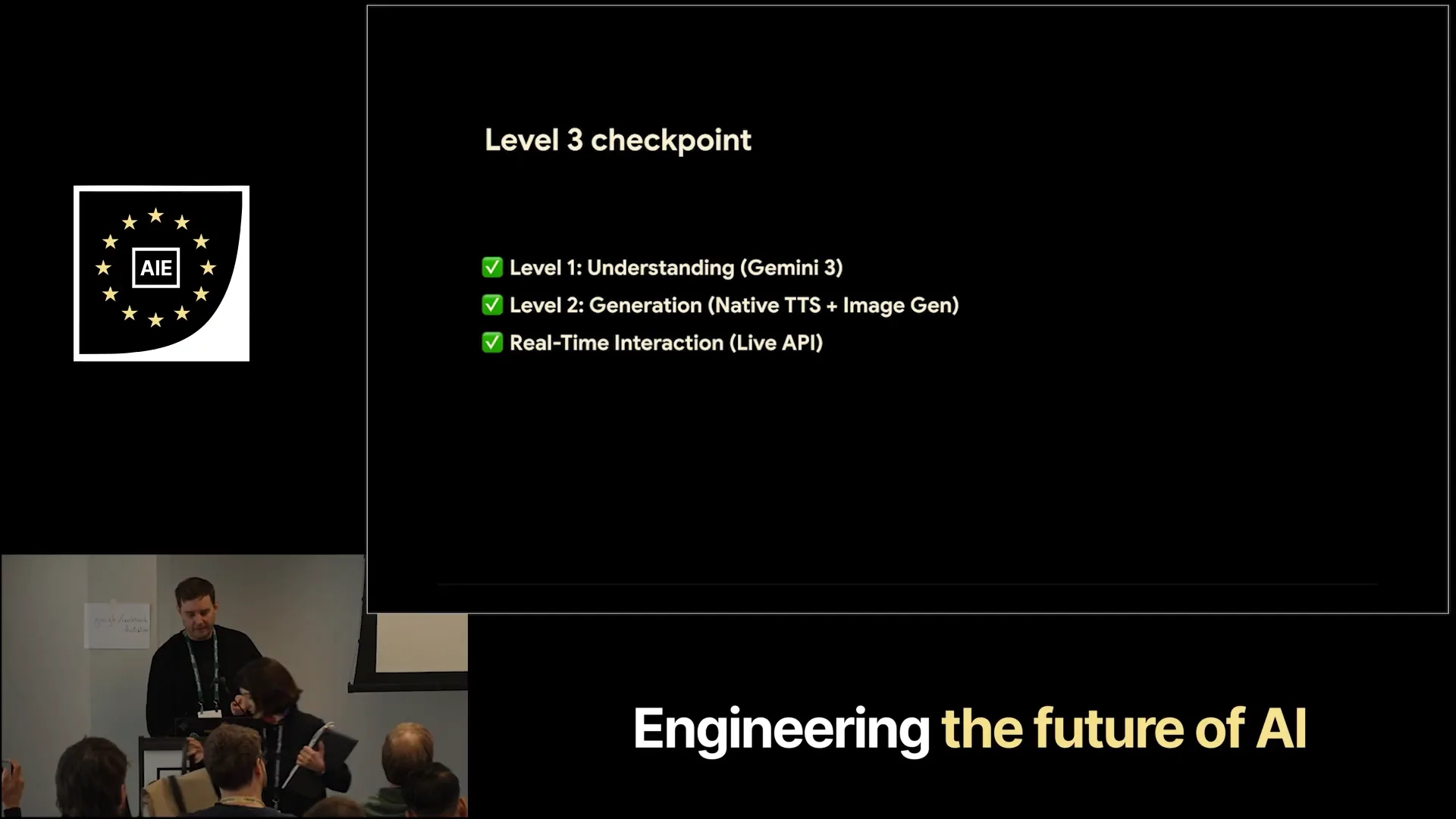 | Now we have covered all three checkpoints. |
Slide 46 — 15:24 (watch)
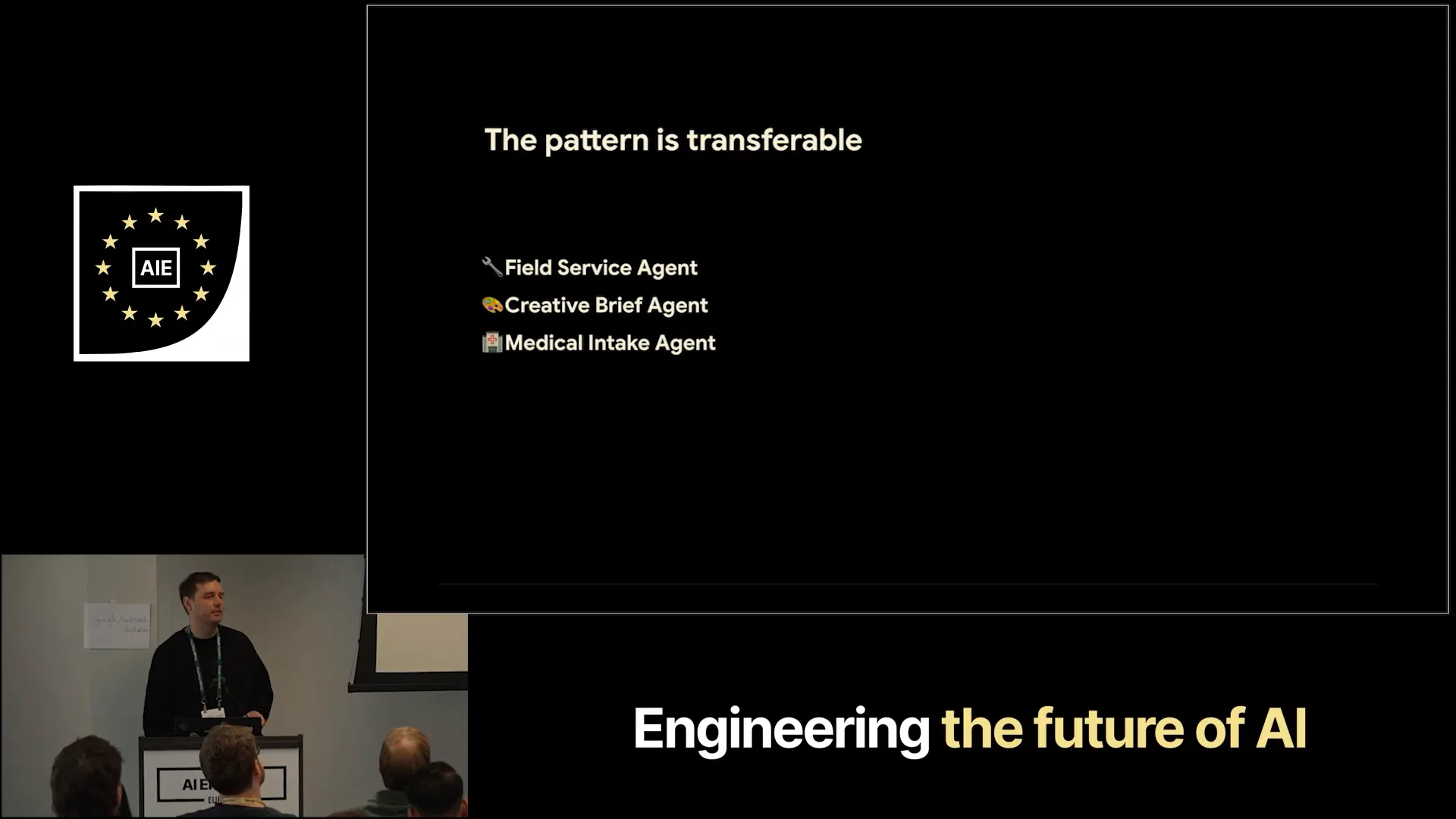 | The pattern is transferable to every other field. |
Slide 47 — 15:34 (watch)
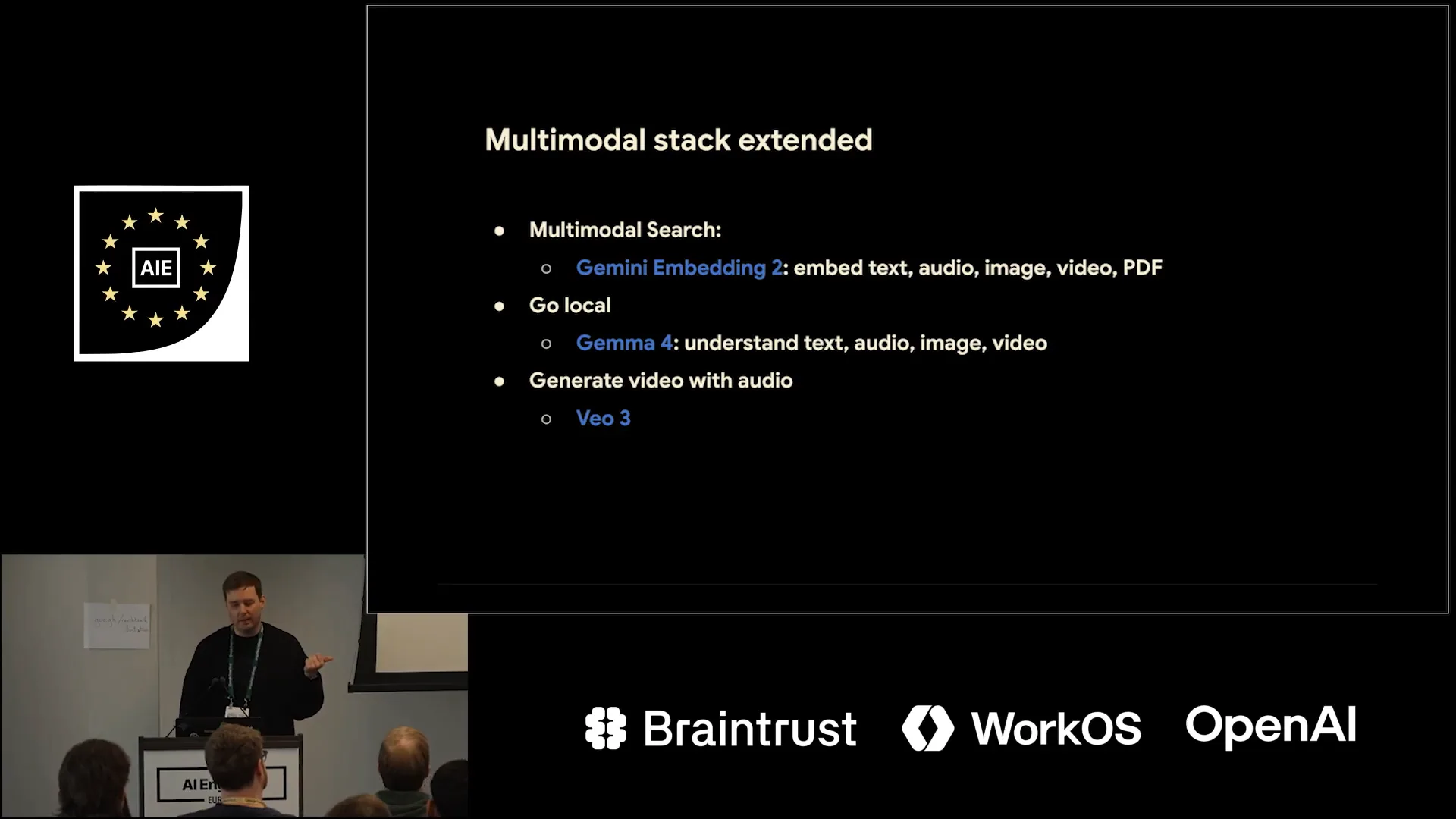 | I want to give a few shout-outs to other models. If you attended the keynote this morning, you may have heard about our multimodal embedding model, which allows you to combine different modalities into a unified vector space. |
Slide 48 — 15:46 (watch)
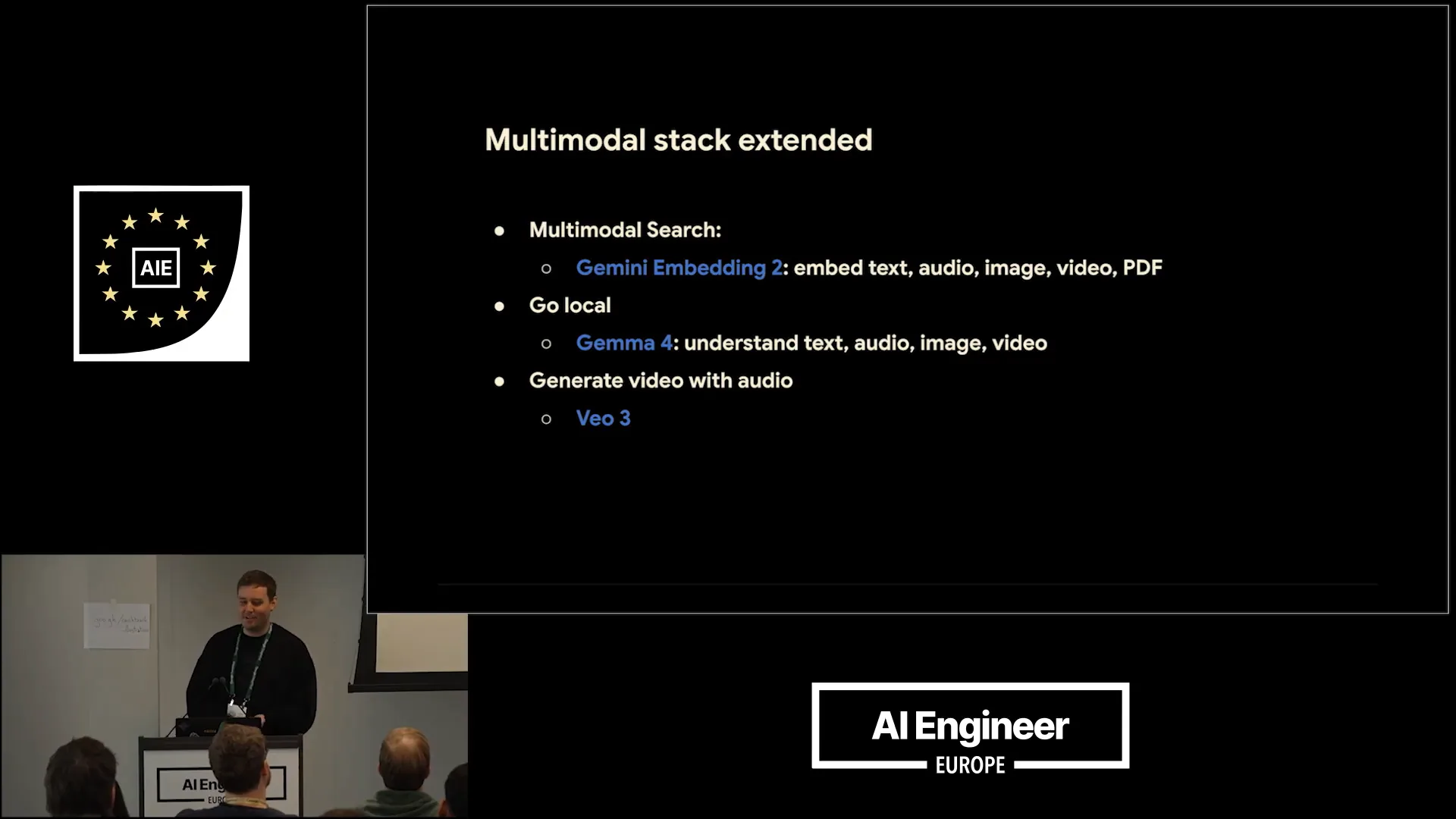 | This enables applications such as multimodal search. You can also use Gemma4 locally to achieve multimodal understanding, including voiceover for images and videos with native audio. |
Slide 49 — 16:00 (watch)
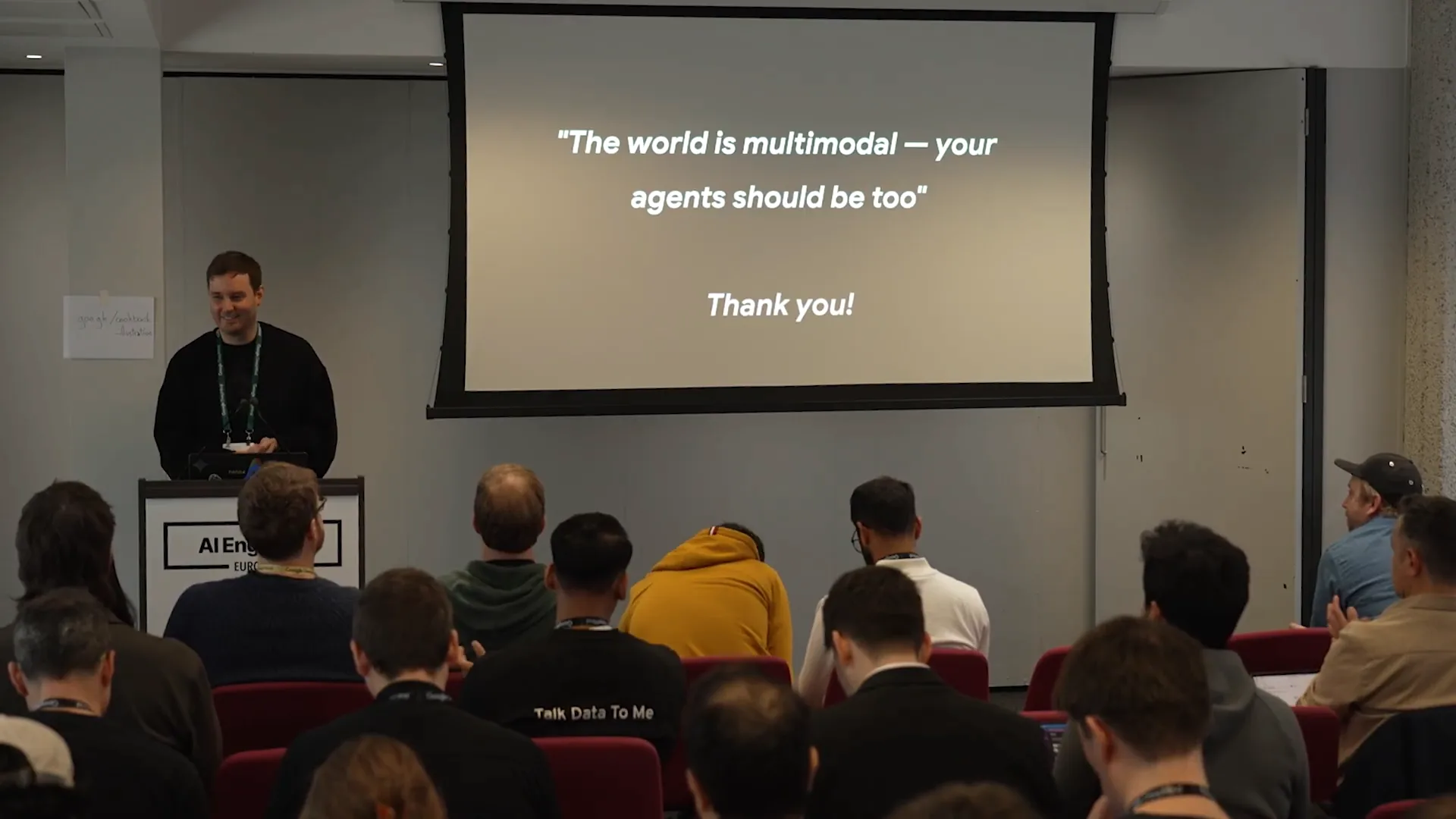 | Thank you, and have fun building multimodal agents. |